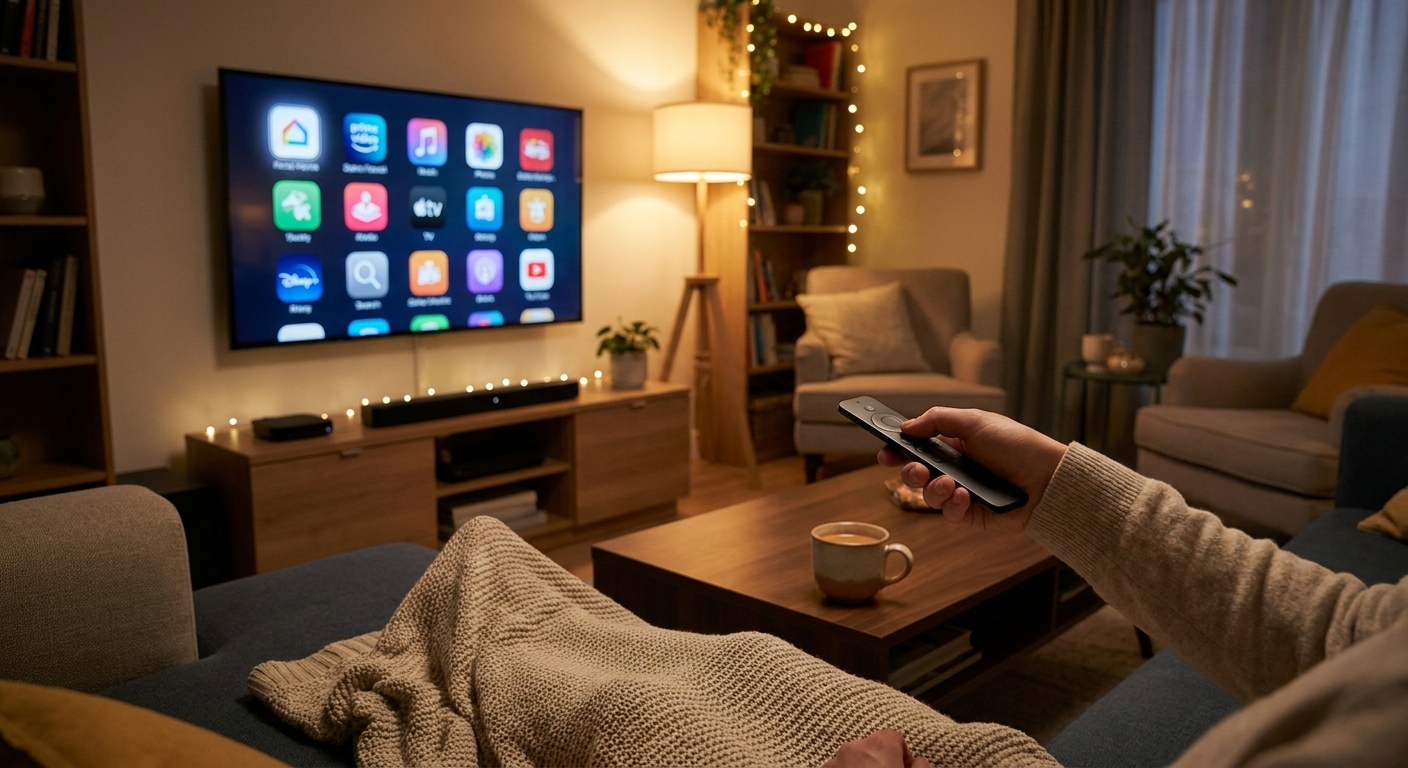
You can spend $800 on a new TV and still end up annoyed every time you sit down to watch it. That is the part people do not say out loud. The screen may be fine, but the built-in smart menu is slow, the app support is old, the remote situation is a mess, and the speakers make every movie sound like it is trapped in a shoebox. If that sounds familiar, you are not being picky. You are dealing with the weak spots most TVs still have. The good news is that the best streaming stick and soundbar deals today fix exactly those problems without making you replace the whole screen. A decent streaming stick can make your TV feel new again. A basic soundbar can make voices clearer tonight, not someday after a full living room remodel. With Labor Day and weekend discounts live, this is one of the smartest cheap upgrades you can make before prices bounce back.
⚡ In a Hurry? Key Takeaways
- Today’s best value is pairing a mid-range streaming stick with an entry-level soundbar instead of buying a whole new TV.
- Look for a streaming stick with 4K support, fast app loading, and one-remote control, then match it with a soundbar that supports HDMI ARC or eARC for easy setup.
- If your TV area is already overloaded with cords, check outlet capacity and use a quality surge protector before adding more gear.
Why this upgrade makes more sense than a new TV
A lot of people assume a frustrating TV experience means the TV itself is old and done for. Usually, that is only half true.
The panel might still look perfectly good. What ages badly is the software and the sound. Smart TV menus get sluggish. Apps stop updating. Wi-Fi performance gets flaky. Then the built-in speakers keep doing what tiny built-in speakers do, which is flatten explosions, bury dialogue, and make sports sound thin.
This is why the best streaming stick and soundbar deals today matter more than flashy TV discounts for many homes. You are fixing the parts that annoy you every single night.
What a streaming stick actually fixes
A streaming stick is the “brain transplant” for your TV. It handles the apps, search, voice control, and often the remote too.
Faster menus and better app support
If your Netflix app takes forever to load or one service keeps crashing, that is often the TV software, not your internet. A newer streaming stick usually gives you faster loading, cleaner menus, and support for more apps.
One remote instead of the coffee table shuffle
This is the underrated win. Many streaming devices can control your TV’s power and volume. That means fewer moments where you are hunting for the “other” remote just to turn the sound down during an ad.
Smarter search
Most newer sticks are better at finding a show across multiple apps. You search once. It tells you where it lives. Done.
What a soundbar fixes right away
Picture quality gets all the attention, but sound is what usually makes a setup feel cheap.
Clearer dialogue
If you are always rewinding scenes because you cannot make out what people said, start here. Even a basic soundbar usually does a better job with speech than TV speakers pointed down or backward.
More room-filling sound
You do not need a giant surround system. A modest soundbar can make movies, games, and live sports sound fuller and less strained.
Better bass without rattling the house
Some entry-level bars come with a small wireless subwoofer. Nice if you want more punch. Not required if your main complaint is speech clarity.
How to shop the best streaming stick and soundbar deals today
You do not need the most expensive model. You need the one that solves your pain without adding new headaches.
For streaming sticks, look for these basics
Start with 4K support, even if you do not think you need it yet. It keeps your options open. Make sure the device supports the apps you actually use. Check for voice search if that appeals to you. Most important, make sure it can control TV power and volume.
Wi-Fi performance matters too. If your router is a room away, a stronger mid-range model is often worth the few extra dollars over the bargain-basement one.
For soundbars, keep setup simple
If possible, buy a bar with HDMI ARC or eARC. That is the easiest route for one-remote control. Optical audio still works, but ARC tends to be less fussy in daily use.
If you watch lots of dramas, news, or late-night TV, prioritize “dialogue enhancement” modes over raw power numbers. Loud is easy. Clear is better.
The easiest pairing for most living rooms
For many people, the sweet spot is a mid-range 4K streaming stick plus a simple 2.0 or 2.1 soundbar. That setup avoids overpaying while still giving a huge quality-of-life jump.
Install time is often under an hour. Plug the stick into HDMI. Connect the soundbar with HDMI ARC if your TV supports it. Run through the remote setup. After that, your old TV suddenly feels less old.
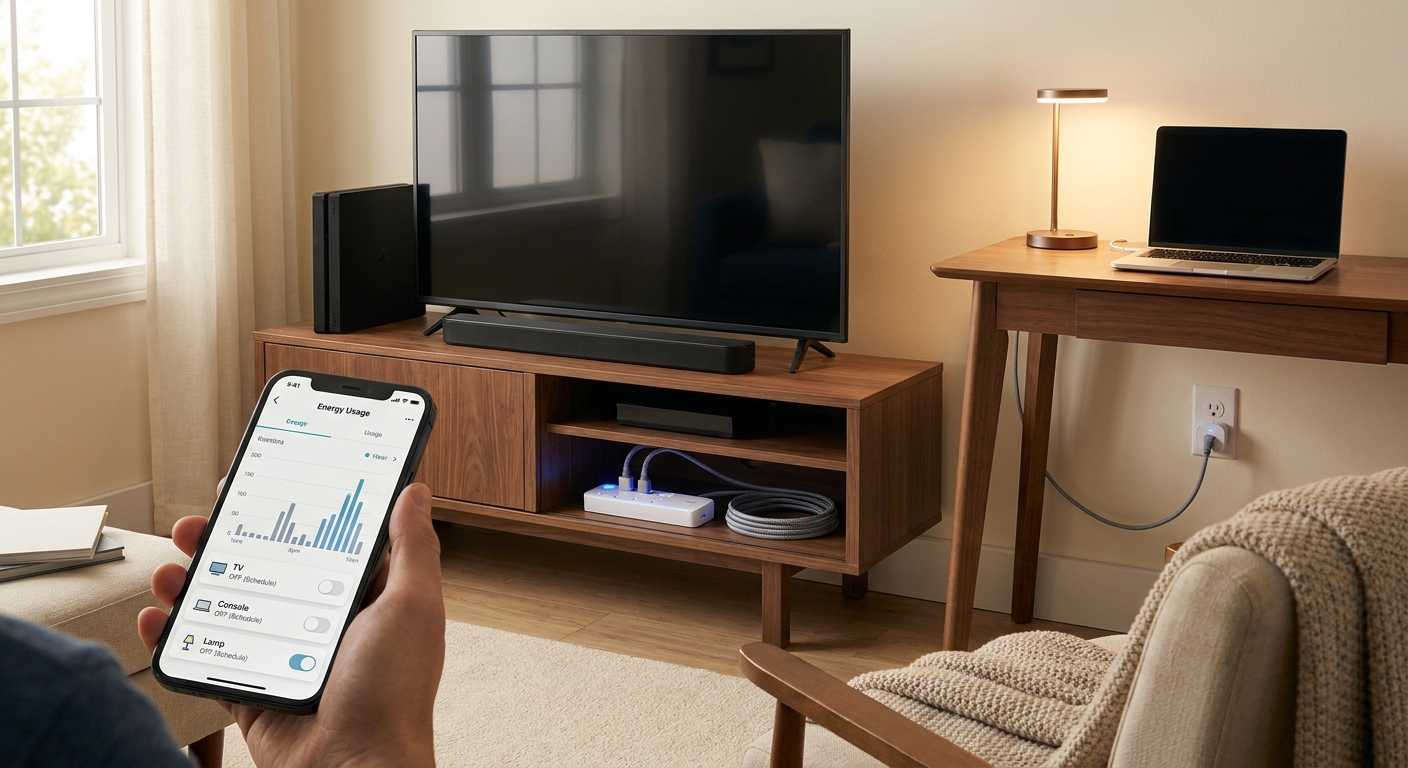
If the space behind your TV already looks like a tangle of cables and overloaded adapters, it is also worth checking your power setup before you add anything else. Our guide to Today Only: Smart Plug & Power Strip Deals That Finally Fix Your ‘Why Are All My Outlets Full And My Bill Still So High?’ Problem is a useful companion if your entertainment center is one plug short of chaos.
Common mistakes to avoid
Buying for specs, not annoyances
If your real problem is muddy dialogue, do not get distracted by the biggest discount on a flashy stick. If your main issue is terrible app performance, a soundbar alone will not fix it.
Ignoring your TV’s ports
Check that you have an open HDMI port for the streaming stick and preferably an ARC-labeled HDMI port for the soundbar. This takes 30 seconds and can save a lot of grumbling later.
Paying extra for features you will never use
Atmos is nice. Rear speakers are nice. Fancy gaming extras are nice. But if you just want movie night to stop being annoying, a simpler setup is often the better buy.
Who should jump on these deals today
This is a very good move if your TV picture still looks fine but everything around it feels clunky. It also makes sense for renters, guest rooms, family rooms, and anyone trying to improve a setup without starting from scratch.
It is especially good for people who have put off upgrading because the whole category feels weirdly expensive and overcomplicated. Right now, it does not have to be.
At a Glance: Comparison
| Feature/Aspect | Details | Verdict |
|---|---|---|
| Streaming upgrade impact | Faster menus, newer apps, voice search, and often one-remote control for power and volume. | Best fix if your TV feels slow and annoying to use. |
| Soundbar upgrade impact | Clearer dialogue, fuller sound, and better bass than built-in TV speakers. | Best fix if you keep turning subtitles on or straining to hear voices. |
| Best overall value | A mid-range 4K stick plus an entry-level HDMI ARC soundbar can transform an existing TV for far less than replacing it. | Smartest buy for most living rooms today. |
Conclusion
If your TV is technically “fine” but using it feels like work, this is your sign to stop settling. Labor Day and weekend sales are quietly cutting prices on the exact gear that fixes real-life annoyances, not just headline-grabbing luxury stuff. That is why the best streaming stick and soundbar deals today are worth your attention. You can keep the screen you already own, spend a lot less than you would on a new TV, and still end up with a faster, cleaner, easier setup by tonight. For most households, that is the highest-value upgrade on the board right now. Quick install. Big improvement. Very little regret if you grab it before midnight.