You know the routine. You finally sit down to watch something, and instead of relaxing, you are poking through a clunky cable guide, switching inputs, reopening a frozen app, and wondering why you still pay a huge TV bill every month. It is annoying because the promise of “easy entertainment” somehow turned into homework. The good news is that today is one of those rare moments when two fixes are actually on sale at the same time. The best streaming stick and wifi deals today are not random gadget buys. They are the pieces that make your TV simpler and your internet stronger where it usually struggles. A discounted 4K streaming stick can replace an outdated smart TV menu or cable box. A marked-down mesh or Wi‑Fi 6 router can stop the buffering in the bedroom, basement, or back corner of the house. Put those together, and “cutting the cord soon” can turn into “we did it tonight.”
⚡ In a Hurry? Key Takeaways
- The best streaming stick and wifi deals today can help you replace expensive cable and fix buffering at the same time.
- If your TV apps are slow or your house has dead zones, buy a 4K streaming stick first, then pair it with a mesh or Wi‑Fi 6 router while prices are still down.
- Stick to well-known brands and only buy the power level you need. A basic 4K stick plus a solid mesh kit usually saves more than overspending on top-tier gear.
Why these deals matter more than most “sale” posts
A lot of deal roundups are just noise. This one is different because it hits two daily frustrations at once.
First, the streaming stick solves the mess on your TV. If your current setup involves a slow smart TV menu, an aging cable box, or a remote with too many buttons, a modern 4K stick can clean that up fast. You plug it in, sign into your apps, and suddenly Netflix, Prime Video, YouTube, Hulu, Disney+, and live TV apps all live in one simple place.
Second, better Wi‑Fi solves the real reason so many people think streaming “doesn’t work well.” In plenty of homes, the TV is not the problem. The weak wireless signal is. If that sounds familiar, it is worth also checking Today Only: Mesh WiFi & Router Deals That Finally Fix Your ‘Why Is My Internet So Slow Everywhere?’ Problem, because that issue shows up the moment you move away from the room with the main router.
What to buy first if you can only do one thing today
Get a streaming stick first if your TV feels old and annoying
If your television is technically “smart” but feels slow, a discounted Fire TV Stick 4K Plus or similar 4K dongle is the fastest upgrade for the money. You do not need a new TV. You just need a better brain for the TV you already own.
This is especially true if your cable box interface feels like it was designed ten years ago. A good streaming stick gives you one home screen, easier search, voice control, and access to the apps you actually use.
Get Wi‑Fi gear first if shows keep buffering
If your app opens fine but the video keeps dropping quality, pausing, or spinning, start with your network. A mesh system or Wi‑Fi 6 / 6E router can make a bigger difference than replacing the streaming device.
The sale sweet spot today is in mesh kits, newer routers, and extenders at 40 to 50 percent off. Those discounts tend to vanish quickly, especially on recognizable brands.
The simple money math that makes this worth doing
Let’s say your cable package is around $120 per month. That is common, especially after fees and extra boxes.
Now compare that with a lean streaming setup:
- A discounted 4K streaming stick
- A mesh Wi‑Fi kit or newer router
- A smaller stack of apps you actually watch
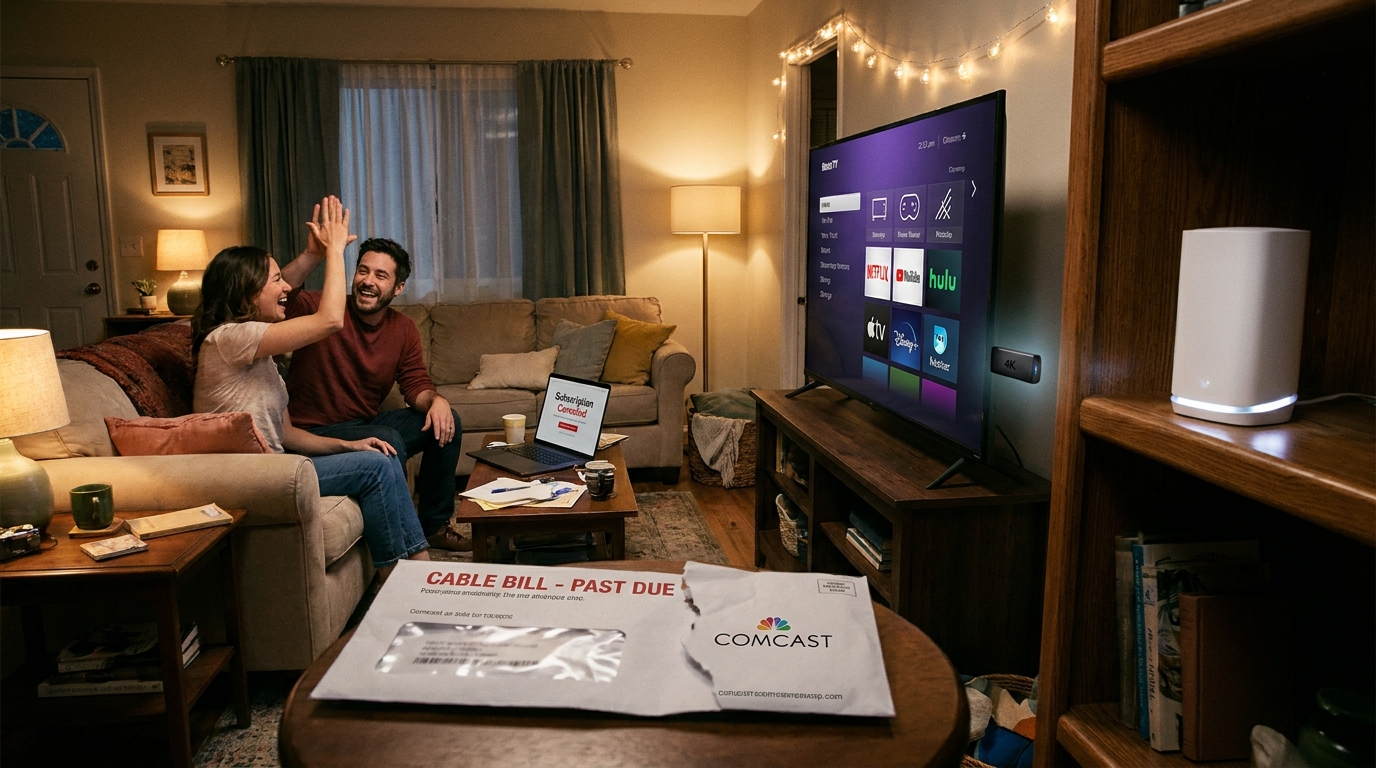
Even if you spend a bit up front today, the monthly savings can erase that cost fast. For many households, the hardware pays for itself in a few weeks to a couple of months. After that, the lower bill is the real win.
How to choose the right streaming stick without overthinking it
Pick a 4K model even if you are not a picture nerd
4K sticks are usually faster overall, not just sharper. Menus tend to load quicker, apps run smoother, and voice search is often better.
Look for these basics
- 4K support
- Good remote with voice search
- Support for the apps you use most
- Fast enough processor that it will not feel outdated next year
The Fire TV Stick 4K Plus stands out today because it often hits a price where it becomes an easy recommendation. If you have been waiting for a sign to stop dealing with a sluggish TV interface, this is it.
How to know if you need mesh Wi‑Fi or just an extender
Choose mesh if your whole house has weak spots
Mesh systems are best when the problem is bigger than one room. If your bedroom TV buffers, the office drops video calls, and the back patio has no signal, mesh is the cleaner long-term fix.
Choose an extender if the problem is mostly one room
An extender can be a cheaper patch if everything works except one stubborn TV room. It is not always as seamless as mesh, but when the discount is good, it can be a smart budget move.
Choose Wi‑Fi 6 or 6E if your home is crowded with devices
Phones, tablets, laptops, doorbells, speakers, game consoles, cameras, and TVs all compete for bandwidth. Newer Wi‑Fi standards handle that mess better. You may not need the fanciest model, but moving up from older gear can make the whole house feel calmer.
A fast “do this tonight” plan
If you want a clear plan and not more tabs open in your browser, here it is.
- Check your current TV bill and write down the real monthly total.
- Pick a discounted 4K streaming stick from a major brand.
- If your TV room has weak internet, grab a mesh kit or Wi‑Fi 6 router while the sale is live.
- Start with just the streaming apps you actually watch.
- Cancel or downgrade cable once your new setup is working.
This is the key part people skip. Do not wait for the “perfect” setup. Start with the hardware while prices are low, then trim your TV package once you are comfortable.
Common mistakes to avoid
Do not blame the TV for a Wi‑Fi problem
If apps load slowly or stream poorly in only one room, the network is usually the issue.
Do not overspend on internet gear you will never use
You do not need a spaceship router because the box looks impressive. Buy for your home size and device count.
Do not keep every streaming app all year
One of the easiest ways to save money after cutting cable is rotating services. Keep the ones you use now. Pause the rest.
At a Glance: Comparison
| Feature/Aspect | Details | Verdict |
|---|---|---|
| 4K Streaming Stick | Fixes slow TV menus, replaces clunky cable box feel, puts major apps in one place | Best first buy if your TV experience feels outdated |
| Mesh or Wi‑Fi 6 Router | Improves coverage, reduces buffering, helps multiple devices share bandwidth better | Best fix if streaming works badly in certain rooms |
| Value vs Cable | Up-front device cost can be offset quickly by dropping a $120+ monthly TV package | Strong savings potential within weeks for many households |
Conclusion
If you have been putting this off because it felt confusing, today is a good day to stop waiting. Early Black Friday pricing just landed on two things that actually change your daily life: streaming sticks and Wi‑Fi. The latest Fire TV Stick 4K Plus and similar 4K dongles are marked down hard today, and several mesh and Wi‑Fi 6 / 6E routers and extenders are sitting at 40 to 50 percent off, which almost never lasts more than a day or two. That combo lets you swap a $120+ monthly cable package for a lean stack of streaming apps, get a smoother connection in the rooms that always buffer, and still come out ahead on cash within a few weeks. This is not about Black Friday hype. It is about making tonight easier, your setup simpler, and your monthly bill smaller before prices bounce back.