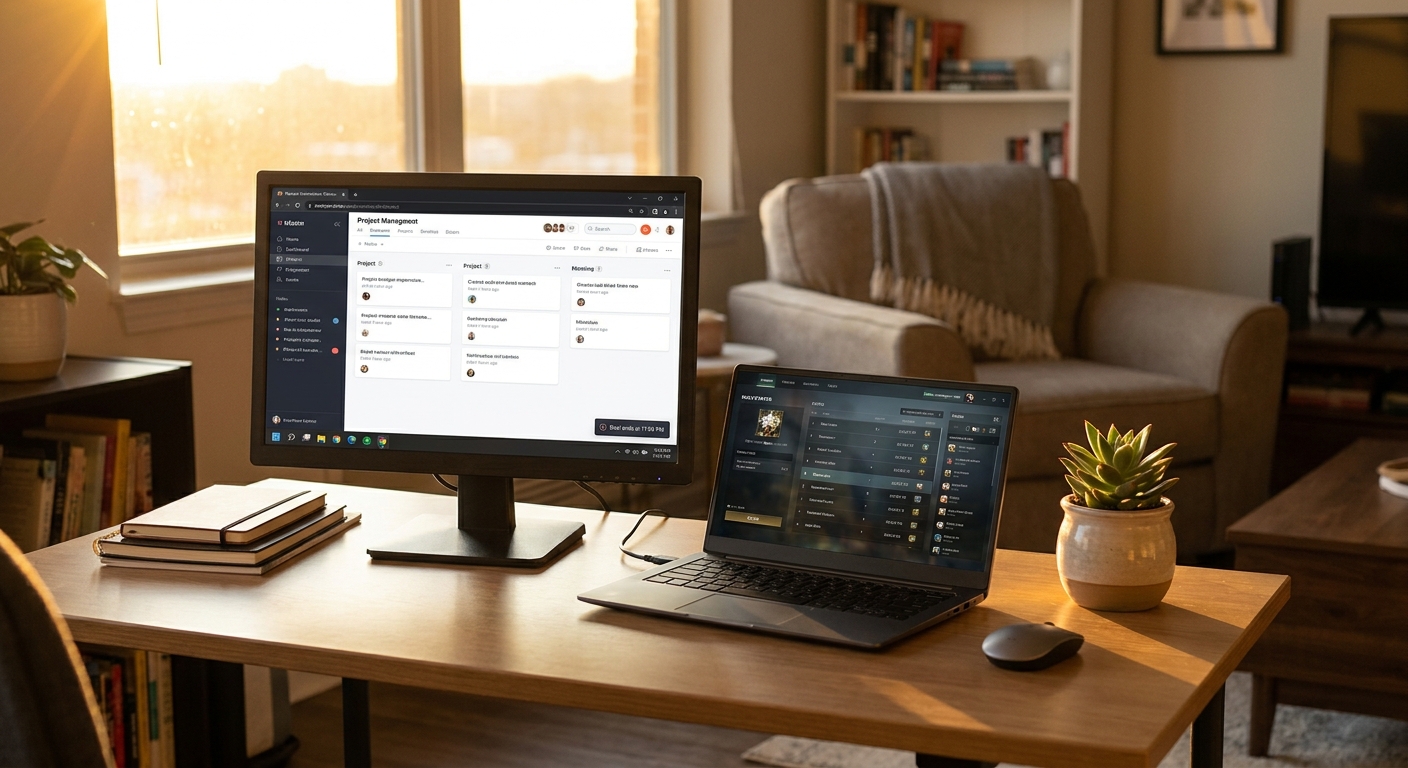
If you are still trying to work, study, or game on one cramped laptop screen, I get the frustration. You open email, then a browser, then a spreadsheet, then a chat app, and suddenly half your day is spent dragging windows around like you are playing desktop Tetris. The good news is that the best monitor deals today are not all giant, expensive gaming panels. Early Prime Day has several genuinely useful monitors under $150 that can give you a clean second screen, sharper text, and a lot less eye strain without wrecking your budget. For most people, the sweet spot is a 24-inch or 27-inch 1080p or QHD display from a known brand with HDMI, decent brightness, and a stand that does not wobble every time you type. That is enough to turn a messy desk into a simple dual-screen setup by tonight.
⚡ In a Hurry? Key Takeaways
- The best monitor deals today are mostly 24-inch and 27-inch models under $150, and those are the best fit for most home desks.
- Buy for your real use. Pick IPS for clearer viewing angles, HDMI for easy setup, and at least 75Hz if you want smoother scrolling and casual gaming.
- Check ports, VESA mount support, and return policy before you click buy. A cheap monitor is only a deal if it actually fits your laptop and desk.
Why a second monitor fixes more than you think
People often treat an extra monitor like a luxury. It is not. It is one of the cheapest upgrades that changes how your whole day feels.
With two screens, you can keep your main task in front of you and park the other stuff off to the side. Email on one screen, document on the other. Zoom call on one, notes on the other. Game on one, Discord or a guide on the other. Less shuffling. Less squinting. Less losing your place.
That matters even more if your laptop screen is 13 or 14 inches. Those are fine for travel. They are not great for eight hours of real work.
What to look for in the best monitor deals today
1. Size that fits your desk
For most people, 24 inches is the easy safe choice. It fits almost anywhere, looks sharp at 1080p, and usually costs less.
If you have a little more room, 27 inches can feel much more comfortable, especially for spreadsheets, reading, and side-by-side windows. Just be careful with 27-inch 1080p models. They can look a bit less crisp if you sit close.
2. IPS beats old-school washed-out panels
If you see “IPS” in the listing, that is usually a good sign. IPS panels tend to have better color and better viewing angles than many budget VA or TN screens. Translation. Text looks cleaner, colors look more natural, and the picture does not go weird when you shift in your chair.
3. Refresh rate matters more than it used to
A 60Hz monitor is still fine for office work. But if you can get 75Hz or 100Hz for nearly the same money, take it. Scrolling looks smoother. Cursor movement feels nicer. Casual games feel better too.
4. Check the ports before you buy
This is where people get tripped up. Make sure the monitor has HDMI at a minimum. If your laptop only has USB-C, you may need a USB-C to HDMI cable or hub. If the monitor uses DisplayPort and your computer does not, that bargain can get annoying fast.
5. VESA mount support is a quiet bonus
If the built-in stand is cheap or takes up too much room, VESA support lets you put the monitor on an arm or wall mount later. That can make a small desk feel a lot bigger.
Best value monitor types under $150
Best for work and school
Look for a 24-inch 1080p IPS monitor from brands like Acer, LG, ASUS, Samsung, or Dell. These are often the stars of early Prime Day because they do the basics well. You want clear text, simple setup, and a stand sturdy enough that the screen does not shake every time you answer a message.
Best for mixed use
A 27-inch 1080p or budget QHD model can be a great pick if you split time between work, streaming, and light gaming. If you can snag QHD under $150, that is usually the standout deal. It gives you more room on screen and noticeably sharper detail.
Best for smoother gaming on a budget
If you game casually, a 24-inch 100Hz or even 120Hz budget monitor can be a smarter buy than a plain office display. You do not need to chase the flashy $400 esports screens. Under $150, the goal is simple. Smooth enough, bright enough, and reliable.
Deals worth watching for right now
The strongest early Prime Day monitor discounts usually fall into a few patterns.
- 24-inch 1080p IPS monitors around $80 to $120
- 27-inch 1080p monitors around $110 to $150
- Occasional 27-inch QHD monitors dipping just under $150
- Budget gaming monitors with 75Hz to 100Hz refresh rates around $100 to $140
That is the range where the best monitor deals today tend to live. Not glamorous. Very useful.
How to avoid buying the wrong cheap monitor
Low price alone is not the point. A bad stand, missing cable, weak brightness, or the wrong ports can turn a “deal” into a headache.
Skip it if the brightness is too low
Aim for around 250 nits or better for a basic home office monitor. If your room gets a lot of daylight, dim screens can feel dull and tiring.
Read the reviews for stand quality
Budget monitors often cut corners on the stand. That is not always a deal breaker, but if dozens of buyers say it wobbles, believe them.
Do not overpay for features you will never use
If you just need a second screen for work, do not get distracted by RGB lights, extreme refresh rates, or branding built around pro gaming. That money is better spent on panel quality and comfort.
Small setup tips that make a big difference
Once your new monitor arrives, put the top of the screen roughly at eye level. Sit an arm’s length away. Increase text scaling if needed. If your laptop supports it, close the lid and use an external keyboard and mouse for a much cleaner desk setup.
If you are trying to build a smarter desk without spending much, it is also worth looking at power-saving accessories and efficient gear while the sales are live. Our guide to Today Only: Slash Your Power Bill With Early Prime Day Deals on Energy-Saving Tech Under $100 is a handy companion if you want your setup to cost less to run too.
Who should buy today, and who should wait
Buy today if your current setup is slowing you down every day. If you constantly alt-tab, lean into a tiny laptop display, or end work with tired eyes, this is exactly the kind of purchase that pays you back right away.
Wait if you need very specific features like color-accurate editing, USB-C power delivery, ultrawide size, or serious gaming specs. Those are great features, but they usually live above this price range.
At a Glance: Comparison
| Feature/Aspect | Details | Verdict |
|---|---|---|
| Best size for value | 24-inch 1080p IPS monitors are usually the lowest-risk buy under $150 | Best for most people |
| Best spec to watch for | IPS panel, HDMI, and 75Hz or better if the price is close | Worth paying a little extra for |
| Biggest buying mistake | Ignoring ports, stand quality, and brightness just because the price looks good | Check the fine print before buying |
Conclusion
Some tech deals are easy to ignore. This is not one of them. With early Prime Day monitor discounts already live, this is one of those rare days when you can fix a real daily pain point, like cluttered screens and eye strain, for about the price of a dinner out. The best monitor deals today are not about bragging rights. They are about making your desk easier to use every single day. And if a solid extra screen under $150 saves you from digging through endless slideshows and bad “deals,” that is money well spent.