Author: ehudsegev

  • Today Only: Wi‑Fi 7 Router & Mesh System Deals That Finally Fix Your ‘Why Is My Internet Fast But My House Still Feels Offline?’ Problem

    Today Only: Wi‑Fi 7 Router & Mesh System Deals That Finally Fix Your ‘Why Is My Internet Fast But My House Still Feels Offline?’ Problem

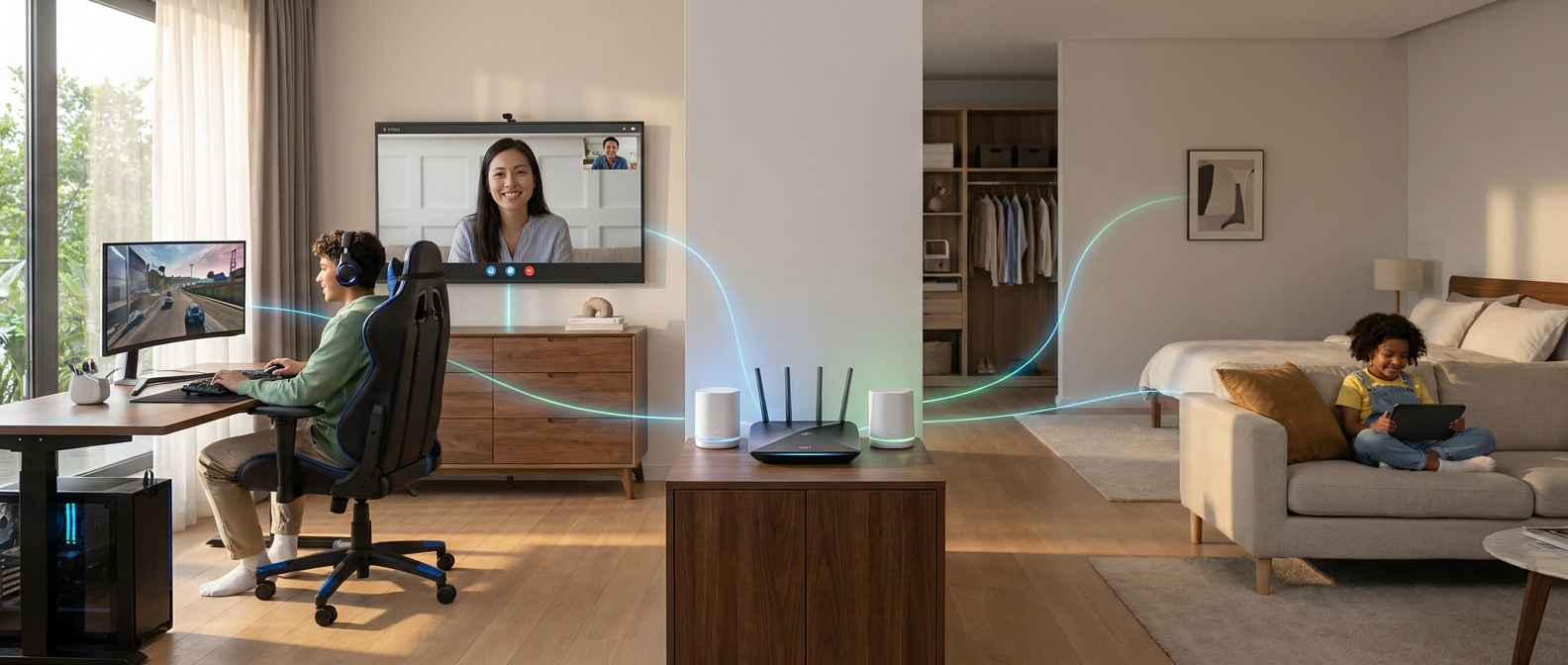
    You know the feeling. Your internet plan says “fast,” the speed test in the living room looks great, and yet the bedroom TV buffers, the back office turns every Zoom call into a robot voice contest, and the smart doorbell drops offline at the worst time. It is maddening, especially when you are already paying plenty every month. The good news is the problem often is not your internet service. It is your old router, bad coverage, or a house layout that one lonely box in the corner was never going to handle. Today is a good day to fix it. Some of the best WiFi 7 router deals today are on routers and mesh kits that actually solve whole-home coverage problems, not just promise bigger numbers on the box. If your home feels “offline” the second you leave one room, these are the kinds of deals worth your money and your attention.

    ⚡ In a Hurry? Key Takeaways

    • Wi-Fi 7 deals are finally good enough that upgrading makes sense if your current router leaves rooms, floors, or smart devices struggling.
    • Buy a single Wi-Fi 7 router for a small apartment or open floor plan. Buy a mesh kit for multi-story homes, long ranch layouts, or thick walls.
    • Do not pay extra for “ultra speed” you will never use. Coverage, stability, and enough Ethernet ports matter more than giant marketing numbers.

    Why your internet can be fast, but your house still feels broken

    This trips people up all the time. Your internet speed from your provider and your Wi-Fi quality inside your home are not the same thing.

    Your provider brings internet to the modem. After that, your router has to push that signal through walls, floors, appliances, mirrors, and all the little sources of interference modern homes are packed with. A fast plan cannot fix weak indoor coverage.

    That is why a speed test near the router can look excellent while the upstairs office still feels like 2012.

    Why today’s Wi-Fi 7 deals are worth a look

    Wi-Fi 7 is still the new shiny standard, but prices have started coming back down to earth. That is the sweet spot for shoppers. You get modern hardware, better handling for lots of devices at once, and stronger backhaul options for mesh systems without paying the crazy launch pricing.

    For normal households, the biggest benefit is not some magical top speed you may never reach. It is better performance when multiple people are working, gaming, streaming, and running smart home gear at the same time.

    If you are searching for the best wifi 7 router deals today, focus less on the giant “up to” speed number and more on whether the system matches your layout.

    The deals worth watching today

    1. TP-Link Deco BE63 or BE65 mesh kits

    These are often among the easiest Wi-Fi 7 mesh systems to recommend because they are built for real homes, not just spec chasers. If you have dead zones upstairs, in the garage, or at the far end of the house, Deco kits are usually the kind of upgrade people notice immediately.

    Best for: Medium to large homes, families with lots of devices, people who want simple app setup.

    Why it stands out: Good coverage, user-friendly setup, and better whole-home reliability than trying to brute-force everything with one oversized router.

    2. Eero Max 7

    This is the premium pick. It is expensive even on sale, but if the discount is substantial, it becomes a serious option for larger homes and people who want a polished, low-fuss system. Eero tends to appeal to people who want their network to disappear into the background and just work.

    Best for: Large homes, heavy smart-home users, people who value easy management over deep tinkering.

    Why it stands out: Clean setup, strong ecosystem, and good fit for homes with lots of connected gadgets.

    3. ASUS RT-BE96U or similar ASUS Wi-Fi 7 routers

    ASUS is often a better fit if you want a powerful standalone router and more control over settings. These are great when you have a smaller home, a central router location, or specific needs like gaming features, USB storage, and stronger port selection.

    Best for: Apartments, condos, smaller homes, and power users who like tweaking settings.

    Why it stands out: Strong feature set, fast performance, and better than average flexibility.

    4. NETGEAR Orbi Wi-Fi 7 mesh systems

    Orbi is the “I am tired of weak coverage and I want to carpet-bomb my house with signal” option. It is usually not cheap, but when today-only discounts hit, it can be one of the few times it feels even remotely reasonable.

    Best for: Big multi-story homes, awkward layouts, thick walls, households that have struggled with coverage for years.

    Why it stands out: Excellent coverage and strong performance at distance, especially in homes where one-router solutions keep failing.

    Single router or mesh? Here is the easy way to decide

    Choose a single Wi-Fi 7 router if:

    You live in an apartment, condo, or smaller single-floor home. Your current router is in a decent central spot. Your main issue is old hardware, not massive square footage.

    A strong standalone router can be cheaper, simpler, and plenty powerful.

    Choose a mesh system if:

    You have multiple floors, long hallways, brick or plaster walls, or a home office that is far from the modem. Mesh is also the safer bet if more than one person complains about Wi-Fi in different rooms.

    If your house has “that one room” where everything falls apart, mesh is usually the fix.

    How to avoid buying the wrong one

    Do not shop by maximum speed alone

    The giant numbers on the box are marketing math. They are not what one device will actually get. For most people, better coverage beats higher theoretical speed every time.

    Check your internet plan first

    If you pay for 300 Mbps internet, you do not need the most extreme flagship router unless your main problem is coverage or device load. If you have gigabit or multi-gig internet, then faster ports and newer hardware matter more.

    Count your wired devices

    Gaming consoles, TVs, desktop PCs, and docks still work better on Ethernet when possible. A deal is less exciting if the router has too few useful ports for your setup.

    Think about placement

    Even the best hardware struggles if it is stuffed inside a cabinet next to a metal filing rack and a fish tank. A better router helps, but good placement still matters.

    What kind of home matches each type of deal?

    Small apartment or condo

    Go with a single Wi-Fi 7 router from ASUS or TP-Link. You probably do not need a three-pack mesh system. Save the money.

    Average suburban house

    A 2-pack or 3-pack mesh kit from TP-Link Deco or Eero is often the sweet spot. You get coverage where people actually live, not just where the modem sits.

    Large, tricky, or older home

    This is where Orbi or a higher-end Deco or Eero setup earns its keep. Big homes expose weak routers fast.

    Is Wi-Fi 7 overkill?

    For some people, yes. If your current Wi-Fi 6 or Wi-Fi 6E setup already covers the whole home well, you may not need to rush. But if you are replacing old Wi-Fi 5 hardware, or if your household is packed with laptops, tablets, consoles, cameras, TVs, and smart gear, Wi-Fi 7 is a smart buy if the discount is strong enough.

    The key is this. You are not really buying “future buzzwords.” You are buying fewer dead spots, fewer dropped calls, and less family arguing about who broke the internet.

    My practical shopping advice for today

    If you see a meaningful discount on a well-reviewed Wi-Fi 7 mesh kit from TP-Link, Eero, ASUS, or NETGEAR, and your current setup is causing daily frustration, this is a reasonable time to buy.

    If the sale is tiny, wait. Wi-Fi 7 pricing is improving, but not every “deal” is a deal.

    And if your modem and router are separate, make sure you are replacing the right box. A surprising number of people buy new gear, plug it in, and expect magic from the wrong device.

    At a Glance: Comparison

    Feature/Aspect Details Verdict
    Single Router vs Mesh Single routers work best in smaller, open layouts. Mesh kits are better for multi-floor homes and dead zones. If coverage is the real problem, mesh usually wins.
    Best Value Today TP-Link Deco Wi-Fi 7 kits often hit the best balance of discount, performance, and easy setup. Best for most households that want less hassle.
    Premium Pick Eero Max 7 and NETGEAR Orbi Wi-Fi 7 systems cost more, but are built for large homes and lots of devices. Worth it only if your layout truly needs the extra coverage and capacity.

    Conclusion

    If your internet looks good on paper but your house still feels half offline, you are not imagining it, and you probably are not stuck with it either. Back-to-school season and late-summer work crunch mean more people are on Zoom, streaming, and gaming from every room, and Wi-Fi 7 routers and mesh systems are quietly getting some of their best markdowns yet across major retailers. That makes today a smart moment to buy carefully instead of panic-buying later. Match the hardware to your home layout, not just the speed claim on the box, and you can save yourself another year of frozen calls, buffering TVs, and smart devices that only work when they are in the mood.

  • Today Only: Noise-Cancelling Headphone Deals That Finally Fix Your ‘Why Is The World So Loud When I’m Just Trying To Focus?’ Problem

    Today Only: Noise-Cancelling Headphone Deals That Finally Fix Your ‘Why Is The World So Loud When I’m Just Trying To Focus?’ Problem

    You are not imagining it. Trying to focus while the world keeps making noise is exhausting. One roommate is on a call, somebody outside is using a leaf blower, traffic sounds like it is inside your apartment, and your old earbuds somehow make all of it worse. That constant background noise chips away at your attention all day long. By the time evening hits, you feel drained and somehow still behind. The good news is that today is one of those rare moments when the fix is actually on sale. The best noise cancelling headphone deals today are not just on random off-brand pairs with inflated list prices. Real premium models are getting meaningful discounts right now, especially during back-to-school and late-summer sales. That means you can finally get the kind of headphones or earbuds that hush office chatter, dorm noise, and travel rumble without spending forever comparing twenty nearly identical retailer pages.

    ⚡ In a Hurry? Key Takeaways

    • The best noise cancelling headphone deals today are worth it if you need real focus, travel quiet, or better study conditions.
    • Pick over-ear headphones for the strongest noise blocking and comfort, or wireless earbuds if you want something lighter and easier to carry.
    • Do not get distracted by fake markdowns. Stick to well-known models with proven ANC, strong battery life, and a return policy.

    Why noise cancelling matters more than people think

    Most people think of noise cancelling as a nice extra. It is usually more than that. If your day is packed with interruptions, every little burst of sound pulls your brain off task. A barking dog. Hallway chatter. Airplane engine hum. The TV in the next room. None of that sounds huge on its own, but together it creates a constant drag on your attention.

    That is why the best noise cancelling headphone deals today matter so much. You are not shopping for a fancy toy. You are buying back a little peace, and for a lot of people, that means better work, better study sessions, and less end-of-day mental fatigue.

    What a good deal actually looks like

    A real deal is not just a big percent-off badge slapped on a random listing. Good noise cancelling headphones usually earn their price in a few specific ways.

    Strong active noise cancellation

    This is the main event. Better models do a much better job with steady sounds like plane engines, HVAC hum, buses, and office noise. They also tend to soften voices better than cheaper pairs, even if no headphone can make nearby conversations disappear completely.

    Sound that still feels clear

    Some low-end models block noise but make your music, movies, or podcasts sound flat and muddy. The better options manage both. You get quieter surroundings without sacrificing audio quality.

    Comfort you can wear for hours

    If you work or study in long stretches, comfort matters as much as sound. Tight clamping force, itchy ear pads, or earbuds that never sit right will get annoying fast.

    Battery life that does not add stress

    Good ANC headphones should last through a long day or several commutes. If they die after a few hours, they stop being helpful and start becoming one more thing to manage.

    Over-ear headphones or earbuds?

    This is the big fork in the road. If you are trying to choose fast, here is the simple version.

    Choose over-ear headphones if:

    You want the strongest noise cancelling, the best comfort for long sessions, and fuller sound. These are usually the better pick for students, remote workers, office use, and flights.

    Choose wireless earbuds if:

    You want something more portable, easier to toss in a bag or pocket, and better for walking around campus, commuting, or quick use between classes and errands.

    If your main goal is focus at a desk, over-ear usually wins. If your life is more on-the-go, earbuds make more sense.

    Who should jump on these deals today

    These sales make the most sense for a few groups right now.

    Students heading into a noisy semester

    Dorms are not quiet. Libraries are not always quiet either. Good ANC can make shared spaces a lot more usable.

    Remote workers and hybrid office folks

    If your job involves calls, writing, design work, spreadsheets, or anything that needs concentration, cutting out background noise can make your day feel less chaotic.

    Frequent travelers

    Planes, trains, hotel lobbies, and airport gates are exactly where premium noise cancelling earns its keep.

    Anyone still using cheap earbuds out of frustration

    If your current pair leaks sound, falls out, or barely softens outside noise, an upgrade can feel bigger than you expect.

    How to avoid wasting money

    Sales pages can get messy fast. A few quick checks can save you from buying the wrong pair.

    Do not chase the biggest discount number

    A 50 percent markdown on a no-name pair is not automatically better than a 20 percent discount on a proven model. Noise cancelling quality varies a lot.

    Check return policies

    Fit is personal, especially with earbuds. Make sure the retailer gives you a reasonable return window.

    Look for the features you will actually use

    Multipoint Bluetooth, transparency mode, USB-C charging, wear detection, and app controls are nice. But if your top goal is focus, ANC performance and comfort should come first.

    Buy for your real environment

    If your biggest problem is low droning sounds like fans, traffic, or plane noise, most strong ANC pairs will help a lot. If your issue is sharp voices right beside you, expect improvement, not magic.

    If this sounds familiar, you may also want to read Today Only: Noise Cancelling Headphone Deals That Finally Fix Your ‘I Can’t Focus Anywhere’ Problem, which does a nice job spelling out why so many people are hunting for the best noise cancelling headphone deals today in the first place.

    Fast buying guide for today’s shoppers

    If you want to get in and out without opening twelve tabs, use this shortcut.

    Best for deep focus

    Look for premium over-ear headphones with top-tier ANC, soft ear cushions, and at least all-day battery life.

    Best for backpack or commute use

    Look for compact wireless earbuds with solid ANC, a pocketable case, and secure fit.

    Best value play

    Watch for last-generation flagship models. They often lose less in real-world performance than people expect, but can drop a lot more in price during short sales.

    Best for calls too

    If you take meetings often, check microphone quality reviews, not just audio reviews. Great listening does not always mean great call clarity.

    At a Glance: Comparison

    Feature/Aspect Details Verdict
    Over-ear vs earbuds Over-ear models usually block more noise and feel better for long sessions. Earbuds are easier to carry and quicker to use anywhere. Choose over-ear for focus. Choose earbuds for portability.
    What to prioritize ANC strength, comfort, battery life, and sound quality matter more than flashy sales graphics or giant discount percentages. Buy proven quality, not hype.
    Best time to buy Back-to-school and late-summer markdowns often push premium models into unusually good price territory for a short window. Today is a smart time to grab a deal before prices climb back up.

    Conclusion

    If the noise around you has been making everything harder, this is a good day to fix it. Right now back-to-school and late-summer sales have pushed premium noise cancelling headphones and wireless earbuds into rare territory, with real discounts on models that can block office chatter, dorm noise, and plane engines without sounding muddy. For the Today Deals community, this is the sweet spot. You can turn chaos into quiet, set yourself up for better focus over the next few months, and skip paying full price once these short sales disappear. The whole point is to cut through the pile of promo pages and find the few deals that are actually worth your money, so you can choose the right pair in minutes and get back to your day with a little more calm.

  • Today Only: Smart Thermostat & Air Purifier Deals That Finally Fix Your ‘My Place Is Always Stuffy And Dusty’ Problem

    Today Only: Smart Thermostat & Air Purifier Deals That Finally Fix Your ‘My Place Is Always Stuffy And Dusty’ Problem

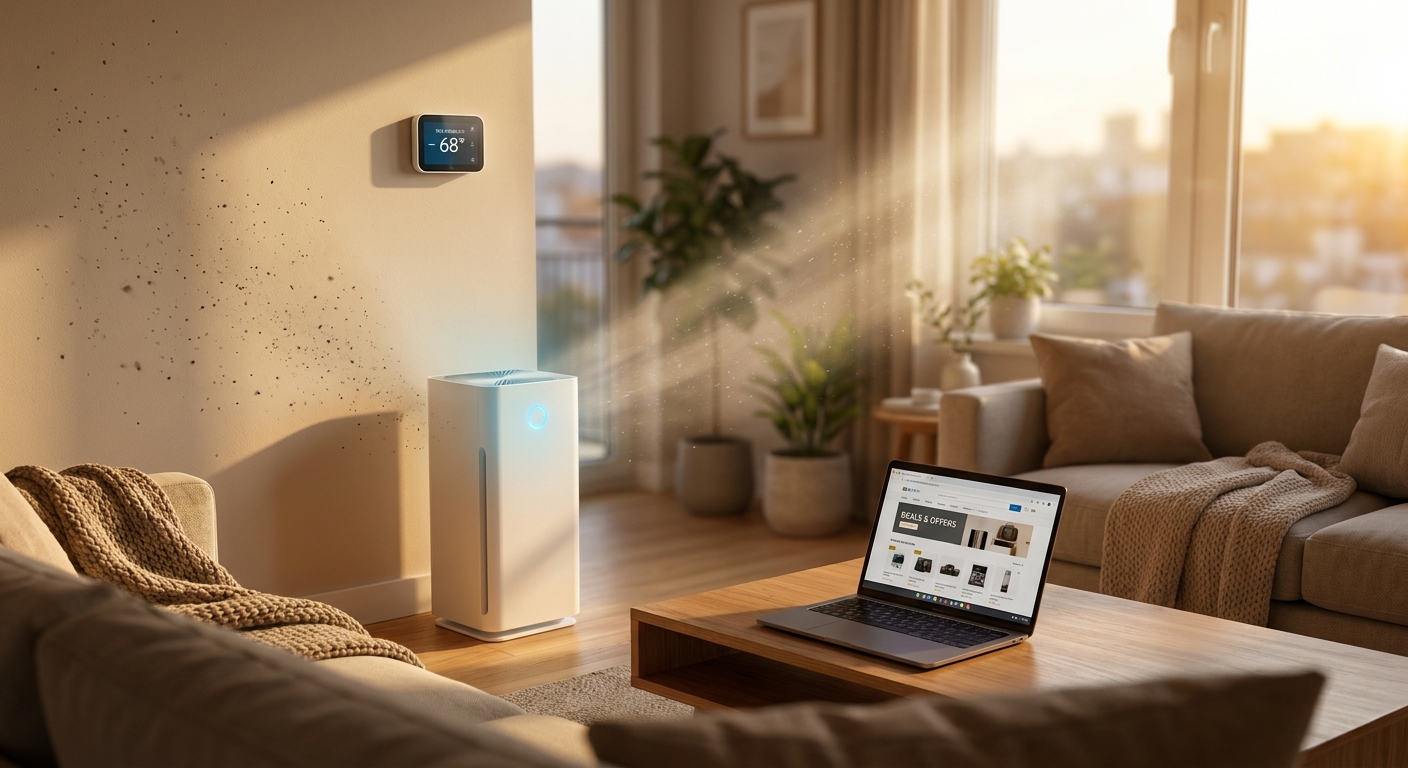
    You know that feeling when you wake up and the bedroom feels stale, your nose is stuffed, and somehow the house is already too warm before breakfast? It is frustrating, especially when you are already paying a small fortune to keep the place comfortable. A lot of homes have the same two-part problem. The air is not moving or filtering well, and the cooling or heating is working harder than it should. That is why the best smart thermostat and air purifier deals today matter more than random gadget sales. The right thermostat can cut waste without making you fiddle with settings all day. A good purifier can pull dust, pollen, and pet dander out of the air so the room actually feels fresher. The trick is skipping the junk deals. Today’s stronger discounts are on reliable models that solve a real problem, not just add another app to your phone.

    ⚡ In a Hurry? Key Takeaways

    • Today’s best picks are smart thermostats that learn your schedule and room air purifiers with true HEPA-level filtration for bedrooms, offices, and living rooms.
    • If your place feels dusty and your bill keeps climbing, start with the room you sleep in most, then pair a purifier with a thermostat that supports scheduling or occupancy sensing.
    • Check filter replacement cost, room-size rating, and HVAC compatibility before you buy. A cheap deal is not a good value if upkeep is expensive or the device does not fit your system.

    Why these deals are worth your attention today

    Late summer and back-to-school sales are sneaky good for home comfort gear. Retailers start trimming prices on thermostats, purifiers, and a few combo-friendly smart home devices, but the best offers get buried under pages of lookalike products.

    That is the annoying part. You search for help, and half the results are old roundups, sold-out deals, or off-brand boxes with vague specs. So instead of chasing every “limited-time” badge, focus on products that do two simple jobs well. Save energy. Clean the air you actually breathe.

    If your bigger worry is the AC running nonstop, it is also worth reading Today Only: Smart Thermostat & Energy Monitor Deals That Finally Fix Your ‘Why Is My Power Bill So High?’ Problem. It pairs nicely with what we are covering here, because stale air and high bills often show up together.

    What to buy first if your home feels stuffy and dusty

    Start with the room that bothers you most

    If you wake up groggy, start in the bedroom. If you sneeze all day at your desk, start in the office. A room air purifier usually gives you the fastest noticeable change because it deals directly with dust, pollen, smoke particles, and pet dander in the space where you spend time.

    A smart thermostat helps more with the whole-house side of the problem. It can cut down on constant overcooling, reduce waste when nobody is home, and keep temperatures steadier so rooms do not swing from clammy to freezing.

    Do not overbuy on purifier size

    Bigger is not always better if it means more noise or a machine that dominates the room. Look for a purifier rated for your actual square footage, with enough clean air delivery to cycle the room air several times per hour. For bedrooms, quiet mode matters almost as much as filtration.

    Do not assume every thermostat fits every system

    Before clicking buy, check your HVAC compatibility and whether you have a C-wire. Many popular models work with a wide range of systems, but not all. A deal stops being a deal very quickly if you end up needing extra adapters or a service call.

    What separates a good deal from a “looks cheap” deal

    For smart thermostats

    The best deals usually show up on models with scheduling, app control, energy reports, and support for voice assistants. The nicer ones add occupancy sensing or learning features that adjust based on your habits. That matters if you are the kind of person who forgets to change the temperature before leaving the house.

    Rebates can make these deals even better. Utility companies often offer extra discounts on approved thermostats. Always check that before checkout. It can turn a decent sale into the lowest real price of the year.

    For air purifiers

    Focus on true filtration, not marketing fluff. You want a purifier that clearly lists a HEPA or HEPA-grade filter, room-size guidance, and replacement filter availability. Bonus points for air quality sensors, auto mode, and a sleep setting that does not sound like a box fan trying to take off.

    Also check ongoing cost. Some low-priced purifiers use pricey filters that need replacing more often than you think. Over a year or two, that matters.

    Today’s strongest types of picks

    Best smart thermostat deal for most people

    The sweet spot is usually a mainstream smart thermostat from a trusted brand with easy app control, reliable scheduling, and broad HVAC support. If it also includes energy usage reports and geofencing, even better. That setup helps trim waste without turning temperature control into homework.

    Best air purifier deal for bedrooms

    Look for a compact purifier with strong filtration, low noise, and simple filter swaps. This is the category where people notice the difference fastest. Less dust on surfaces, fewer morning sniffles, and less of that stale “closed-up room” feeling.

    Best air purifier deal for larger living spaces

    If your living room, open-plan apartment, or family area always feels dusty, step up to a purifier designed for larger square footage. Just make sure the deal includes clear room coverage numbers, not vague claims about “whole-home freshness.” A room purifier is still a room purifier, not ducted HVAC magic.

    How to get the most out of both devices

    The best results come when you use the thermostat and purifier together, not as separate gadgets. Set the thermostat to follow your real routine, especially sleep and away times. Then run the purifier in the room where you spend the most time, ideally on auto mode if it has sensors.

    If your HVAC fan setting allows it, you can also circulate air at certain times of day without blasting cooling nonstop. Just do not confuse circulation with filtration. Your thermostat can help move air. Your purifier helps clean it.

    And if your current home setup is driving your utility costs through the roof, that earlier guide on smart thermostat and energy monitor deals is a useful companion read.

    Quick buying checklist before midnight

    Ask yourself a few boring questions now so you do not regret the purchase later.

    • Does the thermostat work with your HVAC system and wiring?
    • Does the purifier fit the square footage of your room?
    • How much do replacement filters cost?
    • Is there a sleep mode, auto mode, or air quality indicator?
    • Can you stack the sale with a utility rebate or coupon?

    Those five checks will save you from most bad buys.

    At a Glance: Comparison

    Feature/Aspect Details Verdict
    Smart thermostat value Best deals include scheduling, app control, energy reports, and broad HVAC compatibility. Utility rebates can cut the price further. Best for lowering bills and keeping temperatures steady.
    Air purifier performance Look for HEPA-level filtration, honest room-size ratings, quiet sleep mode, and reasonable filter replacement costs. Best for reducing dust, allergens, and that stale-room feeling fast.
    Best setup for most homes Use a smart thermostat for whole-home efficiency and a purifier in the bedroom or main living area for the biggest day-to-day comfort boost. The combo gives the best balance of cleaner air and lower energy waste.

    Conclusion

    If your place always feels a little dusty, a little stale, and way too expensive to keep comfortable, this is a good day to fix that. Back-to-school and late-summer sales have quietly pushed a bunch of energy-saving smart thermostats and room air purifiers to some of their lowest prices of the year, but those discounts are buried under dozens of mediocre offers and outdated roundups. Surfacing just today’s strongest picks lets our community lock in cleaner air and lower bills before midnight, instead of wasting time sorting through pages of noise.

  • Today Only: Robot Vacuum & Mop Deals That Finally Fix Your ‘My Floors Are Always Dirty And I’m Always Tired’ Problem

    Today Only: Robot Vacuum & Mop Deals That Finally Fix Your ‘My Floors Are Always Dirty And I’m Always Tired’ Problem

    You know that feeling when you finally sweep the kitchen, wipe up the sticky spot by the fridge, pick pet hair out of the hallway, and then somehow the floor still feels dirty by bedtime? That is the kind of chore fatigue a lot of people are living with right now. The problem is not laziness. It is that floor cleaning is one of those jobs that keeps coming back, especially if you have kids, pets, or just a busy life. That is why the best robot vacuum and mop deals today matter more than they usually do. A good one does not just save time. It gives you back energy. The tricky part is sorting the real bargains from the fake markdowns and confusing model numbers. Right now, a few standout deals are actually worth your money, especially if you care about pet hair pickup, self-emptying, and mopping that does more than drag a damp pad around.

    ⚡ In a Hurry? Key Takeaways

    • The best robot vacuum and mop deals today are on midrange and premium models with strong suction, smart mapping, and useful docks, not just the cheapest bots on the page.
    • Buy based on your mess. Pet owners should focus on brush design and bin size, while hard-floor homes should care more about mop pressure and pad lifting.
    • Do not trust the sticker discount alone. Check whether the sale price is actually low for that model and whether replacement parts are easy to get.

    Why these deals matter today

    Robot vacuum and mop prices are bouncing around more than usual because overlapping sales events and back-to-school promotions are hitting at the same time. That creates some real bargains, but it also creates a lot of noise. One retailer calls something a doorbuster. Another says limited-time deal. A third shows a giant crossed-out price that was never realistic in the first place.

    For most people, the goal is simple. Spend once. Clean less. Regret nothing.

    That means the best deal is not automatically the lowest price. The best deal is the robot that solves your actual floor problem at a price that is genuinely lower than normal.

    What is actually worth paying for

    1. Strong vacuuming for crumbs, dust, and pet hair

    If your floors collect cereal bits, litter, or tumbleweeds of dog hair, suction still matters. But so does the brush roll. A robot with a badly designed main brush can clog fast, especially in homes with long hair or multiple pets.

    Look for models that mention anti-tangle brushes, rubber rollers, or pet-focused pickup. Those features often matter more in daily life than a giant suction number in the product title.

    2. Real mopping, not fake mopping

    Some robot mops basically pull a wet cloth behind them. That is fine for light dust. It is not fine for dried juice, paw prints, or kitchen grime.

    Better models use spinning pads, vibrating mop plates, or downward pressure to scrub a little. If you have mostly hard floors, this is one feature that can turn a robot from “nice gadget” into “why did I wait this long?”

    3. Self-emptying and self-washing docks

    This is where convenience gets real. A self-empty base means you are not dumping dust every day. A better dock may also refill the water tank, wash the mop pads, and dry them.

    Yes, those models cost more. But if you are buying a robot because you are tired, not because you need a new hobby, the dock is often the feature that makes the whole thing worth it.

    4. Smart mapping that does not drive you crazy

    A good robot should learn your home fast, let you set no-go zones, and clean rooms in a logical order. That matters if you have cords, pet bowls, rugs, or that one bathroom mat every robot seems determined to eat.

    If you want a deeper look at combo models in general, this guide on Today Only: Robot Vacuum & Mop Combo Deals That Finally Fix Your ‘My Floors Are Never Actually Clean’ Problem is a helpful companion read.

    The best robot vacuum and mop deals today, by type of buyer

    Best for pet owners

    Look for a model with strong suction, a larger dustbin or self-empty dock, and brushes designed to resist tangles. If your dog sheds daily or your cat tracks litter everywhere, this is not the place to cheap out.

    A good pet-focused robot should handle baseboards, corners, and repeated passes in heavy-shed zones. Bonus points if the app lets you clean just the mudroom or feeding area without sending the robot across the whole house.

    Best for busy families

    Families usually get the most value from a combo model with smart mapping and decent mop scrubbing. Why? Because family messes are mixed messes. Crumbs in one room. Sticky footprints in another. Dust everywhere.

    For this kind of home, a robot that can vacuum and mop in one run is usually the sweet spot. It is not about perfection. It is about waking up to floors that are noticeably better with almost no effort from you.

    Best if you want low maintenance

    If your dream is to interact with the robot as little as possible, focus on dock features. Self-emptying is the big one. Self-washing mop pads are the next step up.

    These models tend to cost more up front, but they often feel cheaper over time because they actually get used. People stop using high-maintenance gadgets. They keep using easy ones.

    Best budget buy

    A budget robot can still be a smart buy if your home is mostly hard floors and your expectations are reasonable. At this price, try to get reliable navigation and decent pickup first. Fancy mop systems can wait.

    The trap with cheap models is false savings. If the robot gets stuck constantly, misses whole areas, or needs too much babysitting, it is not a deal. It is a chore with wheels.

    How to spot a fake deal fast

    This is where many shoppers get burned. The sale badge looks exciting, but the actual discount is weak.

    Check the normal street price

    If a robot says “was $999, now $599,” that sounds amazing. But if it has sold for $599 three times this month already, that is not a rare bargain. It is just marketing.

    Compare the dock version carefully

    Some model names look nearly identical, but one includes the self-empty dock and another does not. That can make one deal look much better than it really is.

    Watch accessory costs

    Mop pads, filters, and brushes are not glamorous, but they matter. A cheaper robot with expensive or hard-to-find replacement parts can end up costing more than a better-known model on sale.

    Who should buy today, and who should wait

    Buy today if:

    You are cleaning floors several times a week, you have pets or kids, and the current price is clearly below normal for a model with features you will really use.

    Wait if:

    You are tempted only because the discount looks huge, or you are looking at a model with poor navigation, weak app support, or a mopping system that is basically decorative.

    The best robot vacuum and mop deals today are not about chasing every coupon on the internet. They are about finding the few models that are genuinely underpriced and actually fit your home.

    At a Glance: Comparison

    Feature/Aspect Details Verdict
    Pet-hair cleanup Best handled by models with anti-tangle brushes, strong suction, and self-empty docks Worth paying extra if you shed alongside your pets
    Mopping performance Spinning or vibrating pads clean better than basic drag-pad systems Important for kitchens, entryways, and sticky messes
    Deal quality Real value comes from current price versus normal price, plus useful features and easy parts replacement Do not buy on discount size alone

    Conclusion

    If your floors are always dirty and you are always tired, this is one of those rare gadget categories that can genuinely make daily life easier. Robot vacuum and mop deals are spiking right now thanks to overlapping sales events and back-to-school promos, but that also means it is easy to get lost in model numbers, fake discounts, and endless “Top 50” lists. The smart move is to ignore most of the noise and focus on a small handful of robots that are truly underpriced today and strong where it counts, especially pet-hair pickup, self-emptying, and mopping that actually helps. Done right, this is not just another purchase. It is a trade. One smart buy in exchange for fewer late-night sweeps, fewer sticky-floor sighs, and one less chore waiting for you tomorrow morning.

  • Today Only: Portable Monitor & USB-C Hub Deals That Finally Fix Your ‘My Desk Is A Tangled, Tiny Mess’ Problem

    Today Only: Portable Monitor & USB-C Hub Deals That Finally Fix Your ‘My Desk Is A Tangled, Tiny Mess’ Problem

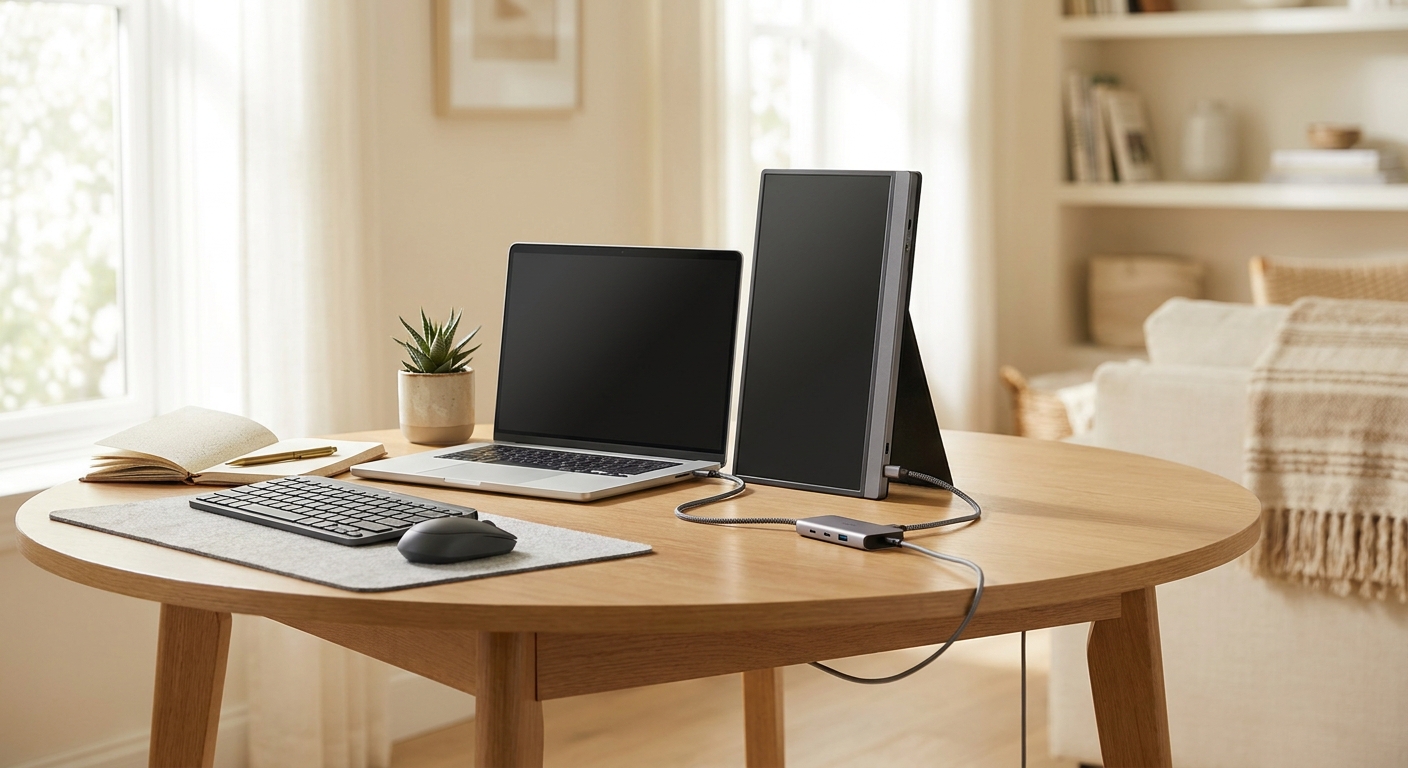
    If your desk looks like a fight between a laptop charger, webcam cable, SSD, and one sad remaining USB port, you are not alone. A lot of people are trying to work or study from spaces that were never meant to be full offices. The result is the same every time. Tiny screen. Too many dongles. Constant unplugging. And that little burst of panic before a call when your mic, monitor, or power brick is plugged into the wrong thing. The good news is that some of the best portable monitor deals today are landing at the same time as genuinely useful USB-C hub discounts. That matters because buying just one without the other often creates a new problem instead of fixing the old one. A good portable screen gives you room. A good hub gives you ports, charging, and less cable chaos. Put them together, and even a cramped dorm desk or kitchen table starts feeling like a proper setup.

    ⚡ In a Hurry? Key Takeaways

    • The best value today is pairing a portable monitor with a USB-C hub, not buying either one alone.
    • Check for USB-C video support, pass-through charging, and at least one extra USB-A or HDMI port before you click buy.
    • Skip ultra-cheap no-name bundles if wattage and display support are unclear. That is where most compatibility headaches start.

    Why these deals matter more than they sound

    A portable monitor sounds like a niche gadget until you use one for a week. Then it becomes the thing you wonder how you lived without.

    For students, it means lecture notes on one screen and the paper you are writing on the other. For remote workers, it means your Zoom call can stay open while your actual work remains visible. For travelers, it means you can turn a hotel desk into something usable in under two minutes.

    The hub is the other half of the fix. It takes one crowded USB-C port and turns it into power, display output, storage access, and room for accessories. Instead of crawling behind your laptop to swap cables all day, you plug in once and get on with your life.

    What to look for in the best portable monitor deals today

    1. Screen size that actually fits your life

    Most people are happiest in the 14-inch to 16-inch range. That is big enough to feel useful, but still easy to carry in a backpack. If you are always moving between classes, client sites, or coffee shops, lighter is better.

    2. One-cable USB-C connection

    This is the feature that keeps your setup simple. The best portable monitors can handle both power and video through one USB-C cable, assuming your laptop supports it. If your laptop does not send video over USB-C, you may need HDMI plus separate power, which is less tidy.

    3. Brightness and panel quality

    If you work near windows or bright overhead lights, a dim screen gets annoying fast. IPS panels are usually the safer bet for better viewing angles and more natural color. You do not need pro-level color accuracy for spreadsheets and homework, but you do want something that is easy on the eyes.

    4. Built-in cover or stand

    This sounds minor until the first time your screen keeps sliding flat on the table. A sturdy kickstand or folio cover saves a lot of irritation.

    What makes a USB-C hub worth buying

    Pass-through charging

    This is a big one. A hub should let your laptop charge while the monitor and accessories are connected. If the hub cannot pass enough power, your battery may still drain during long work sessions.

    Useful ports, not filler

    Look for the ports you will really use. Usually that means HDMI, USB-A for older accessories, USB-C power input, and maybe SD or microSD if you deal with cameras. More ports are not always better if half of them never get touched.

    Display support you can trust

    Some cheap hubs technically have HDMI but struggle with stable external display output, especially at higher resolutions. If the listing is vague about refresh rate or max resolution, treat that as a warning sign.

    The smartest way to shop these deals

    Do not shop portable monitors and hubs as separate random purchases. Shop them as a pair.

    That is the easiest way to avoid the classic mistake. You buy a nice screen, then realize your laptop only has one usable port left. Or you buy a hub, then find out it cannot push enough power to keep everything running. Matching them into simple plug-and-play bundles saves money, but more importantly, it saves hassle.

    A good bundle for most people looks like this:

    • A 15.6-inch portable IPS monitor with USB-C and mini HDMI
    • A USB-C hub with pass-through charging and HDMI or extra USB ports
    • A charger with enough wattage to power the laptop through the hub

    Who should jump on these deals right now

    Students in small rooms

    If your “desk” is really half a dresser or a corner of a shared table, a portable monitor makes more sense than a bulky desktop screen. It packs away when you need the space back.

    Remote workers and hybrid commuters

    If you switch between home, office, and travel, a lightweight second screen plus a reliable hub means your setup stays consistent. Less friction. Less forgetting adapters. Fewer bad mornings.

    Steam Deck and console gamers

    A portable display can be a great little travel gaming screen. It is much easier to throw in a backpack than a TV, and a hub can help keep controllers, storage, and charging sorted.

    A small warning about “cheap” deals

    Not every discount is a great buy. The lowest price is not always the best deal if the hub runs hot, the monitor is too dim, or the power specs are buried or missing.

    Pay special attention to charging wattage. If you have a power-hungry laptop, an underpowered hub can create endless little annoyances. Slow charging. Battery drain. Random disconnects. None of that feels like a bargain.

    This is a bit like smart home gear. The best deal is the one that fixes the daily annoyance without creating a new one. If you are also trying to cut waste around the house, Today Only: Smart Thermostat & Smart Plug Deals That Finally Tame Your Power Bill has that same practical vibe. Simple stuff that makes everyday life smoother.

    My practical buying advice

    If you want the safest route, start with your laptop, not the deal page.

    • Check whether your USB-C port supports video output.
    • Check how many watts your laptop charger provides.
    • Make a quick list of what you plug in daily. Mouse, webcam, SSD, keyboard, SD card, Ethernet.

    Once you know those three things, the right deal usually becomes obvious. You are not just buying accessories. You are buying fewer interruptions.

    At a Glance: Comparison

    Feature/Aspect Details Verdict
    Portable monitor value Best deals today are mostly 14-inch to 16-inch USB-C models with built-in stands or covers. Great buy if you need more space without a full desk setup.
    USB-C hub usefulness Pass-through charging, USB-A, HDMI, and card slots are the most helpful mix for most readers. Worth it if your laptop ports are always full or hard to reach.
    Bundle compatibility The best setup is a monitor and hub matched to your laptop’s video support and charging needs. Smartest way to avoid returns, cable clutter, and underpowered charging.

    Conclusion

    If your workspace feels cramped, tangled, and one unplugged cable away from disaster, this is one of those rare deal clusters that can actually fix the problem. Right now, a surprising number of the best daily tech deals are centered on portable screens and USB-C hubs, especially in back-to-school and work-from-anywhere promos. That combo hits a sweet spot for almost everyone. Students get a real dual-screen setup without buying a desktop. Remote workers can turn a kitchen table or Airbnb into a proper office. Gamers can carry a lightweight display instead of relying on whatever TV happens to be around. Best of all, shopping these as matched bundles cuts down on spec hunting, bad port matches, and chargers that cannot keep up. One smart purchase here can make every workday, class session, and travel setup feel less cramped, less messy, and a lot more productive.

  • Today Only: Air Fryer & Smart Coffee Maker Deals That Finally Fix Your ‘Why Is My Kitchen So Slow In The Morning?’ Problem

    Today Only: Air Fryer & Smart Coffee Maker Deals That Finally Fix Your ‘Why Is My Kitchen So Slow In The Morning?’ Problem

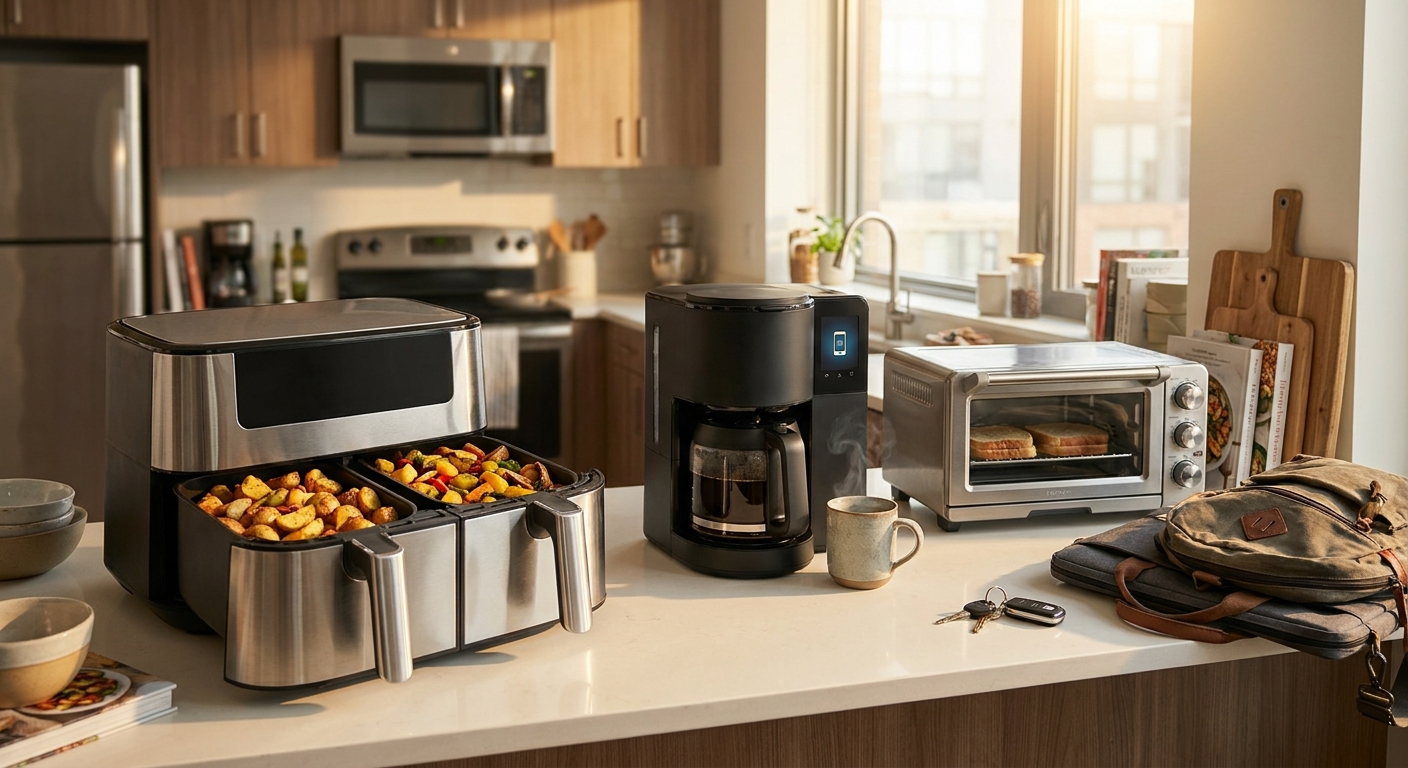
    You know the feeling. You are barely awake, already late, and somehow the kitchen is moving at half speed. The coffee maker is still dripping. The oven is still preheating. Breakfast sounds like a good idea in theory, but in real life it turns into a granola bar, a drive-thru line, or nothing at all. That is why the best air fryer and smart coffee maker deals today matter more than random gadget hype. These are the kinds of upgrades that shave real minutes off your morning and make groceries you actually bought more likely to get used. With back-to-school and office season starting up again, retailers are quietly cutting prices on the kitchen gear people reach for when time is tight. The goal here is simple. Skip the endless scrolling, skip the leftover sale confusion, and focus on a short list of time-saving buys that are cheaper than they have been in weeks.

    ⚡ In a Hurry? Key Takeaways

    • The best air fryer and smart coffee maker deals today are the ones that cut waiting time, not just dollars off the price tag.
    • If your mornings are chaotic, start with a programmable coffee maker and a fast-heating air fryer or compact toaster oven.
    • Check basket size, auto-shutoff, and counter space before you buy so the “deal” does not become a daily annoyance.

    Why your kitchen feels so slow in the morning

    Most people do not need a fancy chef setup. They just need breakfast and coffee to happen faster than their current appliances allow.

    A traditional drip machine can take its time. A full-size oven takes even longer, especially when all you wanted was toast, reheated breakfast sandwiches, or a few hash browns. That is how 10 minutes turns into 20, and 20 turns into “forget it, I’ll grab something on the way.”

    The good news is this problem is pretty fixable. A smart coffee maker can start brewing before your feet hit the floor. A decent air fryer or compact toaster oven can cook or reheat breakfast in a fraction of the time of a full oven.

    What to look for in the best air fryer and smart coffee maker deals today

    Smart coffee makers that save your morning

    The feature that matters most is simple scheduling. If the machine lets you set tomorrow’s brew tonight, that is already a win. App control is nice, but not required. What you really want is reliable programming, a keep-warm plate if you drink slowly, and a water tank that is easy to fill without making a mess before sunrise.

    If you drink one or two cups, a compact single-serve or small drip model may be the better deal. If your whole household drinks coffee, look for a larger programmable model that can handle the morning rush in one shot.

    Air fryers that actually cut cooking time

    Air fryers work best in the morning when they heat quickly and do not need much babysitting. You want easy controls, a basket or tray that can fit your go-to foods, and a cleanup process that does not make you regret using it.

    For breakfast, even a small unit can handle frozen waffles, breakfast potatoes, sausage links, and reheating leftovers. A larger basket is better for families. A dual-basket model is useful if you want to cook two things at once, but it is not essential for everyone.

    Compact toaster ovens for the middle ground

    If you want something more flexible than an air fryer basket, a compact toaster oven can be the sweet spot. It handles toast, bagels, breakfast pizza, and open-faced sandwiches well, and many newer models include air fry settings too.

    If dinner is also a pain point in your house, it is worth checking Today Only: Air Fryer & Smart Oven Combo Deals That Finally Fix Your ‘Takeout Again?’ Dinner Problem. A lot of the same logic applies. Faster heat, less waiting, fewer expensive food shortcuts.

    The curated hit list mindset matters more than the sale banner

    This is where people get tripped up. Big sale pages make everything look urgent. But the cheapest machine is not always the best buy if it is too small, too annoying to clean, or too confusing to use before coffee.

    A good morning appliance should remove friction. It should not add a new mini project to your day. That means the best deal is often the one with clear controls, dependable timers, and just enough capacity for your routine.

    If you are shopping today, think in terms of your actual weekday life. Are you trying to get one person out the door faster, or three? Do you want fresh coffee waiting when you wake up, or just a quick cup after the school run? Are you reheating frozen breakfast foods, or cooking from scratch?

    Best picks by type of morning problem

    “I skip breakfast because the oven takes forever”

    Look for a small to medium air fryer or an air fry toaster oven. These are the easiest upgrades if your current issue is preheating time. They get hot fast and make quick work of basic breakfast foods.

    “I waste time waiting for coffee”

    Go for a programmable smart coffee maker first. This is the most obvious quality-of-life fix. Set it the night before, wake up to brewed coffee, and suddenly the morning feels less like a sprint.

    “My counter is tiny”

    A slim coffee maker plus a compact air fryer is usually a better setup than one oversized combo appliance that dominates the whole kitchen. Measure your space before you buy. It sounds boring, but it saves a lot of regret.

    “I buy groceries, then still end up at the drive-thru”

    This is the strongest case for these deals. Fast appliances make it much more likely you will actually use eggs, bread, frozen fruit, breakfast burritos, and leftovers you already paid for.

    How to avoid buying the wrong “deal”

    Start with capacity. A 2-quart air fryer might be fine for one person, but not for a family trying to feed kids before school. On the coffee side, a single-serve machine is great for solo drinkers and not great for a two-adult household trying to move fast.

    Next, check cleanup. Nonstick baskets, removable crumb trays, and easy-access water tanks matter more than flashy presets.

    Finally, check safety basics. Auto shutoff is worth having on both coffee makers and toaster ovens. Cool-touch handles and stable feet are also important if your mornings include kids, pets, or distracted grown-ups.

    At a Glance: Comparison

    Feature/Aspect Details Verdict
    Speed Smart coffee makers can brew on a schedule, and air fryers heat much faster than full ovens. Best for people who lose time every morning waiting on appliances.
    Ease of Use Simple controls, preset buttons, and easy-clean parts make the biggest daily difference. Choose convenience over extra features you will never touch.
    Overall Value Today’s price cuts are strongest on practical kitchen upgrades tied to back-to-school and office season. A good buy if it saves time every weekday, not just money at checkout.

    Conclusion

    If your mornings always feel like a fire drill, this is one of those rare shopping moments where a kitchen gadget can actually solve a real problem. Back-to-school and office season are ramping up, which means rushed mornings are about to be normal again, and stores are quietly cutting prices on air fryers, smart coffee makers, and compact toaster ovens to catch last-minute shoppers. That gives the Today Deals community a real chance to buy smarter without falling into an endless Prime Day leftovers rabbit hole. Stick to the appliances that save time every single day, make breakfast easier, and are clearly cheaper than they were a few weeks ago. That is how you end up with fewer “why did I buy this?” regrets and a lot more “wait, breakfast is already done?” moments before you are even fully awake.

  • Today Only: Standing Desk & Office Chair Deals That Finally Fix Your ‘My Back Hurts Every Time I Work’ Problem

    Today Only: Standing Desk & Office Chair Deals That Finally Fix Your ‘My Back Hurts Every Time I Work’ Problem

    If your lower back starts barking 20 minutes into work, you are not imagining it. You are also probably not the problem. A bad setup can wreck your posture fast, especially if you are trying to do full workdays at a dining chair and a table built for meals, not spreadsheets. That is why the best standing desk and ergonomic office chair deals today matter more than flashy gadget sales. A real height-adjustable desk and a chair with proper lumbar support can change how your neck, shoulders, wrists, and back feel by the end of the day. The good news is that back-to-school and late-summer sales often bring surprisingly good prices on office gear. The bad news is that the worthwhile deals get buried under pages of junk. So instead of pushing random picks, this guide focuses on the rare desk-and-chair combos that actually make ergonomic sense and are worth grabbing before the prices jump back up.

    ⚡ In a Hurry? Key Takeaways

    • The best standing desk and ergonomic office chair deals today are the ones with real adjustability, solid weight support, and meaningful discounts, not just a red sale badge.
    • Start with the basics. Pick a desk that reaches your elbow height and a chair with lumbar support, seat height adjustment, and armrests that do not force your shoulders up.
    • Cheap office furniture can cost more if it causes pain or gets returned. Buy for fit and support first, then price.

    Why your current setup probably hurts

    Most people do not need a fancy biohacking workstation. They need furniture that fits their body.

    The usual problem is simple. The desk is too low or too high. The chair has no lumbar support. The screen sits below eye level. Then your body starts making little compromises all day. You hunch. You reach. You tuck one leg under the other. By lunch, your back has filed a formal complaint.

    That is why shopping for office gear should not start with color, cup holders, or whether the chair looks “executive.” It should start with whether the thing adjusts to you.

    What actually counts as a good deal

    A real deal is not just “was $399, now $249” in giant text. Those fake list prices are everywhere.

    For a standing desk, the important stuff is:

    Height range

    You want enough range for both sitting and standing. If the desk does not go low enough or high enough for your body, the motor does not matter.

    Stability

    If it wobbles every time you type, it is going to annoy you daily. A stable frame matters more than extra presets.

    Desktop size

    A cramped top can create a whole new problem. Make sure it fits your monitor, keyboard, mouse, and whatever else you use every day.

    For an ergonomic chair, look for:

    Lumbar support

    This is the big one. If the lower back area is flat or unsupportive, keep moving.

    Seat height and depth adjustment

    Your feet should rest flat, and the seat should not dig into the back of your knees.

    Armrests that adjust

    Fixed armrests often end up too high, too low, or too wide. Adjustable ones help your shoulders relax.

    How to shop today without wasting money

    The trick is to think in pairs, not singles. A great chair cannot fix a desk that is the wrong height. A nice standing desk cannot save you from a chair with no support. The best results come from matching the two.

    If you are trying to keep the budget under control, it is worth checking curated roundups instead of random marketplace pages. A helpful starting point is Today Only: Turn Your WFH Nook Into A Real Office With Standing Desk & Ergonomic Chair Deals Under $300, especially if you want options that do not feel like a total gamble.

    Also, do not get distracted by accessories before you fix the foundation. A monitor light bar is nice. A chair that stops your lower back from aching is nicer.

    The best buyer profiles for today’s deals

    If you work from home full time

    Spend more on the chair if you have to choose. You will feel that upgrade every single day. Then get the best desk frame you can afford with a stable base and memory presets.

    If you are a student or part-time hybrid worker

    A smaller standing desk and a mid-range ergonomic chair can be enough. You do not need boardroom-grade furniture. You need comfort and adjustability.

    If your apartment is tiny

    Look for compact desks around 40 to 48 inches wide and chairs with a smaller footprint. Just do not shrink so much that your knees, elbows, and monitor all end up fighting for space.

    Red flags to skip, even on sale

    Some deals look good until you read the details.

    Desks with weak lifting capacity

    If you use a monitor arm, dual screens, or a heavy laptop dock, a flimsy desk can struggle.

    Chairs with “ergonomic” in the title and nowhere else

    If the product page says ergonomic five times but shows no lumbar adjustment, no seat measurements, and no clear dimensions, be careful.

    Very low prices with expensive return shipping

    This is how a “deal” turns into a headache. Check return terms before you click buy.

    How to set it up so it actually helps

    Even the right furniture needs a basic setup.

    Your elbows should rest around 90 degrees when typing. Your monitor should sit roughly at eye level. Your feet should stay flat when seated. When standing, do not lock your knees. Shift around. Standing all day is not the goal. Changing position is.

    A good rhythm is to alternate. Sit for a while, stand for a while, move a little, repeat. The desk gives you options. That is the point.

    At a Glance: Comparison

    Feature/Aspect Details Verdict
    Standing desk value Best picks have a usable height range, stable frame, and enough surface space for real work, not just a laptop. Worth buying if the discount is real and the desk fits your body and room.
    Ergonomic chair quality Look for lumbar support, seat adjustment, and armrests that help your posture instead of fighting it. A better chair often gives the fastest comfort upgrade.
    Deal safety Check dimensions, weight limits, warranty terms, and return policies before buying. Good sale prices matter, but bad fit is still a bad buy.

    Conclusion

    If you have been telling yourself you will “deal with it later,” this is a good time to stop. Back-to-school and late-summer sales quietly create some of the best prices of the year on standing desks and ergonomic chairs, but the worthwhile offers move fast and get buried under a pile of generic tech discounts. Focusing on the best standing desk and ergonomic office chair deals today helps cut through that mess. The goal is not to buy more stuff. It is to turn a pain-inducing corner of your apartment into a place where you can sit, stand, study, or work for hours without feeling wrecked afterward. Done right, that means fewer impulse buys, fewer returns, and a comfort upgrade you will notice every single time you sit down.

  • Today Only: Streaming Stick & Smart TV Deals That Finally Fix Your ‘Why Am I Still Paying For Cable?’ Problem

    Today Only: Streaming Stick & Smart TV Deals That Finally Fix Your ‘Why Am I Still Paying For Cable?’ Problem

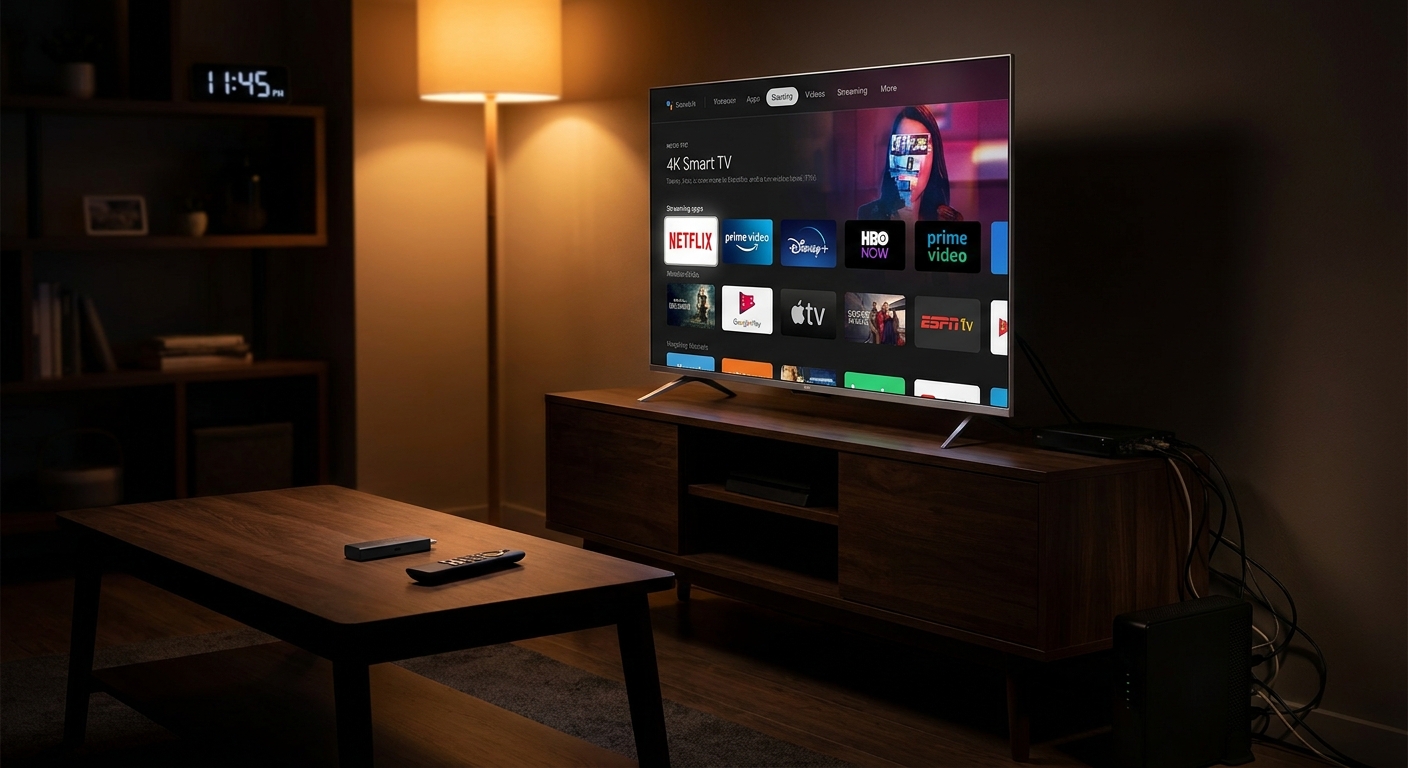
    If your living room has turned into a five-remote scavenger hunt, I get it. A lot of people are stuck with an old cable box, a clunky smart TV menu, and a monthly bill that keeps creeping up even though half their watching now happens in apps. That is exactly why today’s streaming hardware deals matter. Retailers are cutting prices on Amazon Fire TV sticks, Roku devices, and budget 4K smart TVs as they clear out summer inventory before the fall sports push. For a lot of households, this is the easiest way to clean up the setup and cut the cable cord, or at least downgrade to a cheaper plan, without making TV night feel harder. The nice part is that the math is pretty simple. A discounted streaming stick can cost less than one month of a bloated cable package, and it can start saving you money tonight.

    ⚡ In a Hurry? Key Takeaways

    • The best streaming device deals today are on Roku and Amazon sticks, plus low-cost 4K TVs that make cutting cable much easier.
    • If your current TV still looks fine, start with a discounted streaming stick instead of replacing the whole screen.
    • Check app support, Wi-Fi strength, and HDMI ports before you buy so the cheap deal actually fixes the problem.

    Why these deals matter right now

    This is one of those rare tech purchases that can lower your monthly costs instead of adding a new one. That is the big draw.

    Stores are trying to move streaming sticks and entry-level 4K TVs before new seasonal promos hit. That usually means better-than-normal discounts on the devices people actually use every day. If you have been meaning to replace an older box, or if your TV software feels slow and outdated, today is a smart time to do it.

    And no, you do not need to turn your home into a gadget lab. For most people, this is just plug in one small device, sign into your apps, and stop fighting the old interface.

    The simplest fix for most homes

    Buy a streaming stick if your TV is still good

    If the picture on your current TV is fine, a streaming stick is usually the cheapest fix. A Roku Streaming Stick or Fire TV Stick can give an older television a much cleaner home screen, faster app loading, voice search, and easier access to Netflix, Hulu, Prime Video, Disney+, Max, YouTube TV, and more.

    This is the sweet spot for people who are mostly annoyed by the experience, not the screen itself.

    It also helps with the remote mess. Many newer streaming remotes can control power and volume on your TV, which means one less clicker buried in the couch cushions.

    Buy a budget 4K smart TV if your current set is truly dated

    If your TV is small, slow, dim, or missing app support altogether, the better deal may be a budget 4K smart TV. Retailers often mark these down hard when they want floor space for incoming models. You are not buying a luxury panel here. You are buying a fresh start.

    For a lot of families, that fresh start means one remote, built-in apps, better picture quality, and fewer weird workarounds.

    How to choose between Roku and Amazon

    Pick Roku if you want simple

    Roku tends to be the easiest recommendation for non-techies. The menus are clean. The app layout is straightforward. It does not feel like you need to learn a new system just to watch a show.

    If you want the least-fuss option, Roku is often it.

    Pick Fire TV if you already use Amazon a lot

    Amazon’s Fire TV devices can be a good fit if you already use Prime Video, Alexa, and other Amazon services. They are usually fast, feature-rich, and often deeply discounted.

    Just know the interface can feel busier than Roku. Some people like that. Some do not.

    What to check before you click buy

    App support

    Most major apps are available on both Roku and Fire TV, but it is still worth making a quick list of what you actually watch. If live TV matters, make sure your service of choice is supported and easy to access.

    Video quality

    Look for 4K support if you have a 4K TV now, or think you will soon. It is usually worth the small extra cost. If the deal includes HDR support too, even better.

    Wi-Fi strength

    A streaming device cannot fix weak internet in the back bedroom. If buffering is already a problem, the issue may be Wi-Fi coverage, not the stick itself.

    Ports and power

    Make sure your TV has an open HDMI port. Also check whether the device needs wall power or can run from the TV’s USB port. Some setups get messy fast, which is why a clean power setup matters. If your entertainment area already looks like cable spaghetti, it is worth a look at Today Only: Smart Lighting & Power Strip Deals That Finally Fix Your ‘My Place Is A Mess Of Cords’ Problem.

    When a cheap streaming stick saves more than a cheap TV

    Here is the mistake I see a lot. People assume they need a whole new television when what they really hate is the software. A decent streaming stick can make an older TV feel new enough for a fraction of the cost.

    If your screen still looks sharp, do not overbuy. Start small. You can always upgrade the TV later.

    How this helps with the cable bill

    For some households, the move is cutting cable completely and replacing it with streaming apps plus an antenna. For others, it is dropping from an expensive full bundle to internet plus one live TV app. Either path can save real money month after month.

    The important part is this. You do not have to solve everything in one day. A discounted streaming device is a low-risk first step. Once you see what you actually watch, it becomes much easier to decide whether cable still earns its keep.

    At a Glance: Comparison

    Feature/Aspect Details Verdict
    Streaming stick value Low upfront cost, easy setup, better menus and app access on an older TV Best first move for most people
    Budget 4K smart TV Higher upfront cost, but gives you a newer screen, built-in apps, and fewer add-ons Worth it if your current TV is old, dim, or frustrating
    Cable savings potential Can help you cut or downgrade an expensive bundle after a one-time hardware purchase Strong long-term value if you act on the monthly bill too

    Conclusion

    If you have been waiting for a sign to stop overpaying for a clunky TV setup, this is a pretty good one. Right now there are aggressive price drops on Amazon and Roku streaming sticks plus budget 4K smart TVs at major retailers as they clear summer inventory ahead of fall TV and sports season. That means you can cut or downgrade cable today, plug in a discounted streaming device or new TV, and have all your apps ready before tonight’s watch time, often for less than a single month of your current bundle. If your goal is to claw back recurring costs without giving up comfort, this is one of the cleaner ways to do it. Spend once. Simplify the setup. Then start paying less every month.

  • Today Only: Smart Lock, Camera & Tracker Deals That Finally Fix Your ‘Did I Lock Up And Where Did I Put My Bag?’ Problem

    Today Only: Smart Lock, Camera & Tracker Deals That Finally Fix Your ‘Did I Lock Up And Where Did I Put My Bag?’ Problem

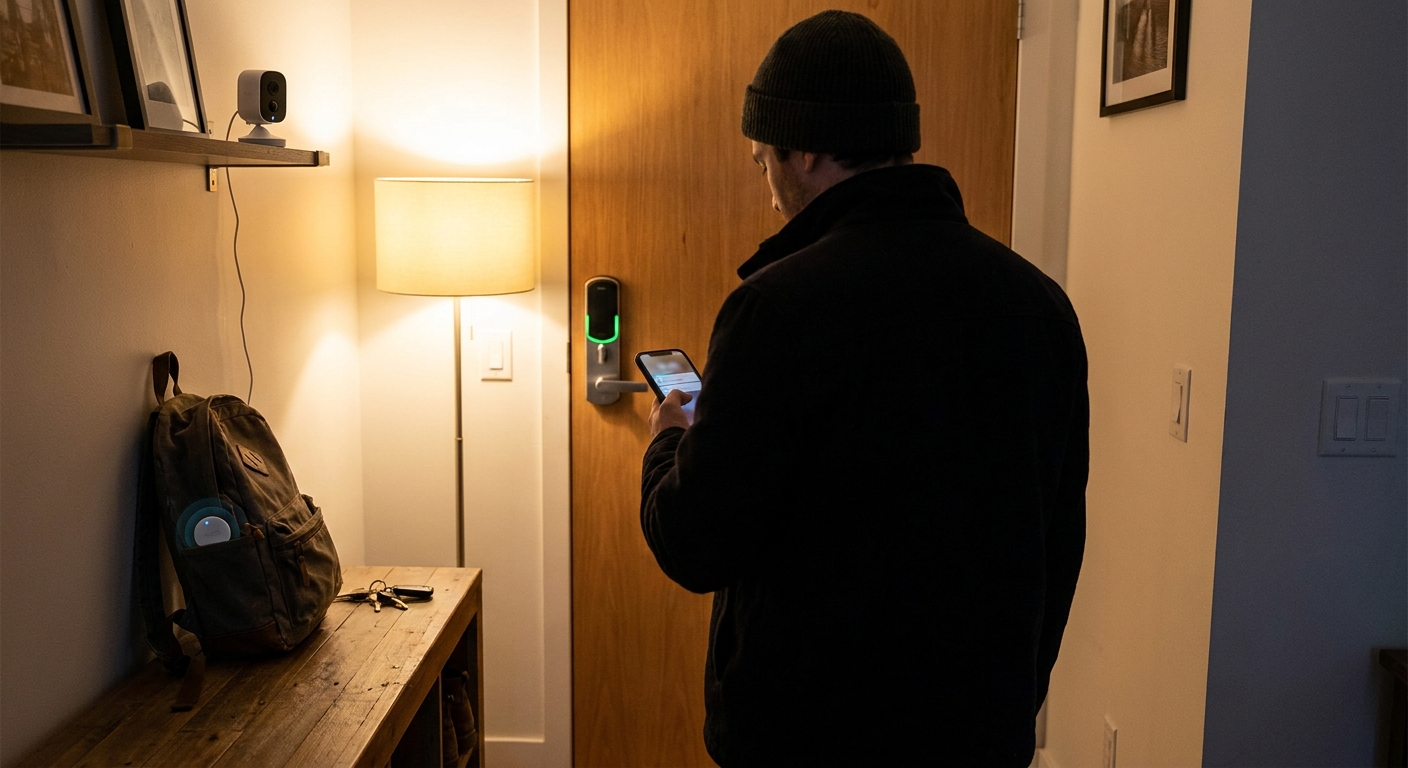
    You know the feeling. You pull out of the driveway, get three blocks away, and suddenly your brain goes blank. Did I lock the front door? Did I leave my backpack at the coffee shop? Is my laptop still in the back seat? It is a small kind of stress, but it can ruin your whole morning. The good news is that today’s smart-home and travel gadget deals are actually useful, not just flashy. A good smart lock lets you check your door from your phone. A small security camera can confirm who came and went. A tracker in your bag, keys, or laptop sleeve can save you from the classic pocket-pat panic. If you have been waiting for the best smart lock and tracker deals today, this is one of those rare sale windows where practical peace of mind costs a lot less than usual.

    ⚡ In a Hurry? Key Takeaways

    • Today’s strongest value is in smart locks, compact indoor cameras, and bag or key trackers that solve everyday “did I lock it” and “where did I leave it” problems fast.
    • Buy the lock that fits your door and phone setup first, then add a tracker for your bag or keys before spending extra on fancy accessories.
    • Watch for subscription costs on cameras and check whether a tracker works best with iPhone or Android before you click buy.

    Why these deals matter right now

    Back-to-school season and late-summer travel are a messy mix. Kids are in and out. Guests come by. You are carrying more stuff than usual. That is exactly when little security gaps and misplaced gear start causing trouble.

    Retailers know this, which is why a lot of smart-home gear and travel-friendly accessories are seeing quiet price cuts right now. The problem is that deal pages are often packed with junk. You do not need ten versions of the same gadget. You need a few solid options that fix a real problem.

    That is what makes today’s crop of smart lock, camera, and tracker discounts worth a look.

    Start with the thing that nags at you most

    If you keep wondering whether you locked the door

    A smart lock is the biggest quality-of-life upgrade in this whole category. The good ones let you lock and unlock from your phone, create codes for family or guests, and check lock history without standing on the porch jiggling the handle.

    For most people, the sweet spot is a retrofit lock or deadbolt replacement from brands like August, Schlage, Yale, or Aqara. A retrofit model is nice if you rent or want to keep your outside hardware looking the same. A full deadbolt replacement makes sense if your current lock is old or you want a keypad built in.

    If your biggest pain point is that halfway-to-work panic, this is probably the first item to buy.

    If you want visual proof instead of guesswork

    A compact indoor camera near the entryway does something a smart lock cannot. It shows you what actually happened. Did your teenager get home? Did the dog walker come by? Did you leave your bag by the door before rushing back out?

    Look for clear 1080p or 2K video, motion alerts, and local storage if you want to avoid monthly fees. Brands like TP-Link Tapo, Blink, Ring, and Wyze often show up in one-day sales. Just be careful with cloud plans. A cheap camera can become less cheap if it quietly adds another monthly bill.

    If your real issue is lost keys, bags, or tech gear

    Trackers are tiny, but they solve a very real problem. Drop one into a backpack, stick one on your keyring, or slide a card-style tracker into a wallet or laptop sleeve. If you are in Apple’s world, AirTag-style tracking is still hard to beat. If you use Android, Tile, Chipolo, and newer Find My Device-compatible trackers are usually the better fit.

    Ultra-wideband features are especially nice if you want that “walk three feet left, now look under the couch” kind of precision. If you just need a general map location and a loud ring, a basic Bluetooth tracker is usually enough and often much cheaper.

    What to buy based on your everyday routine

    For busy households

    Get a keypad smart lock first. Physical keys are easy to lose. Keypads are easier for kids, grandparents, house sitters, and anyone who should not need your only spare key.

    For apartment dwellers

    A retrofit lock and one small indoor camera are usually the safest bet. You avoid changing exterior hardware too much, and you can still check that your door is locked and your entry area looks normal.

    For commuters and students

    A bag tracker gives you the fastest payoff. It is cheap, simple, and useful every single day. If you carry a backpack with a laptop, charger, headphones, and student ID, one tracker can save a lot of trouble.

    For frequent travelers

    Think in layers. A smart lock protects home while you are away. A camera reassures you that nothing odd is happening at the front door. A luggage or backpack tracker helps on the road. That is the setup that turns anxiety into a quick glance at your phone.

    How to spot a good deal without getting fooled

    The lowest price is not always the best buy. Here is the simple checklist I would use.

    Check compatibility first

    A smart lock has to fit your door and deadbolt. A tracker has to play nicely with your phone. A camera should work with the smart-home app you already use, whether that is Alexa, Google Home, Apple Home, or none of the above.

    Look for the hidden costs

    Camera subscriptions are the big one. Some brands keep useful features behind a paywall. If you hate monthly charges, look for local storage via microSD or included recording options.

    Do not overbuy

    If all you need is “did I lock the door,” you may not need a full video doorbell, three-camera bundle, and professional monitoring plan. Buy for the problem you actually have, not the setup a marketing photo tells you to want.

    The smartest shopping order for most people

    If you want the most relief for the least money, I would rank today’s categories like this.

    1. Smart tracker

    Cheapest fix. Fastest payoff. Ideal for keys, bags, and everyday chaos.

    2. Smart lock

    Bigger purchase, but it solves a repeating worry. Great if forgetting to lock up is your main stress.

    3. Compact camera

    Best as a backup layer or for households with lots of comings and goings. Very useful, but only if you are comfortable with where it is placed and how footage is stored.

    Best picks by problem, not by hype

    If you are shopping the best smart lock and tracker deals today, here is the simplest way to narrow it down.

    Best for front-door peace of mind

    Choose a trusted smart deadbolt or retrofit lock with remote lock status, auto-lock, and guest codes. Bonus points if it still works with a physical key when needed.

    Best for bag and key panic

    Choose a tracker with a replaceable battery, loud alert sound, and good app support. Precision finding is nice, but dependable network support matters more.

    Best for checking what actually happened

    Choose a compact camera with solid motion alerts and local storage options. That gives you useful evidence without turning your home into another subscription.

    At a Glance: Comparison

    Feature/Aspect Details Verdict
    Smart lock value Best for checking lock status, remote control, guest access, and ending that “did I lock up?” spiral. Worth it if door security is your top daily stress.
    Tracker usefulness Best for keys, backpacks, wallets, and luggage. Works best when matched to your phone ecosystem. The easiest and cheapest win for most people.
    Camera costs Helpful for visual confirmation, but some models add cloud storage fees after the sale price. Great second step. Just read the subscription fine print.

    Conclusion

    If your brain likes to replay the same questions every time you leave the house, these deals can genuinely help. This is a useful moment for the community because back-to-school and late-summer travel mean more movement, more distractions, and more chances to misplace keys, bags, and devices or second-guess whether you locked up. The nice part is that good smart locks, compact cameras, and Bluetooth or ultra-wideband trackers are getting real markdowns right now. You do not need to spend your whole evening sorting through noisy deal lists, and you do not need to sign up for subscriptions you will regret later. A simple 24-hour roundup focused on entry security and everyday carry tracking is enough to help you buy smarter, spend less, and leave the house with one less thing nagging at you.

  • Today Only: External SSD & Backup Drive Deals That Finally Fix Your ‘If This Laptop Dies I Lose Everything’ Problem

    Today Only: External SSD & Backup Drive Deals That Finally Fix Your ‘If This Laptop Dies I Lose Everything’ Problem

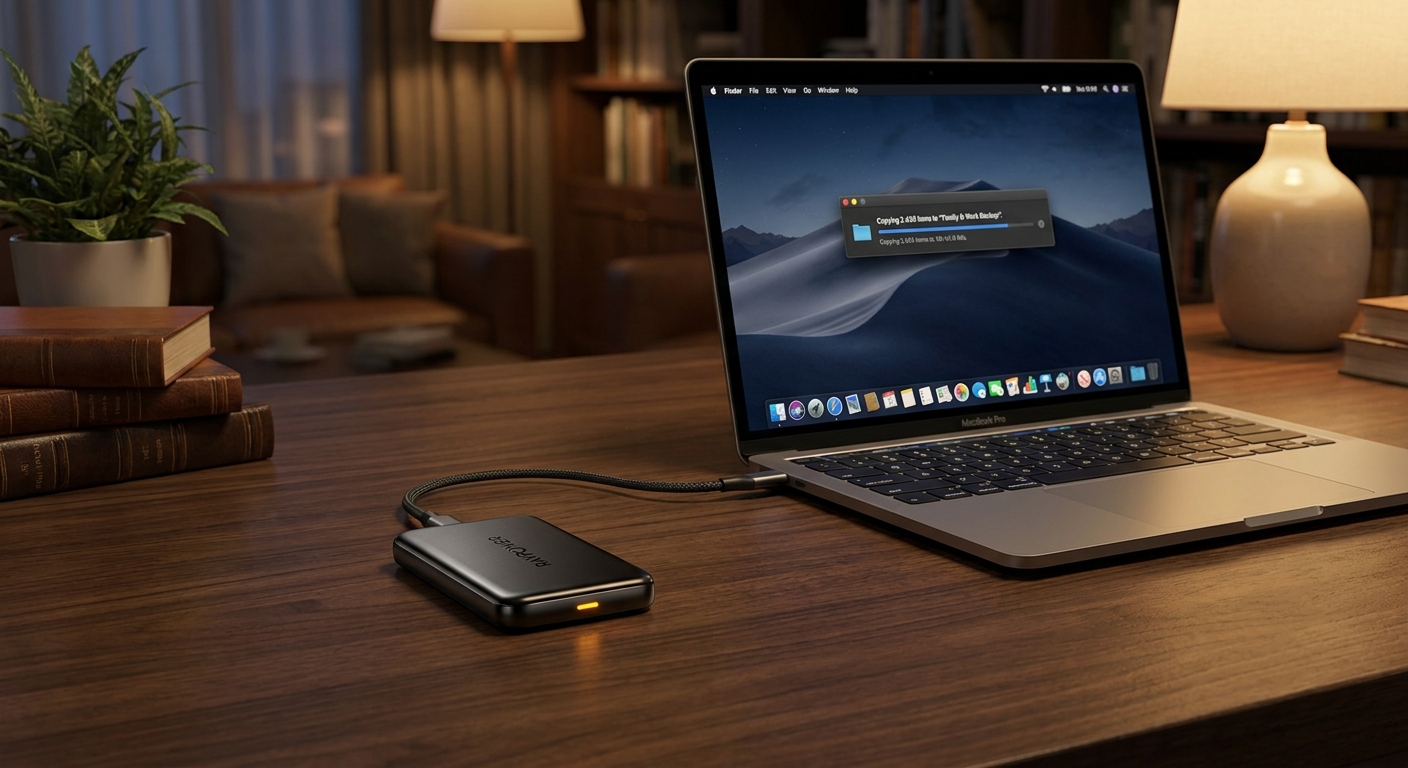
    You know that little guilty feeling you get every time you think, “I really need to back up this laptop”? Then life happens. Work gets busy, the weekend disappears, and the photos, tax files, home videos, and half-finished projects just keep living on one machine. That is fine until it is not. One drop, one theft, one dead drive, and suddenly the stuff you cannot replace is gone. The good news is this is one of those rare moments when procrastination does not have to cost you. Some of the best external ssd deals today are landing alongside discounted high-capacity backup drives, which means you can finally set up a real backup plan without spending a fortune. If you have been waiting for a simple excuse to fix this problem, this is it. Buy the drive, plug it in, copy your files, and sleep better tonight.

    ⚡ In a Hurry? Key Takeaways

    • The best external ssd deals today make it cheap and easy to back up photos, work files, and videos before something goes wrong.
    • If you want speed and portability, get an external SSD. If you want the most space for the least money, get a desktop backup drive.
    • A backup drive is not just a gadget buy. It is basic protection against spills, theft, crashes, and accidental deletion.

    Why this matters more than most tech deals

    Most deals are about getting a nicer screen, faster chip, or a fun new toy. Backup storage is different. This is the stuff that saves your stuff.

    If your laptop died this afternoon, would you still have your family photos? Your freelance work? Your business files? Your old school documents? For a lot of people, the honest answer is “probably not.”

    That is why days like this matter. The best external ssd deals today are not just for power users or photographers. They are for regular people who are tired of taking chances with the only copy of their important files.

    If this sounds painfully familiar, it is worth reading Today Only: External SSD & Backup Drive Deals That Finally Fix Your ‘One Coffee Spill From Disaster’ Problem, because it hits the exact fear most people keep putting off until it is too late.

    External SSD vs backup drive. What is the difference?

    External SSD

    An external SSD has no moving parts. It is fast, quiet, and usually small enough to toss in a bag or even a pocket. It is great for people who want quick file transfers, easy travel, and a drive that feels almost invisible in daily use.

    If you move lots of videos, edit photos, or just hate waiting around while files copy, an SSD is the easy pick.

    Desktop backup drive

    A desktop backup drive, usually a larger external hard drive, gives you a lot more space for less money. It is not usually as fast, and some models need wall power, but for home backup duty that is often perfectly fine.

    If your main goal is, “I need a big, affordable place to dump years of files,” this is usually the better value.

    The simple answer

    Buy an SSD if you want speed and portability. Buy a large backup drive if you want the cheapest cost per terabyte. If your budget allows it, many people end up happiest with both. An SSD for active files, and a larger drive for full backups.

    What size should you buy?

    This is where people often go too small, then regret it six months later.

    As a rough guide:

    • 1TB works for lighter use, documents, and a moderate photo library.
    • 2TB is the sweet spot for many families and remote workers.
    • 4TB and up makes sense if you have years of phone videos, RAW photos, or large work projects.

    A good rule is to buy more space than your laptop currently uses. If your computer already has 700GB filled, a 1TB drive is cutting it close. You want room to grow.

    How to build a backup setup without turning it into a whole project

    Option 1. The easy starter plan

    Get one external SSD or backup drive. Plug it in today. Copy your Documents, Desktop, Photos, Videos, and any business folders you care about. That alone is better than what most people are doing right now.

    Option 2. The smarter long-term plan

    Use one external drive for local backups and also keep your most important files in a cloud service. That way, if your laptop and drive are both stolen, you still have another copy.

    Option 3. The best home setup

    Keep one fast SSD for current work and one bigger backup drive at home for scheduled backups. This gives you speed and peace of mind without getting overly complicated.

    What to look for when shopping the best external ssd deals today

    Speed

    If you are buying an SSD, look for USB-C and solid transfer speeds. You do not need to obsess over every spec, but faster drives make backups much less annoying, which means you are more likely to actually use them.

    Capacity

    Do not buy based on price alone. A cheap drive that fills up immediately is not really a deal.

    Compatibility

    Most modern drives work with Windows and Mac, but some may need quick formatting first. It is not hard, but it is worth checking before you buy.

    Portability

    If you travel, a compact SSD is easier to live with. If the drive will sit on a desk all year, size matters less.

    Reliability

    Stick with known brands and buy from a reputable retailer. A backup drive is not the place to get overly adventurous.

    The mistake people make after buying the drive

    They leave it in the box.

    Seriously, that is the trap. Buying backup storage feels productive, but the real protection starts when you plug it in and make a copy. Set a reminder today. Ten minutes now can save years of regret later.

    Also, do not keep your only backup in the same bag as your laptop if you travel. If both disappear at the same time, you are back to square one.

    Who should jump on these deals right now?

    This is a good buy today if you are any of the following:

    • A parent with thousands of phone photos and videos
    • A student heading into a new school year with papers and projects to protect
    • A freelancer or remote worker with client files on one laptop
    • Someone with an older computer making weird noises
    • Anyone who has said “I need to back this up” more than three times this year

    You do not need a full home server. You do not need to become an IT person. You just need one good drive and the small push to get started.

    At a Glance: Comparison

    Feature/Aspect Details Verdict
    External SSD Fast transfers, small size, great for travel and active projects Best for speed, convenience, and everyday use
    Desktop Backup Drive More storage for less money, ideal for full system and media backups Best value if you need lots of space
    Best Buying Strategy Choose 2TB or more for most users, then set up backup the same day The real win is not the discount. It is finally being protected

    Conclusion

    There are plenty of gadget deals that are easy to ignore. This is not one of them. Right now, a lot of the steepest limited-time discounts in tech are quietly hitting high-capacity external SSDs and desktop backup drives as retailers push back-to-school and work-from-home upgrades. That means it is one of the rare days where you can grab enough fast, plug-and-play storage to protect years of photos and projects for less than the cost of a single streaming subscription. More important, you are not just saving money on hardware. You are preventing the kind of loss that makes people sick to their stomach the minute a laptop stops turning on. If you have been waiting for the right moment to fix your backup problem, this is a very good one.