Author: ehudsegev

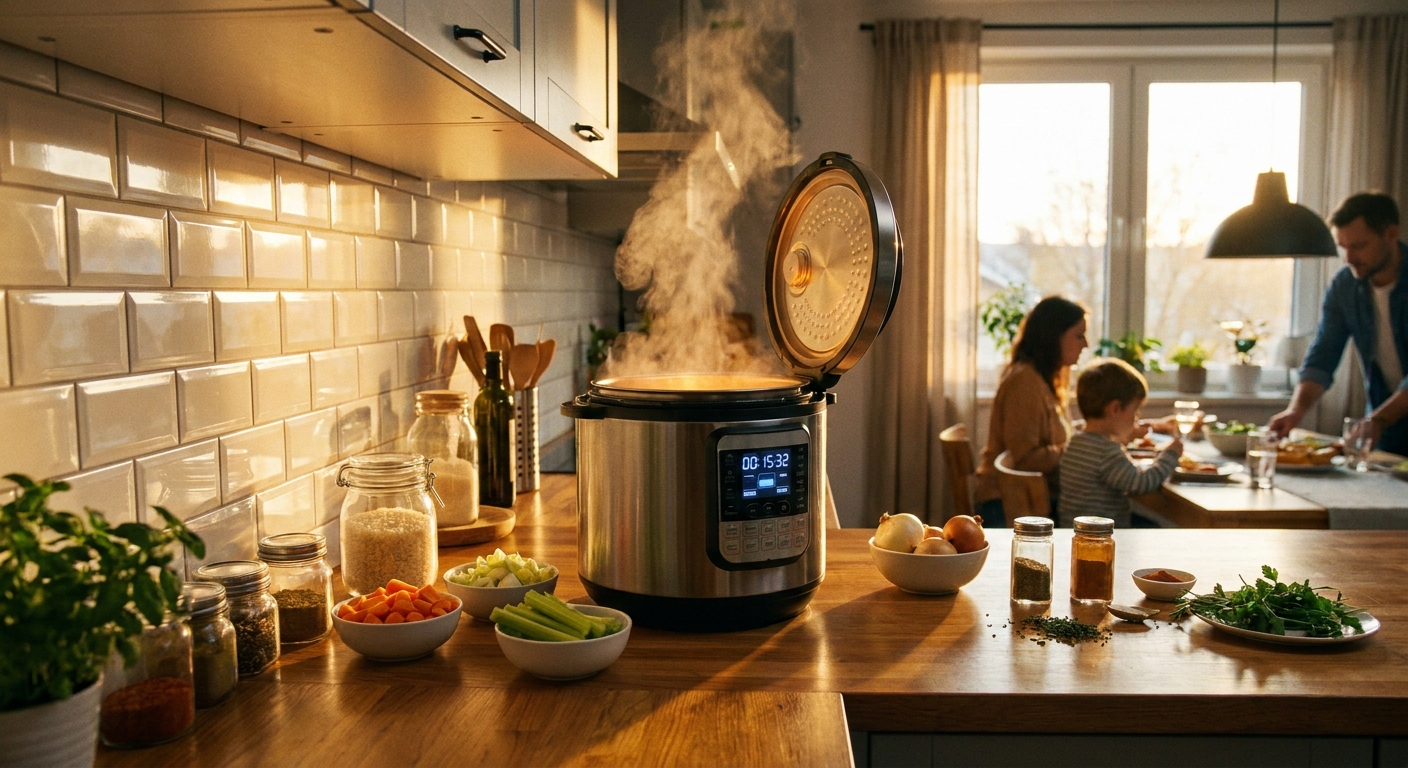
  • Today Only: Upgrade Dinner In One Pot With Smart Instant Pot & Multicooker Deals Under $100

    Today Only: Upgrade Dinner In One Pot With Smart Instant Pot & Multicooker Deals Under $100

    Weeknight cooking can feel impossible when the day has already taken everything out of you. You want something better than burgers in a bag or another frozen meal, but pulling out a skillet, a pot, a baking sheet, and then facing the cleanup is enough to make takeout win again. That is why the best instant pot deals today matter more than they sound on paper. A good multicooker is not some trendy countertop toy. It is one of the few kitchen gadgets that can actually save time, cut dishes, and make dinner feel manageable again. And right now, some of the strongest values are sitting under $100. That means you can get one machine that pressure cooks, slow cooks, steams, cooks rice, sautés, and sometimes even air fries, without paying premium-appliance money. If you have been waiting for a practical home upgrade that earns its keep fast, this is a smart place to start.

    ⚡ In a Hurry? Key Takeaways

    • Today’s best instant pot deals today can get you a reliable multicooker for under $100 that replaces several small appliances.
    • For most homes, a 6-quart model is the sweet spot. It is big enough for family meals but still easy to store and learn.
    • Stick with highly rated models that include basic safety locks, stainless steel inner pots, and clear preset buttons, not gimmicky extras.

    Why these deals are such a big deal right now

    A lot of “smart home” buys are nice to have. A multicooker is different. It solves a real nightly problem.

    Instead of heating a full oven for chicken and vegetables, or watching pasta on one burner while rice cooks on another, you can drop most of that into one pot and let it handle the timing. That matters when you are helping with homework, answering late emails, or just trying to keep the kitchen from turning into a mess.

    It also helps with energy use. A countertop cooker pulls far less power than running a big oven for the same simple meal. Over time, that adds up, especially if you cook several nights a week.

    What to look for in the best instant pot deals today

    1. Size first, features second

    Most people should start with a 6-quart model. It is the safe middle ground. It can handle soups, chili, shredded chicken, rice, and pasta dishes for a couple, with leftovers, or a small family dinner.

    If you cook for one or two, a 3-quart can work, but it is less flexible. If you batch-cook or feed a bigger household, 8-quart models are useful, though they can push past the under-$100 sweet spot.

    2. Make sure it can sauté

    This sounds small, but it changes everything. Sauté mode lets you brown onions, garlic, or meat right in the pot before pressure cooking. That means more flavor and fewer dishes.

    3. Do not overpay for fancy presets

    “Cake,” “egg,” and “sterilize” buttons are fine, but they should not be the reason you spend more. The basics matter most. Pressure cook, slow cook, rice, steam, and sauté are the real workhorses.

    4. Stainless steel inner pot is worth having

    It is durable, easy to clean, and usually better for everyday use than cheaper nonstick inserts that wear down over time.

    Who should buy one, and who probably should not

    If your weeknights are chaos, this is for you. If you are trying to cook more at home without adding more work, this is for you. If your slow cooker is ancient, your rice cooker is fading, or you never use your oven because it feels like too much, this is a very easy upgrade to justify.

    Who should skip it? If you truly love cooking with multiple pans and already have a kitchen full of appliances you use happily, a multicooker may be redundant. But for most busy households, it ends up becoming the “how did we not have this sooner?” gadget.

    Three easy meals that prove the point fast

    Chicken tacos

    Throw in chicken, salsa, taco seasoning, and a little broth. Pressure cook, shred, serve. That is a weeknight win with almost no cleanup.

    Rice, broccoli, and salmon

    With the right rack or steamer tray, you can cook components together and keep dinner simple. It is healthier than the drive-thru and much faster than you might expect.

    Soup or chili

    This is where multicookers really shine. Dump in ingredients, lock the lid, and let the machine do the heavy lifting. It is the kind of meal that tastes like more effort than it took.

    Reliability matters more than novelty

    When shopping deals, it is easy to get distracted by “12-in-1” or “15 smart functions.” Ignore the number game for a second. What you want is a model with strong user ratings, easy-to-read controls, dependable sealing, and good stock availability.

    This is especially true during short sales windows. The cheapest model is not always the best buy if it has spotty reviews or poor support. A slightly better-known unit under $100 is usually the smarter long-term pick.

    That same logic applies across the house. If you have already been upgrading practical home tech, like grabbing a streaming fix with Today Only: Turn Any Old TV Into a 4K Streaming Powerhouse With Fire TV Stick Deals Under $30, then a multicooker fits the same idea. Spend a little, solve an everyday annoyance, and get the benefit over and over.

    How to buy smart without getting overwhelmed

    Here is the easy checklist:

    • Choose 6-quart unless you know you need smaller or larger.
    • Look for pressure cook, slow cook, sauté, steam, and rice functions.
    • Check for a stainless steel inner pot.
    • Read recent reviews, not just the star average.
    • Do not wait too long if stock is low and the discount is real.

    If you are new to these machines, start with two or three recipes you know your household will actually eat. Do not try to become a meal-prep influencer overnight. Make chili. Make pulled chicken. Make rice bowls. Let the machine prove itself.

    At a Glance: Comparison

    Feature/Aspect Details Verdict
    Best size for most buyers 6-quart models balance meal capacity, price, and storage space. Best overall choice for families and leftovers.
    Most useful functions Pressure cook, sauté, slow cook, rice, and steam cover most real-world meals. Prioritize these over flashy extra presets.
    Value under $100 Can replace a slow cooker, rice cooker, steamer, and some oven use for less than many single-use appliances. One of the strongest home tech buys in today’s sale cycle.

    Conclusion

    If dinner has been feeling like one more problem at the end of a long day, this is one of those rare gadgets that can actually help. Today’s Instant Pot and multicooker deals are quietly some of the best value in home tech, because one sub-$100 gadget can replace a slow cooker, rice cooker, steamer, and even your weeknight oven for a fraction of the price of a full appliance upgrade. For the Today Deals community that already jumped on laptops, smart lights, and vacuums, this is the moment to round out the home with a true workhorse. You get faster, healthier meals, less energy use than heating a big oven, and fewer dirty dishes. Just as important, you get something you will use all the time. Pick a reliable model, learn a couple of easy recipes, and this may end up being the deal you feel every single night.
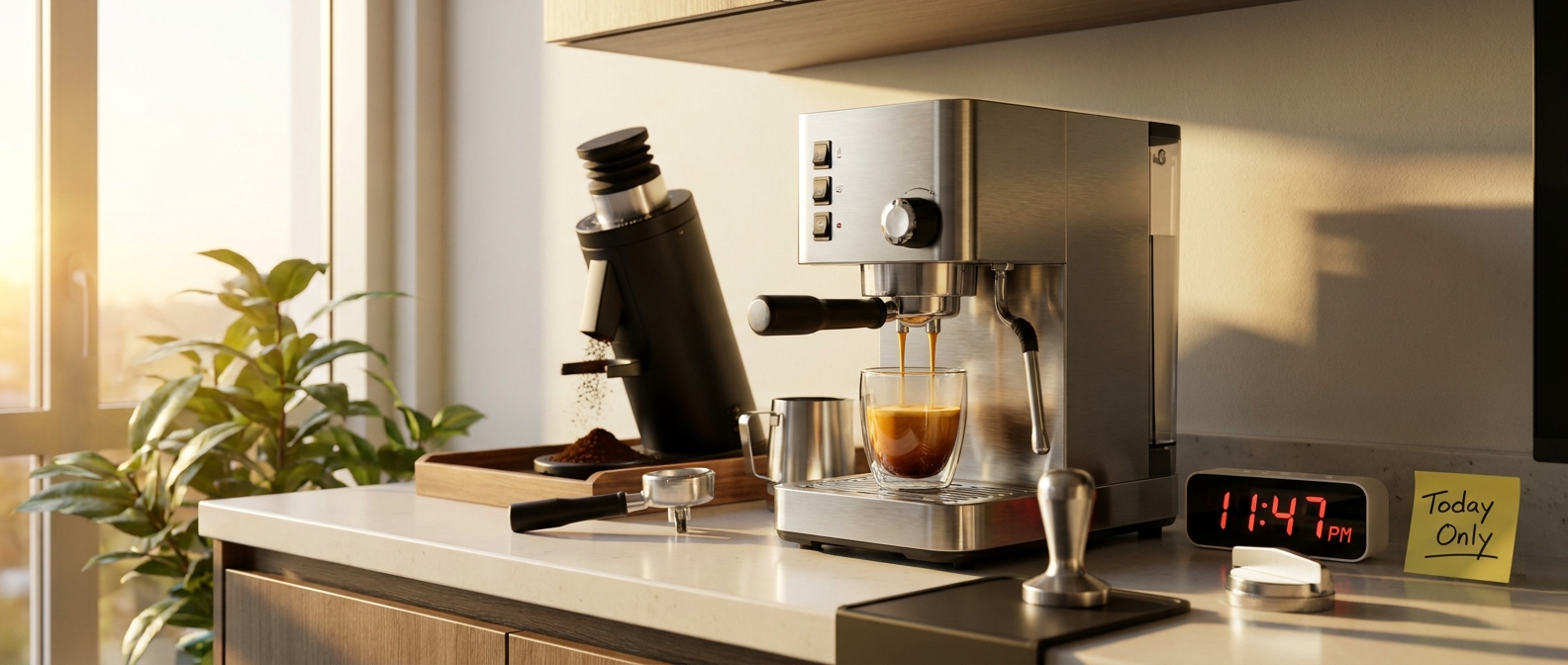
  • Today Only: Build A Pro-Level Home Coffee Bar With Smart Espresso & Grinder Deals Under $400

    Today Only: Build A Pro-Level Home Coffee Bar With Smart Espresso & Grinder Deals Under $400

    You are not imagining it. Shopping for home espresso gear gets frustrating fast. One minute you are thinking, “I just want better coffee in the morning,” and the next you are staring at machines that cost as much as a rent payment, grinders with confusing specs, and reviews that somehow make a simple latte feel like a chemistry exam. Meanwhile, the coffee shop habit keeps draining your wallet, and the basic drip maker at home is not exactly inspiring you to skip the drive-thru.

    The good news is that today is one of those rare sweet spots. Several 4th of July and pre-Prime Day markdowns have pushed reliable espresso machines and conical burr grinders under the $400 mark. That matters because a good setup is not just about fancy coffee. It is about getting repeatable shots, better milk drinks, and real savings over time. If you have been waiting for the best espresso machine and grinder deals today, this is the kind of window worth paying attention to, especially since many stacked coupons and promo prices tend to disappear by midnight.

    ⚡ In a Hurry? Key Takeaways

    • Today’s best value is a starter espresso machine plus a conical burr grinder that lands under $400 total, not an all-in-one machine with weak grinding.
    • Buy the grinder first if your budget is tight. A solid burr grinder improves espresso more than most people expect.
    • Watch for clipped coupons and promo stacks at checkout, because many of the best prices are temporary and can jump back up tonight.

    Why this sale window actually matters

    Most coffee gear sales are not that exciting. A machine gets marked down a little, then a different model pops up with a “limited deal” badge and you are left wondering if any of it is truly worth it.

    Today is different because both sides of the setup are getting discounts at once. That is the key. Espresso machines get all the attention, but the grinder is what decides whether your shot runs thin and sour or rich and balanced. When both pieces drop into budget territory together, you can finally build a setup that works as a system.

    If your coffee goals are more about easy morning brewing than espresso shots, it is also worth checking Today Only: Brew Café-Level Coffee at Home With Up to 40% Off Smart Coffee Makers. But if you want real lattes, cappuccinos, and stronger café-style drinks, this espresso-and-grinder combo category is where the best long-term value sits right now.

    What to look for in the best espresso machine and grinder deals today

    1. A real espresso-capable machine

    You do not need a prosumer beast. You do need a machine with steady pressure, a steam wand that is actually usable, and parts that are not a pain to clean. For this price range, simple is better. Look for a machine that has a decent portafilter, straightforward controls, and enough user feedback that you can learn it in a weekend.

    2. A conical burr grinder, not a blade grinder

    This is where many people get tripped up. Blade grinders chop beans unevenly. That means your espresso extraction gets uneven too. One part over-extracts, another under-extracts, and the cup tastes muddy or sharp. A conical burr grinder gives you much more consistent grounds, which is exactly what espresso needs.

    3. Enough grind adjustment to dial in shots

    Even among burr grinders, not all are suited for espresso. You want enough grind settings to make small changes. If every adjustment jumps too far, your shot can go from choking the machine to pouring too fast with no sweet spot in between.

    4. Maintenance that feels realistic

    If a machine is annoying to clean, people stop using it. That is just human nature. Water tank access, drip tray cleanup, descaling reminders, and easy burr access all matter more than flashy marketing terms.

    The smart budget strategy under $400

    If you are trying to stay under $400 total, here is the safest play. Spend less on the espresso machine than you think, and a little more on the grinder than you planned.

    That may sound backward. It is not.

    A modest but competent espresso machine paired with a proper burr grinder usually beats a more expensive machine paired with a weak grinder. The machine can only work with the grounds you feed it. Good beans and a consistent grind give you a much better starting point than a prettier machine with poor prep.

    A practical split often looks like this:

    • Espresso machine in the roughly $180 to $250 range on sale
    • Conical burr grinder in the roughly $100 to $150 range on sale

    That is the sweet spot where deals start to feel like real upgrades instead of impulse buys.

    Red flags to skip, even on sale

    All-in-one machines with built-in grinders at suspiciously low prices

    Some are fine. Many are compromises stacked on compromises. At the budget end, built-in grinders are often noisy, limited, and hard to clean. Separate pieces usually age better and are easier to replace one at a time.

    Machines that rely on pressurized baskets to hide bad grinding

    Pressurized baskets can help beginners get acceptable coffee fast, and there is nothing wrong with that as a starting point. But if a machine only tastes decent because it is masking uneven grind quality, you may outgrow it quickly.

    Deals with missing accessories you will need right away

    Check for basics like a tamper, milk pitcher, cleaning brush, and replacement filters if required. A low sticker price gets less exciting if you have to buy five extra things before your first shot.

    Who should buy today, and who should wait

    Buy today if:

    You are spending serious money at coffee shops every week, you already know you want espresso at home, and you have been waiting for prices to stop looking ridiculous. These sale stacks can pay off fast if you use the setup regularly.

    Wait if:

    You mainly drink regular brewed coffee, or you know you do not want to learn basic espresso dialing. Espresso is rewarding, but it does ask a little from you. If you just want one-button convenience, a smart drip or specialty brewer may fit your life better.

    How much can this really save you?

    Let’s keep it simple. If you buy a latte out three times a week at $6 each, that is about $18 a week, or roughly $72 a month. At that pace, a $350 home setup can start feeling justified within a few months, even before you count weekend drinks or second cups.

    And unlike cheap impulse gadgets, a decent grinder and a decent espresso machine can keep earning their spot on your counter for years if you maintain them.

    Simple buying checklist before you hit checkout

    • Make sure the grinder is a burr grinder, ideally conical burr.
    • Check the final checkout price, not just the headline discount.
    • Clip any coupons on the product page before adding to cart.
    • Read recent reviews for notes about consistency, leaks, and noise.
    • Confirm the machine has a steam wand if milk drinks matter to you.
    • Look at return policy and warranty length.

    At a Glance: Comparison

    Feature/Aspect Details Verdict
    Best budget strategy Separate espresso machine plus conical burr grinder under $400 total Best value for consistent results and easier upgrades later
    What matters most Grind consistency, enough grind settings, usable steam wand, easy cleaning Prioritize function over flashy features
    Biggest risk Buying a cheap all-in-one or weak grinder just because the sale banner looks good Skip overhyped gear that is hard to dial in or maintain

    Conclusion

    If you have been putting off a home espresso setup because the numbers never made sense, today is one of those rare moments when they finally do. 4th of July and pre-Prime Day markdowns are pulling solid machines and conical burr grinders into everyday-budget range, and that opens the door to café-style drinks without the usual sticker shock. Just do not overthink it into paralysis. Focus on a reliable machine, a real burr grinder, and total checkout price after coupons. Many of the best deals will not stick around past midnight. If you choose carefully now, you can cut back on daily coffee runs, get better cups at home, and avoid the usual trap of paying too much for gear that looks impressive but ends up being fussy, inconsistent, or annoying to keep clean.

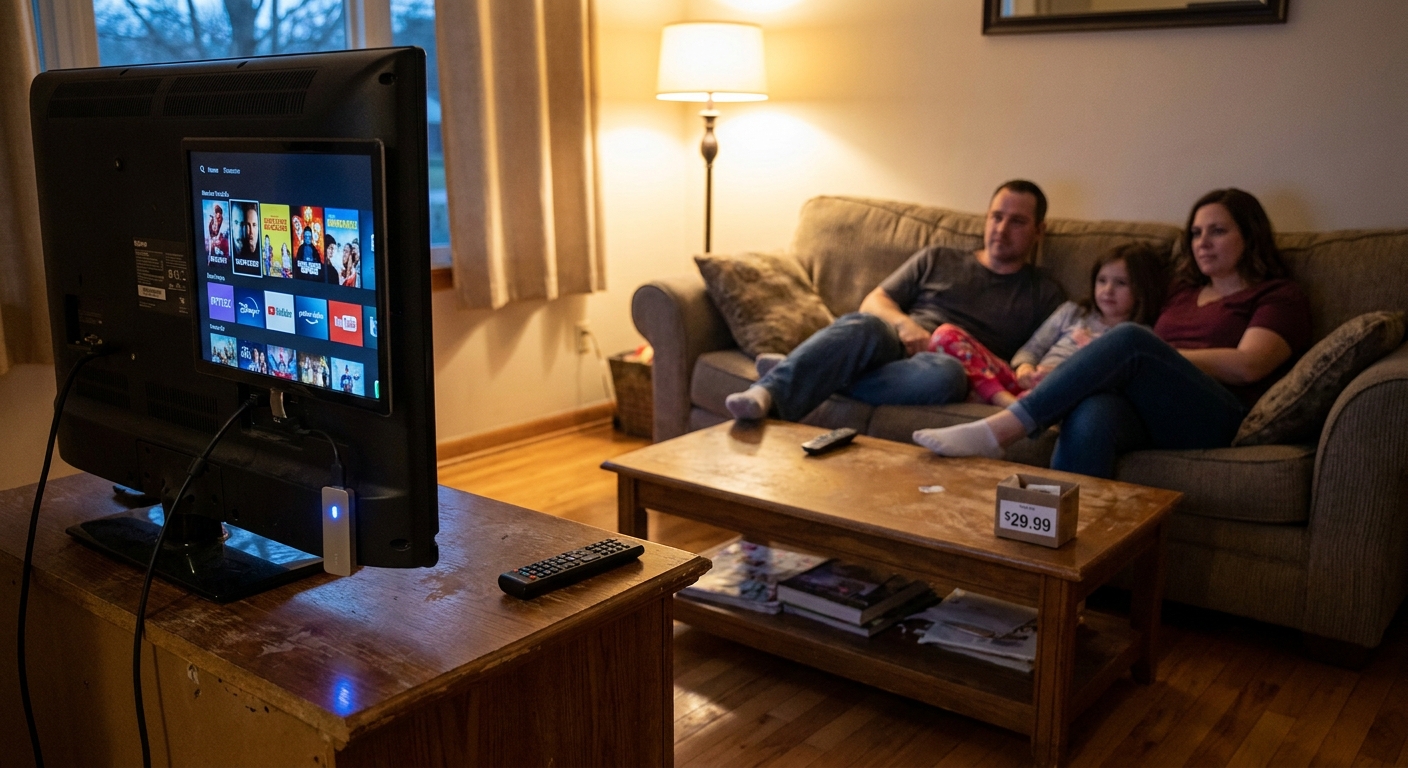
  • Today Only: Turn Any Old TV Into a 4K Streaming Powerhouse With Fire TV Stick Deals Under $30

    Today Only: Turn Any Old TV Into a 4K Streaming Powerhouse With Fire TV Stick Deals Under $30

    You know the routine. You finally get everyone settled, grab the remote, open Netflix or Hulu, and then your old TV starts acting like it is doing you a favor. Apps take forever to load. Menus freeze. Sometimes the show will not open at all. It is frustrating, especially when the screen itself still looks perfectly fine and replacing the whole TV feels like a waste of money. The good news is you do not need a new television to fix most of that pain. Some of the best Fire TV Stick deals today drop solid 4K streaming devices under $30, which is a lot easier to swallow than spending a few hundred dollars on a brand-new set. These little sticks can give an older TV a much faster interface, newer apps, voice controls, and better software support almost instantly. For a lot of households, it is the cheapest upgrade that actually feels like a real upgrade.

    ⚡ In a Hurry? Key Takeaways

    • The best Fire TV Stick deals today can get you a 4K streaming upgrade for under $30, often without needing a new TV.
    • If your current TV is slow but still has a good picture, plug in a streaming stick instead of replacing the whole set.
    • Buy from major retailers and check that the model supports 4K, current apps, and a voice remote so you get the most value.

    Why an old smart TV feels so bad so fast

    A lot of older smart TVs did not age well. The panel may still look good, but the built-in software often becomes the weak spot.

    That is why your TV might still show cable or game consoles just fine, but stumble when you open streaming apps. App makers update their software. TV makers eventually stop updating older models. Before long, you are stuck with a sluggish home screen, missing apps, random crashes, and a remote that makes everything feel slower.

    It is not your imagination. It really is the TV software.

    Why a Fire TV Stick makes more sense than buying a whole new television

    If the screen itself still works, replacing the brains of the TV is usually the smarter move.

    A Fire TV Stick plugs into an HDMI port and takes over streaming duties. That means you stop relying on the old system built into the TV and start using a newer, faster one instead. For most people, that solves the day-to-day annoyance right away.

    You get current apps

    Instead of hoping your old TV still supports the services you use, a newer streaming stick gives you access to the major apps people actually watch now.

    You get better speed

    Even a budget 4K stick is often quicker than the software built into a five- or six-year-old smart TV.

    You get a simpler setup

    One interface. One main remote. Less hopping around strange menus.

    You spend far less

    This is the big one. If the best Fire TV Stick deals today are sitting under $30, that is a tiny fraction of the cost of a replacement TV.

    What deals are worth paying attention to right now

    The nice surprise this week is that some July 4th and Prime Day follow-up sales are matching or even beating the splashy prices from last week. That means you can still find strong value without the rush or the marketing circus.

    The Fire TV Stick 4K is the sweet spot for a lot of households. It is usually the model to watch if you want faster streaming, better app support, voice control, and room to keep using your TV for a few more years.

    If your goal is stretching the entertainment budget even further, it is also worth checking out Today Only: Cut Your Streaming + Cable Bill With Up To 50% Off 4K Streaming Devices, especially if you are trying to clean up a messy mix of cable, streaming boxes, and too many remotes.

    Who should buy one right away

    A streaming stick is a smart fix if any of these sound familiar:

    • Your TV takes forever to open apps.
    • Some apps no longer work or are missing entirely.
    • The picture is still good, but the menus are painfully slow.
    • You want 4K streaming without replacing the whole set.
    • You are trying to avoid a big electronics purchase before back-to-school season.

    If that is your situation, this is one of those rare gadget buys that is easy to recommend.

    What to check before you click buy

    Make sure your TV has an open HDMI port

    Most TVs from the last decade do. If you already have a cable box, game console, or soundbar plugged in, just double-check that one port is free.

    Know whether your TV is 4K or just HD

    If you have a 4K TV, the Fire TV Stick 4K makes the most sense. If your TV is older and only 1080p, you can still use a 4K stick. It just will not display in 4K until you upgrade screens later.

    Check your Wi-Fi

    If your internet is weak in the room where the TV lives, even the best stick will not perform miracles. Slow Wi-Fi can look like a bad streaming device when the real issue is signal strength.

    Pay attention to the remote

    Voice remotes are not just a gimmick. Being able to say the name of a show instead of pecking through letters can make life much easier, especially for kids and grandparents.

    What kind of improvement should you expect?

    Do not expect your old TV to become brand-new in every way. The screen quality stays the same. The speakers stay the same. But for streaming, the experience can feel dramatically better.

    You will likely notice faster app launches, less freezing, more reliable playback, and a much cleaner interface. In plain English, movie night becomes less annoying.

    And that matters. Sometimes the best tech upgrade is the one that quietly removes friction from everyday life.

    At a Glance: Comparison

    Feature/Aspect Details Verdict
    Cost vs. New TV A Fire TV Stick 4K sale price can fall under $30, while a decent new 4K TV usually costs several hundred dollars. Best value for anyone happy with their current screen.
    Speed and Apps Newer streaming sticks often run current apps more smoothly than aging smart TV software. Big quality-of-life upgrade.
    Setup Difficulty Plug into HDMI, connect to Wi-Fi, sign in, and start streaming. Easy enough for most households.

    Conclusion

    If your old TV is slow, glitchy, or missing the apps you actually use, you probably do not need a whole new screen. You just need a better streaming brain attached to it. That is why the best Fire TV Stick deals today are worth a close look. These sticks are quietly back near some of their best prices of the year through July 4th and Prime Day follow-up sales, and in some cases they are even beating last week’s big promo prices. For less than $30, you can fix a laggy interface, get current apps and better long-term support, add fast 4K streaming and voice control, and skip the cost of replacing a TV that still has plenty of life left. With summer travel, school shopping, and everything else pulling at the budget, this is one of the rare tech buys that saves money and makes the house happier right away.

  • Today Only: Snag Back‑to‑School Ready Laptops Under $500 Before 4th‑of‑July Prices Vanish

    Today Only: Snag Back‑to‑School Ready Laptops Under $500 Before 4th‑of‑July Prices Vanish

    You know the feeling. You open your laptop, click into email, add a few tabs, maybe start a video call, and suddenly the whole thing acts like it’s running through wet cement. That’s why these sales matter. A cheap laptop is only a deal if it still feels usable six months from now. Right now, with 4th of July sales colliding with early back-to-school promos, some genuinely solid machines have slipped under $500. The trick is knowing which ones are worth your money and which ones are just dressed-up disappointments. If you’re hunting for the best laptop deals under 500 today, the sweet spot is simple: aim for at least 8GB of memory and 256GB of storage on a Windows laptop, or a well-reviewed Chromebook with enough room for schoolwork, streaming, and everyday use. That one rule alone can save you from buying a “deal” that already feels old.

    ⚡ In a Hurry? Key Takeaways

    • The best laptop deals under 500 today are mostly 8GB/256GB Windows laptops and better-spec Chromebooks from trusted stores like Best Buy and HP.
    • Skip anything with 4GB of RAM for a main computer, unless it’s a very basic Chromebook for light school use only.
    • A low price is not enough. Buy from known retailers, check return windows, and avoid models that are already underpowered.

    Why today’s sales are worth paying attention to

    Most holiday sales are noisy. Lots of banners, lots of “limited time” labels, not always a lot of real value. This weekend is a little different.

    Back-to-school discounts are starting early, and they’re landing right on top of 4th of July markdowns. That overlap is where things get interesting. Mid-range laptops that usually sit in the $550 to $700 range can dip below $500 for a short window. Not all of them do, but enough do that it’s worth moving now instead of waiting for late summer.

    This is especially true if you need a machine for school, remote work, web browsing, streaming, Zoom calls, or everyday family use. You do not need a fancy premium laptop for those jobs. You just need one that won’t stall every time you ask it to do two things at once.

    What to look for if you want a laptop that lasts

    For Windows laptops

    If you want a Windows machine that feels decent for the next few years, start here:

    • 8GB RAM minimum
    • 256GB SSD storage minimum
    • Intel Core i3, Core i5, or AMD Ryzen 3/Ryzen 5
    • 1080p display if possible
    • A name-brand seller with easy returns

    That 8GB and 256GB combo matters more than a flashy sale tag. A laptop with too little memory can feel cramped fast. Too little storage gets annoying even faster, especially once Windows updates, school files, and a few apps start stacking up.

    For Chromebooks

    Chromebooks can be a smart pick, but only for the right person. They are great for web-based schoolwork, Google Docs, YouTube, streaming, and simple day-to-day tasks.

    Look for:

    • 8GB RAM if possible
    • 64GB or 128GB storage
    • A recent processor
    • Good update support lifespan

    If all your work happens in the browser, a Chromebook can feel quicker than a cheap Windows laptop. But if you need full desktop programs, Windows is usually the safer bet.

    The under-$500 picks that make the most sense

    Best for most people: 15-inch Windows laptop with 8GB RAM and 256GB SSD

    This is the no-drama choice. It gives you enough screen space for school assignments, spreadsheets, and side-by-side tabs without feeling cramped. When stores like Best Buy or HP drop these into the $399 to $499 range, that’s usually the value sweet spot.

    Who it’s for: students, families, remote workers, general home use.

    Best for students on the move: 14-inch Windows laptop

    A 14-inch model is often easier to carry and still large enough to work on comfortably. If you’re commuting between classes or just want something less bulky on the couch, this size is a nice middle ground.

    Who it’s for: college students, commuters, anyone who travels with their laptop.

    Best budget pick for web-first users: Chromebook with 8GB RAM

    If your life is Gmail, Google Docs, web portals, and streaming, a Chromebook can be the easiest buy in this price range. The good ones boot fast, stay simple, and don’t ask much from you.

    Who it’s for: younger students, light home users, people tired of complicated upkeep.

    Big warning signs to avoid

    4GB RAM on a Windows laptop

    This is the classic trap. It looks cheap. It looks tempting. It also tends to feel slow much sooner than you expect. If this is your main computer, try not to go there.

    Tiny storage

    128GB on Windows can work, but it fills up faster than most people think. If 256GB is available within your budget, take it.

    Old processors with shiny sale stickers

    Some deals lean hard on the discount and stay quiet about weak internals. If the laptop was underpowered before the sale, it’s still underpowered now.

    Sketchy third-party sellers

    If the deal only exists through an unknown marketplace seller with confusing return terms, walk away. A bargain should not come with a trust exercise.

    Where the best deals are showing up

    Best Buy is one of the most consistent places to find the best laptop deals under 500 today, especially on HP, Lenovo, Acer, and ASUS models. HP’s own store also tends to run surprisingly aggressive direct discounts during holiday weekends.

    Walmart and Target can have a few decent entry-level options too, but the specs need closer checking. Amazon has volume, but the listings can be messy. Read carefully before you click buy.

    And remember, a new laptop won’t fix weak internet at home. If your “slow computer” problem is really a dead-zone problem, it’s worth a look at Today Only: Fix Your Slow Wi‑Fi For Good With Prime Day Mesh Router Deals Under $200. Sometimes the laptop is fine. The Wi-Fi is the real culprit.

    How to choose in two minutes

    If you’re staring at five open tabs full of sales and starting to lose patience, use this quick filter:

    1. Pick a trusted store.
    2. Check for 8GB RAM.
    3. Check for 256GB SSD on Windows, or at least 64GB on Chromebook.
    4. Choose 14-inch if you carry it a lot, 15-inch if you work longer hours on it.
    5. Skip anything that feels vague about specs.

    That alone cuts out most of the junk.

    At a Glance: Comparison

    Feature/Aspect Details Verdict
    Best Windows baseline 8GB RAM, 256GB SSD, Core i3/i5 or Ryzen 3/5 Best value for most buyers
    Best Chromebook baseline 8GB RAM preferred, 64GB to 128GB storage, recent model Great for web-based school and home use
    What to avoid 4GB RAM Windows laptops, tiny storage, unknown sellers Low upfront price, higher frustration later

    Conclusion

    This is one of those rare sale windows where you can actually buy smart without spending big. Because 4th of July promotions and back-to-school discounts are overlapping, some genuinely useful Windows laptops and Chromebooks have dropped into real budget territory, especially at Best Buy and HP’s own store. The key is staying focused on the machines that have enough memory and storage to still feel good a few years from now. That means you can skip the cheap stuff that only looks good on paper and go straight to the picks that make sense for students, remote workers, and everyday home users. Done right, this is not just a sale. It’s a chance to save money, dodge buyer’s remorse, and replace that freezing, glitchy old laptop with something that actually keeps up.

  • Today Only: Lock In Peace Of Mind With Smart Doorbell & Camera Bundles Under $150

    Today Only: Lock In Peace Of Mind With Smart Doorbell & Camera Bundles Under $150

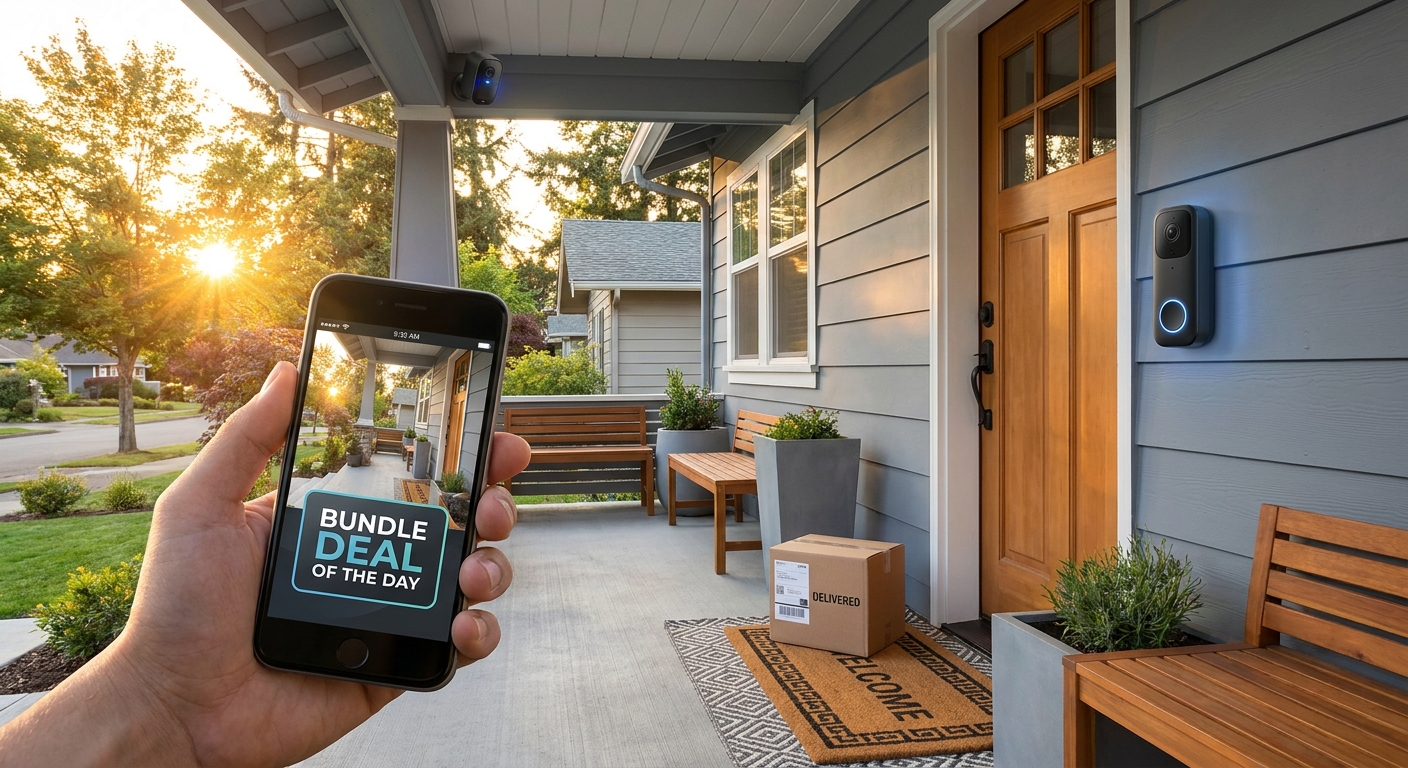
    You do not need a full-blown security system to stop guessing what happened on your porch. That is the frustrating part. The moment you start shopping, every listing throws jargon at you, pushes another monthly fee, or bundles in gear you never asked for. Meanwhile, your packages are sitting outside, your old doorbell is doing nothing useful, and you are still peeking through a window like it is 2014. The good news is that some of the best smart doorbell camera deals today are actually in the simple bundle category. For under $150, you can often get a video doorbell plus an extra indoor or outdoor camera, which is enough for most apartments, townhomes, and smaller houses. That means front-door alerts, package check-ins, and a quick way to see the kids get home, without turning your house into a command center or blowing your budget in one click.

    ⚡ In a Hurry? Key Takeaways

    • Yes, you can find worthwhile smart doorbell and camera bundles under $150 today, especially from Ring, Blink, Wyze, and eufy.
    • Focus on three things first: power type, storage fees, and whether your Wi-Fi reaches the front door reliably.
    • The cheapest bundle is not the best value if it locks basic recordings behind a subscription or misses motion alerts at the spot you care about most.

    Why these deals matter today

    Holiday-adjacent sales are sneaky. The flashy stuff gets all the attention, but practical home tech often drops quietly in price for a day or two and then bounces back up.

    That is exactly what is happening with smart security bundles right now. If you have been waiting for a reason to replace a dumb doorbell or add a simple camera to watch the porch, this is a good window to act.

    You are not just buying convenience. You are buying fewer surprises. A video clip when a package arrives. A quick peek at the dog in the living room. A notification when someone walks up to the front door after dark.

    What to look for before you click “buy”

    1. Wired or battery power

    This is the first fork in the road. Battery doorbells are easier for renters and anyone who does not want to touch existing wiring. Wired models are better if you want less charging and more set-it-and-forget-it convenience.

    If your current doorbell wiring works, a wired model can be the easier long-term choice. If you are not sure, battery is usually the safer pick for a fast upgrade.

    2. Subscription or no subscription

    This is where a cheap deal can get expensive later. Some brands give you live view for free but charge for cloud video history. Others offer local storage options, which can save money over time.

    If you mostly want instant alerts and occasional live check-ins, a subscription may not bother you. If you want to save every package delivery clip, read the fine print first.

    3. One extra camera is usually enough

    Most people do not need six cameras and a base station on day one. A smart doorbell plus one extra camera covers the front entry and one key area, like the driveway, living room, garage, or backyard gate.

    That is the sweet spot for value under $150.

    4. Wi-Fi matters more than people think

    Even the best doorbell will act flaky if your front porch gets weak signal. Choppy live view, delayed notifications, and missed motion events are often a Wi-Fi problem, not a camera problem.

    If your signal drops near the front of the house, it is worth checking out Today Only: Fix Your Slow Wi‑Fi For Good With Prime Day Mesh Router Deals Under $200. Better Wi-Fi can make a budget camera feel like a much better camera.

    The best bundle types under $150

    Best for simple front-door coverage

    Look for a video doorbell plus chime package. This is ideal if your main pain point is missed visitors and package theft worry. It is also the easiest setup for non-techy households.

    If you live in an apartment or condo, this may be all you need.

    Best for porch plus one more angle

    A doorbell and one standalone camera bundle gives you more flexibility. You can point the second camera at the driveway, inside the front room, or toward a side entrance.

    This is usually the smartest buy for families, pet owners, and anyone who gets frequent deliveries.

    Best for avoiding monthly fees

    Keep an eye out for eufy- or Wyze-style setups that support local storage, either onboard or through a hub or memory card. The up-front deal price matters, but the long-term cost matters too.

    If you hate recurring charges, this is the category to watch.

    How to choose between the big names

    Ring

    Ring is popular because it is easy to use and easy to find on sale. The app is polished, motion alerts are straightforward, and setup is beginner-friendly. The catch is that many people end up wanting the paid plan for video history.

    Good fit for people who want the easiest mainstream option.

    Blink

    Blink is often the budget hero during sales. Battery life can be solid, and bundles frequently dip under that $150 mark. It is a practical choice if you want decent coverage without spending much.

    Good fit for bargain shoppers who still want name-brand support.

    Wyze

    Wyze usually wins on value. You often get a lot of features for less money, and there are options for local storage on some products. The app experience is decent, though not everyone finds it as polished as Ring.

    Good fit for people comfortable comparing a few settings to save money.

    eufy

    eufy is attractive for shoppers trying to avoid monthly subscriptions. Video quality is often strong, and local storage is a real plus. Prices can swing, so the best deals come and go quickly.

    Good fit for households thinking about total cost over the next couple of years, not just today’s checkout price.

    Common mistakes that waste money

    Buying too many cameras too soon

    Start with your real problem. For most readers, that is the front door. Solve that first. Then add coverage later if you actually need it.

    Ignoring night vision and motion zones

    A camera that sees clearly in daylight but turns muddy at night is not much help. Motion zones also matter if your front door faces a busy street. Otherwise, your phone will buzz every time a car passes.

    Forgetting the return policy

    This one is simple. A smart doorbell can look perfect online and still be a bad fit for your wiring, mounting spot, or app preferences. During big sale windows, always check how long you have to return it.

    Who should buy today, and who should skip it

    Buy today if:

    You have frequent deliveries. You want to know when kids get home. You need a simple view of the front door. You have been putting this off because every security setup looked too expensive or too complicated.

    Skip today if:

    Your Wi-Fi barely reaches the porch, you rent somewhere that does not allow camera installation, or you really need whole-home professional monitoring. In those cases, a small bundle may not solve the actual problem.

    At a Glance: Comparison

    Feature/Aspect Details Verdict
    Best bundle style Doorbell plus one extra camera gives you front-door coverage and a second useful angle without overspending. Best overall value for most homes under $150.
    Lowest long-term cost Models with local storage or optional subscriptions can save money after the sale ends. Worth prioritizing if you dislike monthly fees.
    Most overlooked factor Wi-Fi strength at the front door and driveway affects alerts, live view, and recording reliability. Check signal before blaming the camera.

    Conclusion

    If you have been waiting for a sensible moment to upgrade, this is it. These Fourth of July-adjacent and early Prime-style markdowns have pushed some smart doorbell and camera bundles to prices that make real sense for normal households, not just gadget fans. The trick is staying focused. You do not need to scroll ten deal roundups or buy a giant kit to feel more secure. A good sub-$150 bundle can help protect deliveries, keep an eye on kids and pets, and give you a lot more peace of mind by tonight. That is the real win here. Spend less, skip the overkill, and fix a daily annoyance in one shot.

  • Today Only: Beat The Heat For Less With Quiet Smart Fan & Portable AC Deals Under $200

    Today Only: Beat The Heat For Less With Quiet Smart Fan & Portable AC Deals Under $200

    Your house does not need to feel like a parked car in July. If you are staring at a noisy old fan, sweating through work calls, or trying to sleep in a room that never cools down, I feel your pain. The hard part is not knowing you need relief. It is figuring out which cooling deal is actually worth your money before the heat gets worse. A lot of “sale” pages are stuffed with weak mini coolers, fake discounts, and portable ACs that sound louder than they cool. The good news is there are real bargains today if you keep your focus narrow. The best smart fan and portable AC deals today are landing under $200, especially on quiet tower fans for bedrooms and small portable air conditioners for offices, dorms, and compact rooms. If you want fast help without spending your whole evening comparing specs, here is the short list of what matters and what to skip.

    ⚡ In a Hurry? Key Takeaways

    • The best value today is a quiet smart tower fan if you need comfort fast, and a compact portable AC if you need actual room cooling.
    • For bedrooms and desks, look for low-noise fans with sleep mode, timers, and app or remote control. For portable ACs, check the room size and make sure the exhaust kit is included.
    • Skip tiny “personal air coolers” with huge markdowns. Most do not cool a room, and many use inflated list prices to fake a deal.

    What to buy first if your room is miserable tonight

    If the room is hot but not oven-hot, start with a smart tower fan. It is cheaper to run, easier to set up, and usually much quieter than the bargain portable AC units. A good fan will not lower the room temperature, but it can make your body feel several degrees cooler by moving air where you actually sit and sleep.

    If your room traps heat all afternoon and still feels stuffy after sunset, a portable AC is the better fix. It costs more to run, yes, but it can cool a small bedroom or home office in a way no fan can.

    If you want a broader round-up of current markdowns, Today Only: Beat Summer Heat With Smart Fans and Portable AC Deals Up to 40% Off is a useful companion read. The trick is knowing which discounts are real and which products are all hype.

    How to spot the best smart fan and portable AC deals today

    For smart fans, quiet matters more than max speed

    Most people shop by price first, then airflow. I would flip that. For a bedroom, the best fan is the one you will actually leave on all night. That means low noise, steady airflow, and easy controls.

    Look for these features:

    • Noise levels in the low-to-mid decibel range, especially on sleep mode
    • Oscillation, so the air is not blasting one spot
    • A timer, because nobody wants to wake up freezing at 3 a.m.
    • Remote or app control, which is more useful than it sounds
    • A slim tower design if floor space is tight

    What you can usually skip is flashy branding around “turbo wind” or “air multiplier” language unless reviews back it up. A quiet fan with decent airflow beats a loud one with a bigger motor almost every time in a small room.

    For portable ACs, room size is everything

    This is where people get burned. A cheap portable AC under $200 can be a good buy, but only if you match it to a small enough space. If the listing makes bold promises without a realistic room size, be careful.

    Here is the plain-English version:

    • Small office, dorm, or bedroom. A compact portable AC may be enough.
    • Large master bedroom or living room. Most under-$200 units will struggle.
    • Hot west-facing room with lots of sun. You may need more than the sale model can handle.

    Also check that the window vent kit comes in the box. A low sticker price is less exciting when you have to buy extra parts just to use it.

    Deals worth your attention under $200

    Quiet smart tower fans

    The sweet spot today is the midrange smart tower fan. These are often discounted during holiday sales, and they make the most sense for renters, apartment dwellers, and anyone trying to lower the electric bill. Good ones offer app controls, multiple speeds, sleep mode, and enough airflow to make a bedroom livable without sounding like a shop vacuum.

    If you see a trusted brand marked down 20 to 40 percent and the review history looks consistent, that is usually a real deal. Focus less on the claimed “original price” and more on whether the sale price is competitive compared to the last month or two.

    Compact portable ACs for small rooms

    Portable ACs under $200 are more hit-and-miss, but there are decent buys if your expectations are realistic. The better sale units tend to be simple. Not fancy. Just enough cooling for a small room, basic fan modes, a dehumidify setting, and a remote.

    What you do not want is a unit with vague cooling claims, very few reviews, or lots of complaints about water leaks, weak exhaust hoses, or impossible setup. Portable ACs ask more from you than fans do, so reliability matters.

    How to avoid junk markdowns

    This is the part retailers hope you skip.

    A fake deal usually has one or more of these red flags:

    • A giant discount on a no-name product with almost no review history
    • Suspiciously tiny “portable AC” devices powered by USB
    • No clear decibel range, no room-size guidance, and no return details
    • Wild claims like “cools any room in minutes”
    • A list price that looks inflated just to make the sale look dramatic

    If it looks like a lunchbox and promises central-air performance, move on. Those evaporative mini coolers may feel pleasant at a desk for a few minutes, but they are not the answer to a 90-degree bedroom.

    Best choice by situation

    If you cannot sleep because of the noise

    Go with a quiet smart tower fan. Sleep mode and a timer make more difference than most people expect.

    If your office gets hot every afternoon

    A compact portable AC is worth a look if the room is truly small and enclosed. If the space is open, a fan may be the more honest use of your money.

    If you are trying to keep bills down

    Start with a fan. It uses far less electricity and can still make a room feel much more comfortable, especially if you close blinds during the day.

    If you need the biggest cooling change

    Choose the portable AC, but only after checking the room size, vent setup, and return policy.

    At a Glance: Comparison

    Feature/Aspect Details Verdict
    Quiet smart tower fan Best for bedrooms, desks, and all-night use. Lower running cost, easy setup, and usually the quietest option. Best buy for most people under $200.
    Compact portable AC Can actually cool a small room, but setup takes more effort and noise is usually higher than a fan. Best if heat is severe and the room is small enough.
    Tiny personal air cooler Cheap and heavily advertised, but usually too weak to cool a real room. Skip it, even on sale.

    Conclusion

    You do not need to become an expert in BTUs and decibel charts just to get through a heat wave. The smartest move today is simple. Buy a quiet smart fan if you want affordable comfort and lower power use, or grab a compact portable AC if you need true cooling in a small room. This helps the community right now because heat waves do not wait, and neither do the better deals. With Fourth of July promos and early summer sales stacking, there are real price drops on a few worthwhile models under $200, but they are mixed in with a lot of junk. Narrowing your options to proven, quieter units with honest discounts means you can fix tonight’s too-hot-to-sleep problem in one pass instead of wasting hours on inflated markdowns and bad gadgets.

  • Today Only: Sleep Like A Pro With Final‑Hour Smart Mattress & Cooling Pad Deals Up To 50% Off

    Today Only: Sleep Like A Pro With Final‑Hour Smart Mattress & Cooling Pad Deals Up To 50% Off

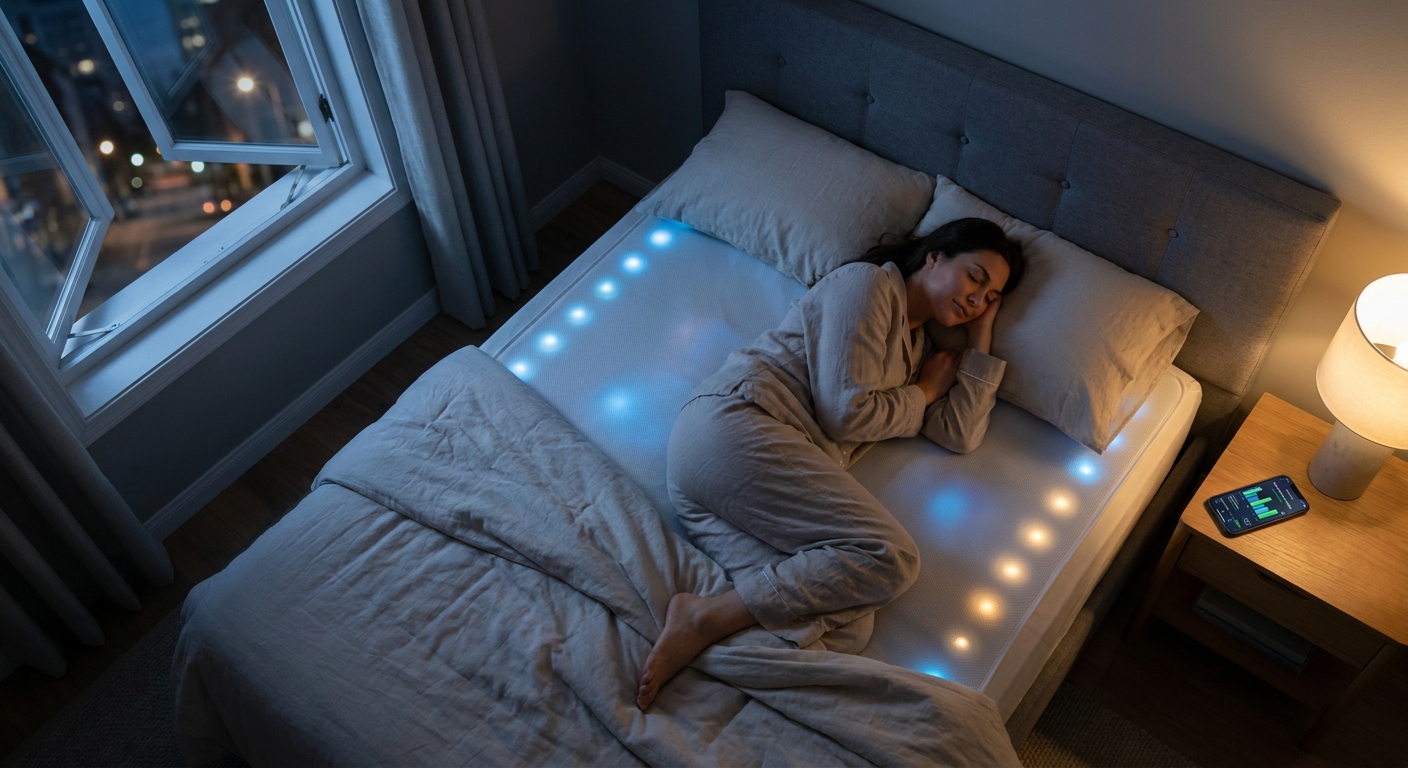
    Waking up tired night after night is a special kind of frustrating. You can buy smart bulbs, robot vacuums and faster routers, but if your bed runs hot or your mattress is past its prime, you still feel wrecked the next morning. That is why today’s final-hour sleep deals matter more than most flash sales. If you have been putting this off because smart mattresses sound expensive, or cooling pads seem confusing, this is the rare moment when the math starts to make sense. The best smart mattress and cooling pad deals today can cut hundreds off the usual price, and in some cases get close to 50% off before the clock runs out. The trick is not buying the fanciest thing with the biggest badge. It is finding the setup that fixes your actual problem, whether that is overheating, back pain, motion transfer, or just a mattress that has given up.

    ⚡ In a Hurry? Key Takeaways

    • The best smart mattress and cooling pad deals today are worth it if heat, poor support, or restless sleep are your main problems.
    • Start by choosing your fix first. Cooling pad for heat, smart mattress for full-body support and sleep tracking.
    • Check return windows, trial periods, and warranty terms before checkout so a big discount does not turn into buyer’s regret.

    Why these sleep deals matter more than another gadget

    Most home tech makes life a little easier. Better sleep changes everything. It affects your mood, focus, back, patience and energy. If your current mattress traps heat or sags in the middle, no smart home routine is going to cover that up.

    That is what makes these last-minute offers stand out. A real discount on a smart mattress or cooling pad is not just a fun buy. It can be a quality-of-life upgrade you notice on day one and keep noticing for years.

    If you also want more options beyond mattresses and pads, it is worth checking Today Only: Upgrade Your Sleep For Less With Smart Mattress And Cooling Pillow Deals Up To 50% Off, especially if your pillow is part of the problem too.

    What actually counts as a smart mattress or cooling pad

    Smart mattresses

    A smart mattress usually adds some mix of adjustable firmness, built-in sleep tracking, temperature regulation, motion isolation, or app controls. Some are all-in-one beds. Others work with a connected base.

    Good for people who want a full reset, especially if support and sleep quality are both issues.

    Cooling pads

    Cooling pads sit on top of your mattress and focus on one job. Keeping you from overheating. Some use phase-change materials. Others actively move air or water to regulate temperature.

    Good for people who like their current mattress but hate waking up sweaty.

    How to choose the right deal fast

    If you sleep hot

    Go straight to the cooling pad deals. This is usually the cheaper and simpler fix. You can often solve the problem without replacing the entire bed.

    If your back hurts or your mattress dips

    Look at smart mattresses first. A cooling pad can help temperature, but it will not fix bad support. If your bed is sagging, start there.

    If your partner tosses and turns

    Look for strong motion isolation and dual-zone features. Some smart mattresses let each side feel different, which can save a lot of arguments.

    If you want the lowest-risk buy

    Pick the product with the longest home trial and easiest returns. A 40% or 50% discount is great, but sleep products are personal. You want an escape hatch just in case.

    What makes a deal genuinely good today

    Ignore inflated list prices and giant countdown timers for a second. A smart sleep deal is actually good when it checks three boxes.

    1. The discount is meaningful

    For cooling pads, a strong deal usually means a noticeable cut from normal pricing, not a token 5% off. For smart mattresses, look for savings large enough to offset delivery, setup, or accessory costs.

    2. The return policy is clear

    Sleep products often need a trial period. Look for at least a few weeks, and make sure you understand any pickup or restocking fees.

    3. The product solves a real problem

    The best smart mattress and cooling pad deals today are the ones that match your sleep issue. Buying advanced sleep tracking will not help much if what you really need is a cooler bed.

    Common mistakes people make during one-day sales

    The first mistake is buying based on the biggest percentage off. The second is skipping the fine print because the countdown clock is stressful.

    Watch for subscription extras, limited warranty coverage, or cooling claims that sound impressive but are really just marketing language. “Cooling” can mean a cool-to-the-touch cover, not active temperature control all night.

    Also, measure your bed. It sounds obvious, but sale-day panic has led many people to buy the wrong size topper or pad.

    Who should buy tonight, and who should wait

    Buy tonight if

    You are waking up sweaty, sore, or unrested most mornings. You already know your current setup is the issue. You have been waiting for a real price drop. This is exactly the kind of purchase where timing matters.

    Wait if

    You are not sure whether the problem is your mattress, room temperature, pillow, or sleep habits. If you need more troubleshooting first, it may be smarter to pause and narrow down the cause.

    At a Glance: Comparison

    Feature/Aspect Details Verdict
    Best for hot sleepers Cooling pads are usually the fastest, cheapest way to stop overheating at night. Best quick fix
    Best for old, unsupportive beds Smart mattresses can improve support, pressure relief, motion control, and in some cases temperature too. Best full upgrade
    Best value check Look beyond the discount. Trial period, warranty, and return terms matter just as much. Best way to avoid regret

    Conclusion

    If your sleep has been bad for a while, this is one of those rare purchases that can make a bigger difference than almost any other home upgrade. With temps climbing and holiday stress starting to creep in, being able to grab a genuinely discounted smart mattress or cooling pad in a 24 hour window gives you a chance to fix the biggest comfort problem in the house in one move. Instead of losing hours to endless promo pages, focus on the few deals that truly match your needs, check the return policy, and lock one in before midnight if it fits. Better sleep is not flashy, but it is the upgrade you feel every single day.

  • Today Only: Breathe Easier At Home With Quiet Smart Air Purifier Deals Under $150

    Today Only: Breathe Easier At Home With Quiet Smart Air Purifier Deals Under $150

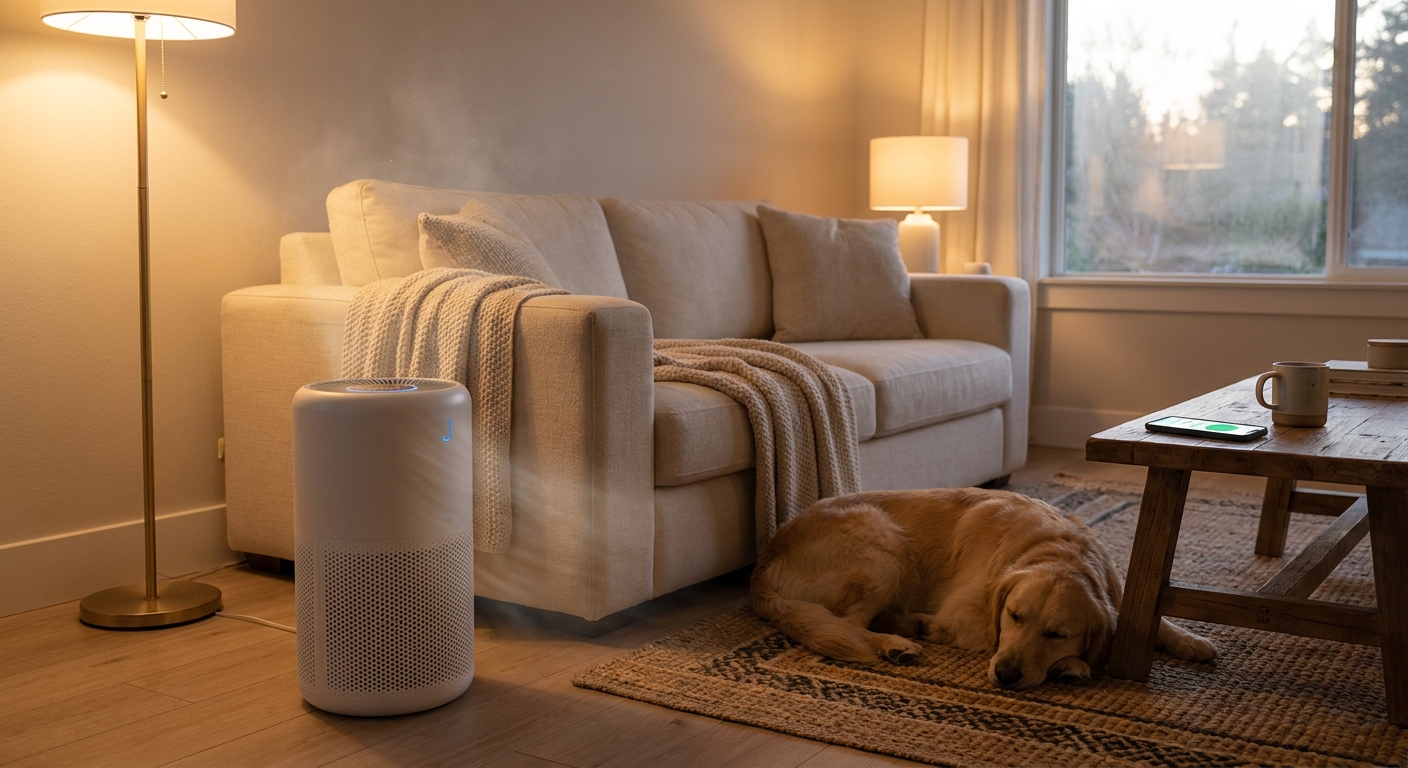
    Your house can feel oddly gross in summer, even when it looks clean. The windows stay shut because of heat, smoke, or humidity. The AC runs. The dog naps on the rug. Then suddenly your nose is stuffed, the bedroom smells stale, and you wake up feeling like the air itself is heavy. That is frustrating, especially when a cheap purifier you bought before turned out to be loud, weak, or expensive to keep running.

    The good news is that some of the best air purifier deals today are hitting a sweet spot under $150. That matters because this is one of those home upgrades you notice fast. A good purifier can cut down pollen, pet dander, dust, and lingering odors without sounding like a box fan all night. The trick is ignoring flashy listings and focusing on three things that actually matter: true HEPA-style filtration, realistic room coverage, and replacement filters that will not punish your wallet later. If you want cleaner air without wasting money, today is a smart day to shop.

    ⚡ In a Hurry? Key Takeaways

    • Today’s best buys are quiet smart air purifiers under $150 from known brands with real HEPA filtration and app or auto modes.
    • Check room size, noise level, and replacement filter cost before you click buy. Those three details matter more than flashy discount percentages.
    • Avoid ozone-style “air cleaners” and extra gimmicks. For most homes, a standard purifier with strong particle filtration is the safer, better value.

    Why air purifiers are suddenly worth talking about again

    Indoor air quality has become a sneaky summer problem. People are working from home more. Wildfire smoke can travel for miles. Pollen gets tracked inside. Pets spend more time indoors when the heat is brutal. Add closed windows and recycled AC air, and your living room can start feeling stuffy fast.

    This is why the best air purifier deals today are getting attention. You are not just buying another gadget. You are buying something that may help with sleep, allergies, pet smell, and that dusty feeling in a room that never quite clears out.

    And unlike a lot of so-called home deals, this is a category where buying the wrong one really does backfire. A weak purifier often ends up on the lowest setting because high speed is too noisy. Then it barely cleans the air at all.

    What to look for before you grab a deal

    1. Real filtration, not marketing fluff

    Look for a true HEPA filter or clearly stated fine-particle filtration. That is what helps trap pollen, dust, smoke particles, and pet dander. A washable pre-filter is a nice bonus because it can catch hair and larger dust before they clog the main filter.

    2. Room coverage that matches real life

    Ignore huge “up to” numbers if they do not explain the test conditions. A purifier rated for a bedroom may struggle in an open living room. For most shoppers under $150, the sweet spot is a bedroom, office, nursery, or medium-size living area. If your space is large, you may be better off putting one unit where you sleep most instead of trying to clean the whole house with a bargain model.

    3. Quiet mode you can actually live with

    If it sounds like an airplane, you will turn it off. That defeats the point. A sleep mode or low-noise night mode is worth paying attention to, especially for bedrooms and home offices.

    4. Filter costs after the sale

    This is where many “cheap” purifiers stop being cheap. A great deal on the unit itself is less impressive if replacement filters cost a fortune every few months. Fair long-term filter pricing is part of the value.

    The smart features that are actually useful

    Not every smart feature matters. You probably do not need a purifier that tries to impress you with a dozen modes you never use. But a few extras are genuinely helpful.

    Auto mode is a good one. It adjusts fan speed when the purifier detects changes in air quality. App control can also be handy if you want to turn it on before bed or check filter life without squinting at tiny lights on the machine. A filter replacement reminder is simple, but useful.

    That said, do not let “smart” distract you from the basics. A quiet, well-filtered unit with fair filter prices beats a flashy app-first model every time.

    Which homes benefit most from these deals

    If you have allergies, a shedding pet, a stale-smelling bedroom, or smoke drifting into your area, this kind of purchase makes sense. It also helps if your home office feels stuffy by midafternoon or if your apartment does not get much fresh airflow.

    Parents often use smaller smart purifiers in kids’ rooms. Pet owners put them near litter boxes or dog beds. Light sleepers put one in the bedroom for cleaner air and a bit of gentle background noise.

    It is the kind of upgrade that feels boring until you live with it for a week. Then you notice you are sneezing less, the room smells fresher, and you stop waking up with a dry, irritated throat.

    How to avoid the bad deals

    Be skeptical of listings packed with buzzwords like ionizer, ozone, or “hospital-grade” claims with no clear specs. Most people do best with a straightforward purifier from a reputable brand that publishes room coverage, filter type, and replacement costs clearly.

    Also, check whether the sale price is real. Some brands inflate the list price to make the discount look bigger. If you are trying to make your summer home upgrades count, it is worth also looking at practical savings-focused picks like One-Day Power-Up: 7 Early Prime Day Tech + Home Deals That Actually Slash Your Bills. The best deal is not always the loudest one.

    Best buying strategy for today’s flash discounts

    Start with the room where bad air bothers you most. Usually that is the bedroom or the room where you work all day. Pick a purifier sized for that space, make sure it has a low-noise mode, and check the cost of filters for the next year.

    If two models are close in price, I would usually choose the one with better filter affordability and quieter operation over extra bells and whistles. Those are the features you will appreciate every day.

    And if you are seeing a solid model dip under $150 from a known brand, that is often the point where the value gets very good. You are getting real air-cleaning help without wandering into premium pricing.

    At a Glance: Comparison

    Feature/Aspect Details Verdict
    Filtration quality Look for true HEPA or clearly stated fine-particle capture, plus a pre-filter for hair and dust Worth paying for. This is the core feature
    Noise and sleep mode Low-noise settings matter for bedrooms, nurseries, and work spaces A quiet purifier gets used more often, so it delivers better real-world value
    Ongoing filter cost Some low-priced purifiers have expensive replacement filters that erase the savings Check the yearly filter budget before buying

    Conclusion

    Summer air problems are easy to ignore until they start affecting your sleep, your sinuses, and how your home feels day to day. That is why today’s flash discounts are useful. The best air purifier deals today are not about buying the fanciest machine on the page. They are about finding a quiet, reputable purifier under roughly $150 that can handle pet dander, pollen, smoke, and stale indoor air without draining your budget later. If you stick with solid filtration specs, realistic room coverage, and fair filter pricing, you can skip the noisy junk and make one smart purchase that improves daily life fast. With more people at home, wildfire smoke and humidity creeping up, and pets hanging out inside with the AC on, cleaner air is becoming a real summer essential. If a good model is marked down today, it is one of the rare deals that can genuinely make your home feel better by tonight.

  • Today Only: Turn Your Backyard Into A Resort With Final‑Hour Robot Pool Cleaner Deals Up To 45% Off

    Today Only: Turn Your Backyard Into A Resort With Final‑Hour Robot Pool Cleaner Deals Up To 45% Off

    You bought the pool for lazy afternoons, not for a second job. But once the weather turns nice, reality hits fast. Leaves collect, dirt settles, algae starts to creep in, and suddenly your “fun” backyard setup is eating every free Saturday. That is why the best robot pool cleaner deals today matter more than they sound. A good robot cleaner does not just save time. It cuts down on hand vacuuming, constant brushing, and that annoying feeling that the water is never quite guest-ready. The good news is that Prime-week style discounts have spilled beyond Amazon, with big markdowns also showing up at Best Buy and Newegg. The better news is that a few genuinely worthwhile cordless cleaners and wall-climbing models are still sitting at up to 45 percent off. The bad news is simple. These are final-hour prices, and the best ones usually disappear before the sale page says “ended.”

    ⚡ In a Hurry? Key Takeaways

    • The best robot pool cleaner deals today are on cordless models for small to mid-size pools and premium wall-climbers for deeper cleans, with discounts up to 40 to 45 percent.
    • Buy based on your pool shape and size first. Flat-floor above-ground pools need a different cleaner than in-ground pools with walls, steps, and fine debris.
    • Watch battery life, warranty, and return policy before checking out. A cheap robot is not a deal if it cannot finish one cleaning cycle.

    The short list of deals actually worth your time

    There are a lot of robot pool cleaners on sale right now. Most are easy to scroll past because the specs are vague, the discount looks bigger than it is, or the model is built for a different kind of pool than yours. So here is the clean version.

    Best value for above-ground pools

    Look for a cordless cleaner designed for flat floors and simple round or oval pools. These are usually the sweet spot for deal shoppers because they cost less to begin with, and a 30 to 40 percent discount can push them into impulse-buy territory. If your main problem is sand, bugs, and leaves on the bottom, this is often all you need.

    Best pick for in-ground pools

    If your pool has sloped floors, corners, or a lot of fine dirt, you want stronger suction and smarter navigation. In-ground models are pricier, but this is also where the biggest dollar savings show up. A 40 percent cut on a premium robot can mean several hundred dollars back in your pocket.

    Best upgrade if you hate brushing walls

    Wall-climbing robots are the resort move. They scrub the sides, collect grime from the waterline, and save you from the most annoying part of manual cleaning. These are the deals to watch if you are tired of a pool that looks clean from ten feet away and grimy up close.

    How to choose the right one before the clock runs out

    Do not buy based on discount alone. That is how people end up with a machine that gets stuck, misses half the pool, or needs charging before the job is done.

    Match the cleaner to your pool type

    This is the first filter. Above-ground and in-ground robots are not always interchangeable. Some cleaners only handle flat bottoms. Others are built to climb walls and handle deeper pools. If the product page does not clearly say it fits your pool type, keep moving.

    Check battery life like you would on a phone

    Cordless is convenient, but battery life matters. For small pools, shorter runtimes can be fine. For larger pools, you want enough juice to finish a full cycle in one go. Two hours is usually a comfortable place to start for many backyard pools.

    Pay attention to debris type

    Big leaves and acorns are different from fine silt and pollen. Some robots are great at grabbing chunky debris but let the dusty stuff pass through. If your pool gets that gritty layer on the bottom, make sure the filter is made for fine particles.

    App control is nice, but not the main thing

    App features sound fun, and some are genuinely useful. But for most people, strong cleaning and easy maintenance matter more than seeing a map on your phone. If you have to choose, put your money into suction, scrubbing, and runtime first.

    Where the best deals are showing up

    Amazon gets most of the attention, but it is not the only game in town this week. Best Buy’s TechFest and Newegg’s FantasTech have also been carrying overlapping sale pressure, which is good news for shoppers because it creates price matching and occasional surprise markdowns. If one store is sold out, another may still have the same class of cleaner at a similar price.

    The smart move is simple. Open a few tabs, compare the final checkout price, and look at shipping speed and return policy. Some “deals” lose their shine once you add delayed delivery or a shorter return window.

    Three buying mistakes I would avoid

    1. Buying too small to save money

    It is tempting to grab the cheapest robot on the page. But if it cannot handle your pool size or slope, you will still be out there brushing by hand. Spend for fit, not for the flashiest sale sticker.

    2. Ignoring maintenance

    Even good robots need their filter baskets emptied and rinsed. If a model looks hard to open, messy to clean, or awkward to charge, that hassle adds up. A “set it and forget it” cleaner should be easy to live with after the first week.

    3. Waiting for a better price tomorrow

    You might get lucky. Usually, you do not. Final-hour sales tend to end quietly, and stock on the best-reviewed models goes first. If the cleaner you want is at a historically low price and fits your pool, that is usually your signal.

    Who should buy today, and who can skip it

    Buy today if you already know pool cleaning is ruining your weekends, your current vacuum setup is a pain, or you have been watching these models for a while and the discount is real.

    Skip it if your pool is tiny, you rarely use it, or the sale item does not clearly match your pool type. A robot cleaner is a quality-of-life buy. It should remove work, not create a new kind of buyer’s regret.

    At a Glance: Comparison

    Feature/Aspect Details Verdict
    Best deal type Cordless floor cleaners for above-ground pools and premium wall-climbers for in-ground pools are seeing the biggest useful discounts. Best value is in matching the robot to your pool, not chasing the largest percent-off badge.
    What to check first Pool type, runtime, wall-climbing ability, and filter support for fine debris. These four specs matter more than app control or fancy branding.
    Best shopper strategy Compare Amazon, Best Buy TechFest, and Newegg FantasTech before inventory disappears. Move quickly if you find a real low price on a model that fits your pool.

    Conclusion

    If pool cleanup has been the hidden tax on your summer, this is one of those rare gadget buys that can genuinely change how you use your backyard. Prime-week pricing has leaked beyond Amazon into competing sales like Best Buy’s TechFest and Newegg’s FantasTech, and several cordless robot pool cleaners and high-end wall-climbers are still up to 40 to 45 percent off today. But these are not lazy, all-month discounts. They are tied to sale clocks that end at midnight or when the last units are gone. So keep it simple. Pick from a short list, match the cleaner to your pool, and ignore the noisy pages full of generic links. If you land the right model at one of these low prices, tomorrow’s version of you may finally get to enjoy the pool instead of cleaning it.

  • Today Only: Cut The Cord On Cleaning With Flash Cordless Vacuum Deals Under $300

    Today Only: Cut The Cord On Cleaning With Flash Cordless Vacuum Deals Under $300

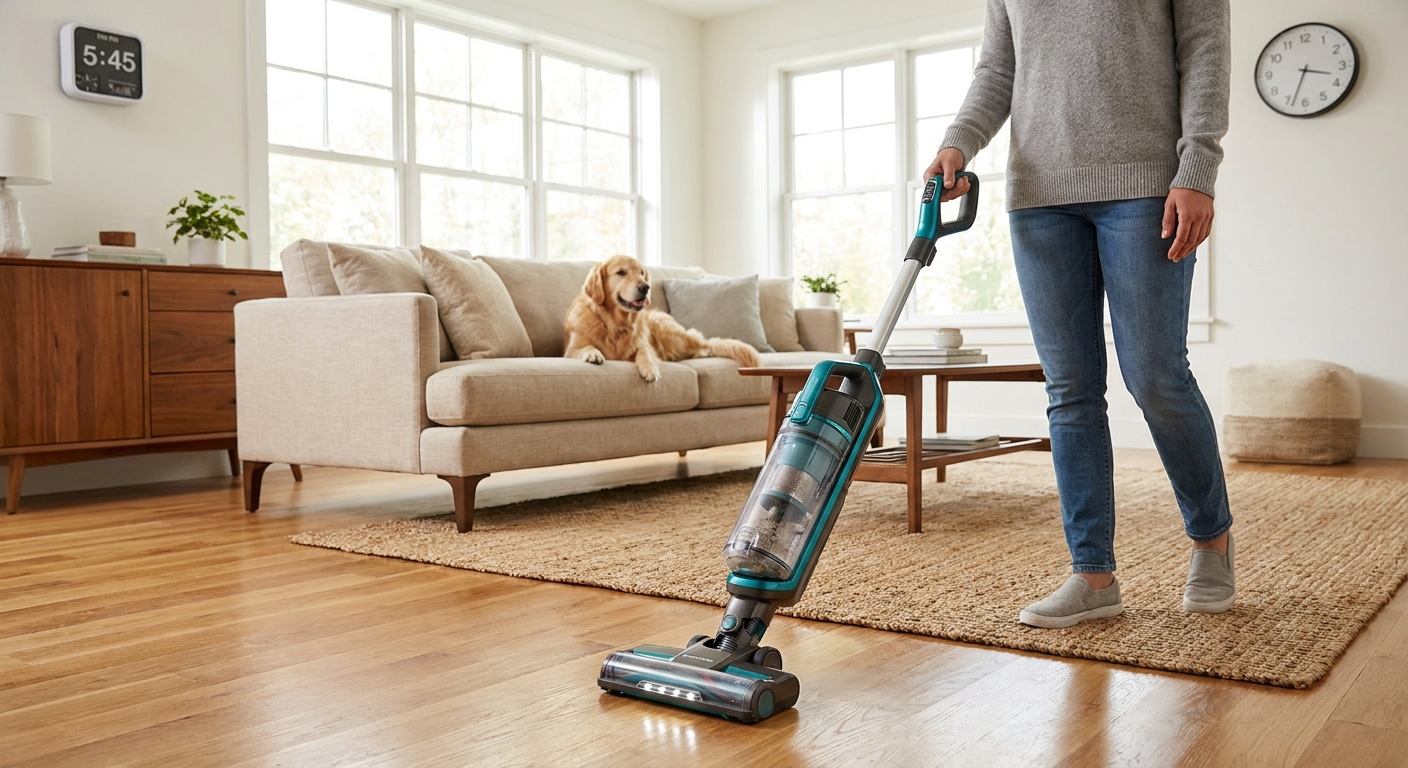
    If your old vacuum feels like a gym workout, you are not imagining it. Heavy plug-in models are awkward to drag around, loud enough to wake the house, and somehow still miss the crumbs by the baseboards. That is why so many shoppers are hunting for the best cordless vacuum deals today. The catch is that cordless vacuums are all over the map. Some are genuinely useful upgrades. Others look cheap up front, then disappoint on battery life, pet hair pickup, or replacement parts a few months later. The good news is you do not need to sort through 40 tabs to find the worthwhile options. If your budget tops out at $300, there are a few sweet spots to focus on. Think trusted brands, removable batteries when possible, decent runtime, and a floor head that can handle both hard floors and low rugs without turning every cleanup into a second chore.

    ⚡ In a Hurry? Key Takeaways

    • The best cordless vacuum deals today under $300 usually come from Shark, Tineco, Bissell, Hoover, and select Samsung sale models.
    • Buy for your floors first. Hard floors need soft rollers and good edge pickup. Pet homes need a motorized brush and easy-to-clean dust bin.
    • Do not get fooled by fake markdowns. Check runtime on standard mode, warranty length, and whether the battery can be replaced later.

    What to Look for Before You Click Buy

    Price matters, but it should not be the only thing you watch. A $179 cordless can be a better buy than a “was $399” model that struggles on rugs.

    Runtime that matches real life

    Most brands advertise the longest possible runtime on the weakest setting with a small attachment. Real cleaning is different. Once you use the powered floor head, battery life drops. For most homes, a realistic target is 20 to 35 minutes of actual floor cleaning per charge.

    Weight and balance

    Some stick vacuums look light on paper but feel top-heavy in your hand. If you clean stairs often, that matters. A vacuum around 6 to 8 pounds is usually the comfort zone for most people.

    Brush roll and floor head design

    This is where cheap cordless vacuums often fall apart. Hard floors need strong suction plus a head that will not just snowplow cereal around. Rugs need a brush roll with enough agitation to lift grit and pet hair.

    Replaceable filters and battery support

    A good deal today should still make sense a year from now. If replacement filters are hard to find, or the battery is sealed and expensive, that “deal” can get pricey fast.

    The Smart Shortlist Under $300

    Deals change by the hour during promo events, so think of this as a vetted shopping lane, not a fixed price chart. These are the types of models worth watching when hunting the best cordless vacuum deals today.

    Shark cordless stick vacuums

    Shark is often the easiest safe pick under $300. You usually get strong pickup, easy-empty dust bins, and solid performance on mixed floors. Pet households should especially look at bundles that include a mini motorized tool.

    Best for: Most homes with a mix of hard floors, area rugs, and daily messes.
    Watch for: Sale prices around the low to mid $200 range. Extra battery bundles are a bonus.

    Tineco cordless vacuums

    Tineco models are popular because they are often lighter and easier to use than older full-size uprights. Many do very well on hard floors and quick pickups. They are especially appealing for apartments, condos, and anyone tired of hauling a big machine out of a closet.

    Best for: Hard floors, light rugs, fast daily cleaning.
    Watch for: Runtime claims. Some entry models are better for maintenance cleaning than deep carpet work.

    Bissell cordless options

    Bissell can be a good value play if the sale is real. The brand often offers practical attachments and easy handling at a lower price point. If you have pets, look closely at tangle-resistant brush features and hair tool bundles.

    Best for: Budget-conscious buyers and pet owners who want decent versatility.
    Watch for: Noise level and bin size. Smaller bins fill up quickly in furry homes.

    Hoover ONEPWR models

    Hoover’s ONEPWR line is worth a look because the battery system can make long-term ownership easier. In some deals, the removable battery setup is the real value, especially if you already own another Hoover tool that uses the same pack.

    Best for: Shoppers who care about battery swaps and long-term practicality.
    Watch for: Whether the sale includes an extra battery or charging dock.

    Samsung sale models under $300

    Every so often, a Samsung Jet model sneaks under $300 during flash events. When that happens, it can be one of the stronger premium-leaning buys in this price range. Just be quick. Those deals do not usually last.

    Best for: People who want a more polished design and strong all-around cleaning.
    Watch for: Whether it is sold by a major retailer with easy returns.

    How to Spot a Real Deal Versus a Fake One

    This is where many shoppers get burned. A flashy sale badge does not mean much by itself.

    Check the normal selling price

    If a vacuum is “50 percent off” every other week, that is not really a special event. Compare prices across at least two major retailers.

    Read the weak reviews first

    Do not just skim the five-star praise. Jump right to the three-star and two-star reviews. That is usually where you will learn if the vacuum clogs, tips over, loses charge too fast, or struggles on rugs.

    Look at return policy and warranty

    For a flash deal, a good return window matters. So does a clear warranty. One to two years is common. If warranty details are hard to find, that is a red flag.

    Which Type of Home Needs Which Type of Cordless Vacuum?

    Mostly hard floors

    Prioritize a soft roller or a floor head known for fine dust pickup. You want something that grabs flour, sand, and crumbs instead of pushing them around.

    Rugs and carpet in a busy home

    Look for stronger suction and a powered brush roll. This is not the place to buy the cheapest ultra-light model unless your expectations are modest.

    Pets, shedding, and stairs

    A mini motorized attachment is a big help for furniture and steps. Easy hair removal from the brush roll is another feature worth paying for.

    Three Easy Buying Rules for Today

    First, buy from a retailer with simple returns. Second, favor known brands over random marketplace names if you want replacement parts later. Third, do not overbuy for features you will never use. If you clean mostly kitchen tile and one low-pile rug, you probably do not need the fanciest model in the lineup.

    At a Glance: Comparison

    Feature/Aspect Details Verdict
    Best all-around value Shark and Samsung sale models often balance suction, ease of use, and mixed-floor cleaning best under $300. Best pick for most households
    Best for hard floors and quick cleanups Tineco and lighter Bissell models are usually easier to grab for daily crumbs and dust. Great for apartments and smaller homes
    Best long-term value check Removable batteries, easy filter replacement, and strong retailer return policies matter as much as the sale price. Do not skip this step

    Conclusion

    If you have been putting off replacing that loud, clunky old vacuum, today is a good day to stop overthinking it. Big promo events can be messy. Prices jump around, fake markdowns pop up, and weak cordless models can look better than they really are. A short, sensible shortlist under $300 helps you avoid that trap. Focus on trusted brands, realistic runtime, and the right floor head for your home. That is how you get a real upgrade for floors, rugs, and pet hair without doom scrolling all day or missing a deal before it disappears tonight.