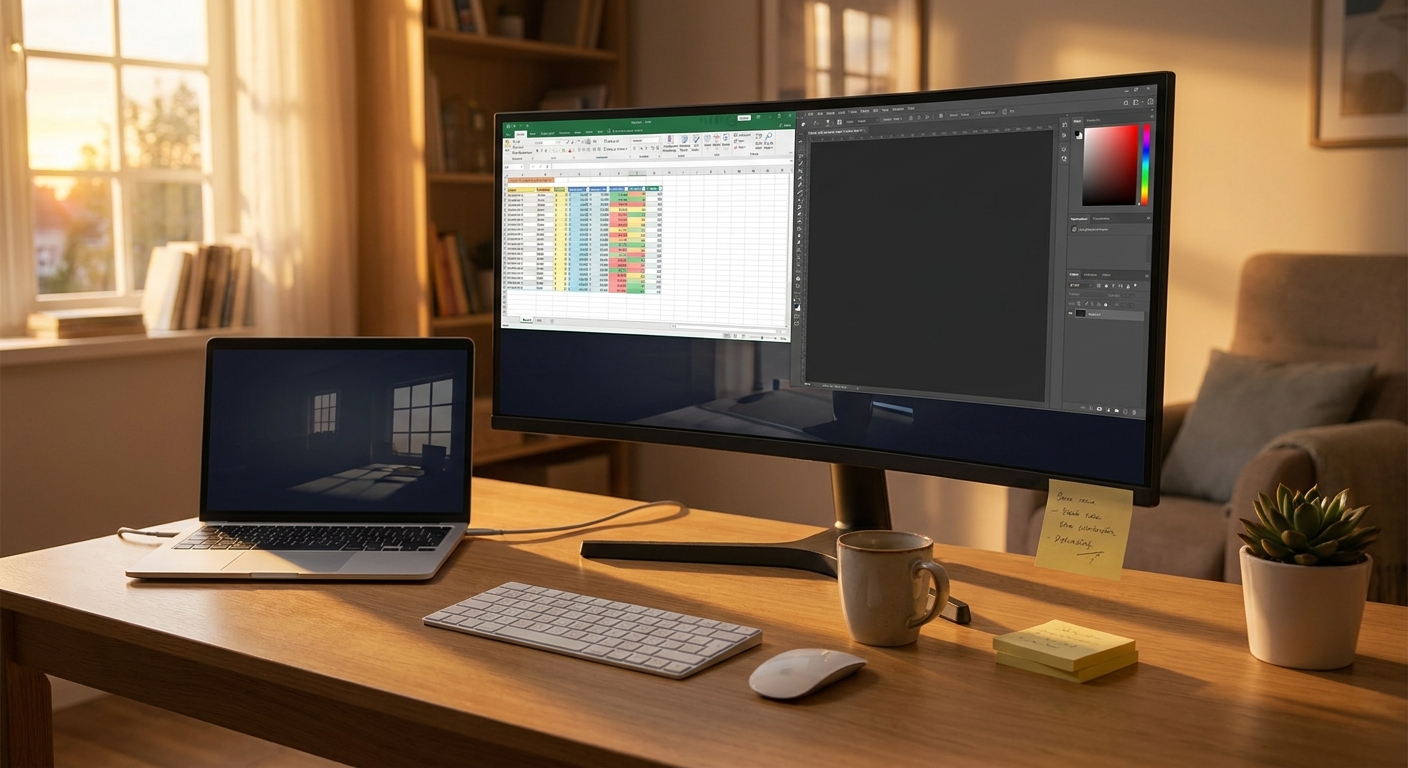
You can only squint at a cramped, noisy laptop for so long before it starts affecting your day. If your current setup is a 13 inch screen, a fan that kicks on like takeoff, and an old TV pretending to be a second monitor, I get it. It is frustrating. Work takes longer, spreadsheets feel impossible, and even simple things like Zoom calls become more annoying than they should be. The good news is that today is one of those rare deal windows where laptop discounts and monitor markdowns are lining up at the same time. That makes this a smart day to fix the whole setup instead of patching around it for another six months. I pulled together the best laptop and monitor deals today with one goal in mind. Better comfort, better speed, and fewer regrets when the sales disappear tonight.
⚡ In a Hurry? Key Takeaways
- The best laptop and monitor deals today are on midrange laptops with 16GB RAM and 24 to 27 inch 1080p or 1440p monitors.
- If your laptop is older than five years, upgrading both the computer and the screen usually gives the biggest daily quality-of-life boost.
- Skip cheap spec traps like 8GB RAM laptops and blurry low-end TVs used as monitors. They look cheaper now, but cost you comfort and time later.
Why today is actually worth paying attention to
Most sale days are full of noise. A tiny discount gets dressed up like a huge event, and half the listings are older models that were overpriced to begin with.
Today is a little different. Labor Day promos are overlapping with regular retailer clearance cycles. That is where the real value tends to show up. Not always on the fanciest machines, but on the models regular people should actually buy.
For students, remote workers, and casual gamers, this is the sweet spot. You do not need a thousand little choices. You need a laptop that opens apps quickly, handles lots of browser tabs, stays reasonably quiet, and a monitor that gives your eyes and neck a break.
What to buy first if your setup is driving you crazy
If the laptop itself is slow and loud
Start with the laptop. No monitor can save a machine that freezes during Zoom or struggles with email, Chrome, and Spotify at the same time.
The safest deal target today is a laptop with:
16GB RAM, not 8GB. A recent Intel Core i5 or AMD Ryzen 5 processor or better. A 512GB SSD. A 14 or 15.6 inch screen. Decent port selection, especially USB-C and HDMI if possible.
That combo is the current everyday sweet spot. It feels fast without pushing you into premium pricing.
If the laptop is fine but the screen feels tiny
Start with the monitor. This is often the cheapest fix with the biggest immediate payoff.
A good 24 inch 1080p monitor is plenty for schoolwork, documents, web browsing, and general office use. A 27 inch 1440p monitor is better if you keep multiple windows open or spend lots of time in spreadsheets, design apps, or side-by-side documents.
If you are still using a TV as a monitor, this is where the upgrade feels almost unfair. Text gets sharper. Colors look more normal. You stop fighting weird scaling issues. And your desk stops feeling like a compromise.
The best value picks to look for today
Best laptop deal type for students
Look for a thin-and-light Windows laptop or a current MacBook Air sale if the discount is strong enough. Students usually need battery life, portability, and enough memory to survive research tabs, class portals, video calls, and late-night panic printing.
Best target specs. 16GB RAM, 512GB SSD, 13 to 14 inch display, full HD or better resolution.
If you are choosing between a fancy processor and more RAM, pick more RAM. Every time.
Best laptop deal type for remote workers
Remote work rewards boring reliability. You want a keyboard that is comfortable, a webcam that is not embarrassing, and a processor that can handle Slack, Zoom, email, browser tabs, and spreadsheets without sounding stressed.
Best target specs. Intel Core i5 or i7, or AMD Ryzen 5 or 7. 16GB RAM minimum. 512GB SSD. Good webcam and Wi-Fi 6 if possible.
If the listing mentions strong battery life and business-class build quality, that is a good sign.
Best monitor deal type for everyday productivity
For most people, the sweet spot today is:
24 inch 1080p if you want to spend less.
27 inch 1440p if you want more room and sharper text.
Try to get an IPS panel. That usually means better viewing angles and nicer color than the cheapest alternatives. Height adjustment is also more useful than people realize. A monitor that sits too low can turn into a neck pain machine.
Best monitor deal type for casual gamers
If you play after work, look for 144Hz refresh rate and 1440p if your budget allows. You do not need to go overboard. A good midrange gaming monitor is a much better use of money than a bargain-bin one with flashy marketing and washed-out image quality.
And yes, it can still be great for work during the day.
Spec traps that waste money fast
8GB RAM laptops
These are still everywhere because they hit low sale prices. They also age badly. If you keep a lot of tabs open, run video meetings, or use office apps heavily, 8GB can feel tight much sooner than you expect.
1366×768 screens
If you spot this on a cheap laptop, keep moving. It is the digital version of buying a house with one tiny window.
Big TV as a monitor
People do this to save money, and sometimes it works in a pinch. But many older TVs make text look fuzzy, add input lag, and waste desk space. If your spreadsheet looks like blocks and your eyes feel tired after an hour, it is not you.
Too many dongles and not enough power outlets
If your upgraded desk setup also means more chargers and cables, it is a good time to clean up the power side too. A lot of people buy a new monitor, add a laptop dock, plug in speakers, then realize the outlet situation is suddenly a mess. If that sounds familiar, this guide to Today Only: Smart Plug & Power Strip Deals That Finally Fix Your ‘Why Are All My Outlets Full And My Bill Still So High?’ Problem is worth a look.
How to choose without overthinking it
Pick based on your bottleneck
Ask one simple question. What annoys you most right now?
If everything feels slow, buy the laptop first.
If you feel cramped and constantly juggle windows, buy the monitor first.
If both are bad and today’s discounts line up with your budget, this is one of the better days to replace both at once.
Use this quick budget logic
Under $300. Focus on a solid monitor.
$400 to $700. Hunt for a strong midrange laptop deal or pair a budget laptop with a basic monitor if you catch stacked discounts.
$700 to $1,100. This is often the best value zone for getting a genuinely good laptop and a monitor that feels like a real upgrade.
Do not pay for bragging rights you will never use
Many shoppers get pulled toward ultra-high-end gaming specs or premium creator displays they do not need. Unless you edit video professionally, play demanding games often, or need very accurate color, you can save a lot by staying in the practical middle.
At a Glance: Comparison
| Feature/Aspect | Details | Verdict |
|---|---|---|
| Best laptop specs today | 16GB RAM, Intel Core i5 or AMD Ryzen 5, 512GB SSD, full HD or better display | Best balance of speed, lifespan, and price |
| Best monitor size for most people | 24 inch 1080p for budget shoppers, 27 inch 1440p for more workspace and sharper text | 27 inch 1440p is the comfort winner if the price is right |
| What to avoid | 8GB RAM laptops, low-resolution displays, old TVs used as monitors | Cheap upfront, frustrating long term |
Conclusion
If your current setup makes simple work feel harder than it should, this is a very good day to do something about it. Today is one of those rare overlap days where big retailers are stacking Labor Day promos on top of their usual clearance rotations, which means serious price drops on laptops and external monitors that won’t be here tomorrow. By focusing on the best laptop and monitor deals today for students, remote workers, and casual gamers, you can skip the junk, avoid the spec traps, and buy something that actually improves your day. A quieter laptop, a sharper screen, and enough room to keep your work visible at the same time is not a luxury. It is a fix for a problem you have probably put up with for too long. If the price is right, do not wait until midnight resets the whole board.