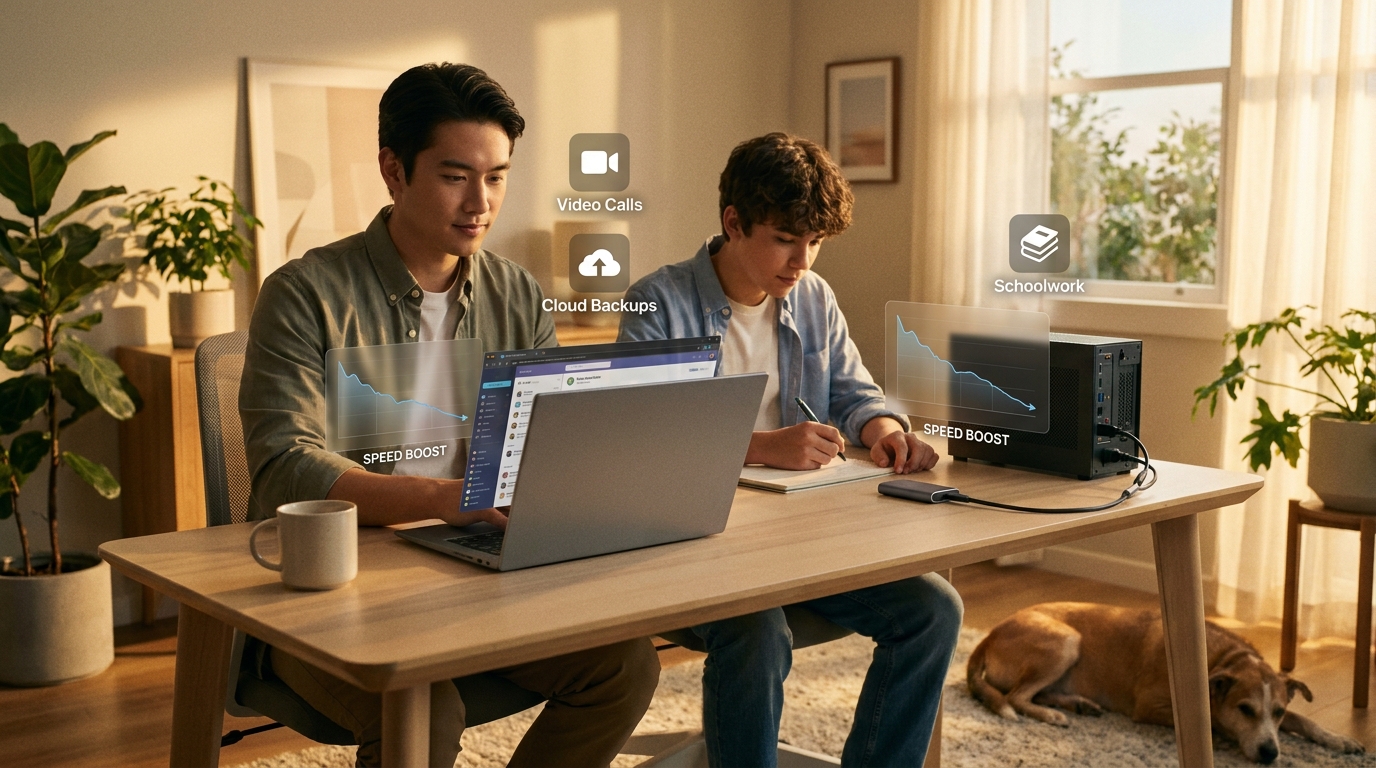
Your laptop should not sound tired before you are. If opening email, a spreadsheet and a Zoom call at the same time makes your computer crawl, you are not imagining it. Old processors, too little memory and slow storage can turn basic work into an all-day patience test. That is why the best laptop and ssd deals today matter more than flashy gadgets. A smart sub-$500 upgrade can make work, homework, streaming and photo storage feel normal again, without draining your budget. With Prime Day starting and matching sales from Best Buy and Newegg popping up, this is one of those rare shopping windows where regular people can get a real speed boost for less than the usual asking price. The trick is skipping the junk. You want enough power for the next few years, not a cheap machine that feels outdated by fall.
⚡ In a Hurry? Key Takeaways
- The best laptop and ssd deals today are the ones with at least 16GB RAM, a modern Intel Core i5/Ryzen 5 class chip, or a solid SSD from a trusted brand under $500.
- For most home offices, buy a laptop if your current one freezes during multitasking. Buy an SSD first if your computer is still decent but you keep running out of space.
- Do not get distracted by “gaming” labels or giant fake discounts. Check the return policy, storage type and real specs before you click buy.
Why these deals matter more than most Prime Day hype
Some tech deals are fun. These are useful.
A better laptop or faster SSD does not just sit on a shelf looking shiny. It saves time every single day. Apps open faster. Video calls stop stuttering. Big school files and family photos load without the spinning wheel of doom.
If you are trying to stretch your money, this is the kind of upgrade that earns its keep. That is also why it fits right alongside One-Day Power-Up: 7 Early Prime Day Tech + Home Deals That Actually Slash Your Bills. A smart buy should solve a real problem, not create a new one.
What counts as a good sub-$500 laptop deal today
You do not need to memorize a wall of specs. For a home office machine, I would use these minimums.
The safe performance floor
Look for 16GB of RAM if possible. This is the big one for people who keep lots of tabs open. Eight gigabytes can still work for light use, but 16GB gives you breathing room.
For the processor, aim for one of these:
- Intel Core i5, 12th gen or newer
- Intel Core i3, 13th gen or newer if the price is very good
- AMD Ryzen 5, 5000 series or newer
- AMD Ryzen 3 only if paired with 16GB RAM and a strong discount
Storage that will not feel cramped in a month
Get at least a 512GB SSD on the laptop if you can. A 256GB model fills up faster than most people expect once Windows updates, school files and family photos pile on.
Screen and ports matter too
A 15.6-inch Full HD screen is the comfort pick for most people working from home. If you want something lighter, a 14-inch laptop is easier to carry around the house or toss in a bag.
Also check for:
- At least one USB-C or two regular USB ports
- HDMI if you use an external monitor
- Wi-Fi 6 if available
What counts as a good SSD deal today
If your laptop is mostly fine but you are out of space, an SSD can be the cheaper win.
External SSDs for the easy fix
An external SSD is great for photo libraries, backups, video files and moving clutter off your internal drive. For most families, the sweet spot is 1TB or 2TB.
Good brands include Samsung, Crucial, SanDisk and WD. If the price is weirdly low and the brand name looks unfamiliar, be careful. Storage scams are common during big sales.
Internal SSDs for people ready to tinker
If you know your laptop or desktop has an open M.2 slot, an NVMe SSD can give you faster load times and extra space. But if that sentence already sounds annoying, stick with external storage. It is simpler and safer.
The best laptop and ssd deals today, filtered for normal households
Because prices move fast, the smartest way to shop is by category and minimum spec, not by getting attached to one exact model that may sell out in an hour.
Best laptop deal type: Workhorse all-rounder under $500
Target: Ryzen 5 or Core i5, 16GB RAM, 512GB SSD, Full HD display.
This is the one for remote work, schoolwork, streaming and everyday family use. If you find this setup under $500 from Lenovo, ASUS, Acer, HP or Dell, that is the sweet spot.
Best for: people replacing a five-year-old machine that bogs down doing basic tasks.
Best budget laptop deal type: Lightweight home and school pick
Target: newer Core i3 or Ryzen 3, 8GB to 16GB RAM, 256GB to 512GB SSD.
This can be a good buy if your needs are modest. Web browsing, Google Docs, streaming and email will be fine. Just avoid the really old chips and cheap TN screens if possible.
Best for: students, kitchen counter laptops and backup household computers.
Best SSD deal type: 1TB external SSD
Target: 1TB, USB-C, trusted brand, clear warranty.
This is the easiest upgrade for families with overloaded laptops full of videos, tax files and phone backups.
Best for: people who say, “I do not need a new computer, I just need this one to stop yelling that storage is full.”
Best SSD deal type: 2TB external SSD
Target: 2TB, durable shell, decent transfer speed.
If you keep years of family photos or work with large media files, 2TB often hits the best price-per-gigabyte during big sale events.
Common mistakes that lead to regret buys
Buying on discount percentage alone
A laptop marked “40% off” can still be a bad buy if it has 8GB RAM, 128GB storage and an old processor. Ignore the giant red badge. Read the actual spec line.
Falling for the word “gaming”
If you are not playing serious games, skip the bulky budget gaming machines with weak battery life and loud fans. Most home office users will be happier with a quieter mainstream laptop.
Going too cheap on storage
A 256GB SSD sounds fine until your laptop starts nagging you about space after a few months. If the price jump to 512GB is reasonable, take it.
Ignoring return windows
Prime Day and rival events move fast. So do buyer mistakes. Check the seller, return policy and whether the device is truly new, not “renewed” unless that is what you want.
How to decide in five minutes
If your current laptop freezes during normal work, buy a laptop.
If your current laptop still runs okay but storage is constantly full, buy an SSD.
If both are true, prioritize the laptop unless your budget is very tight. A new computer with a decent SSD inside solves more problems at once.
At a Glance: Comparison
| Feature/Aspect | Details | Verdict |
|---|---|---|
| Sub-$500 laptop sweet spot | 16GB RAM, Ryzen 5 or Core i5, 512GB SSD, Full HD screen | Best overall value for work, school and home use |
| 1TB external SSD | Fast backup and extra storage from Samsung, Crucial, WD or SanDisk | Best low-stress upgrade if your computer is still usable |
| Cheap clearance laptop | Old chip, 8GB RAM, 128GB or 256GB storage, vague discount claims | Skip it unless your needs are extremely basic |
Conclusion
If you have been putting off an upgrade because specs feel confusing and every store swears everything is a deal, today is a good day to keep it simple. Focus on the few specs that actually change daily life. A laptop with enough memory and solid storage, or an SSD from a trusted brand, can give your home office the biggest real-world boost for the money. With Prime Day kicking off and rival sales like Best Buy Tech Fest and Newegg’s FantasTech event piling on, this is one of the rare moments when regular households can buy smarter instead of just buying cheaper. Skip the bloated gaming machines. Skip the dusty clearance leftovers. Aim for a curated sub-$500 pick that clears the basic performance bar, and you will likely get faster workdays, smoother streaming, better school performance and a few more years before you need to replace anything again.