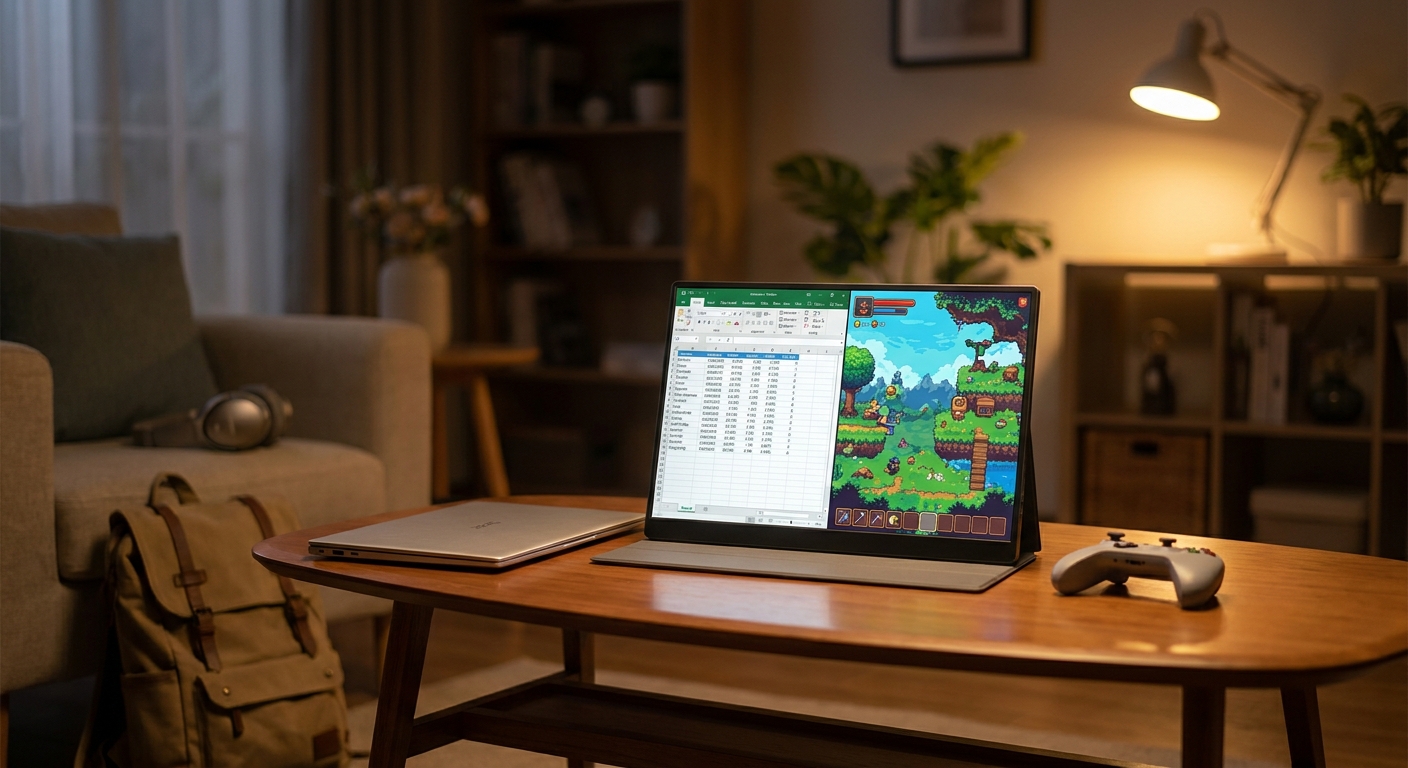
You do not realize how much your main desk is doing for you until you leave it. Then suddenly your laptop screen feels tiny, your neck starts complaining, and every simple task turns into a juggling act of tabs, windows and bad posture. It is even worse if you want to plug in a Switch, PS5, Steam Deck or cloud gaming handheld and the only screen nearby is a hotel TV with weird inputs or terrible lag. That is why the best portable monitor deals today matter more than the usual sale noise. A good travel screen can turn a kitchen table, airport lounge or hotel desk into a real setup in about two minutes. The trick is avoiding the cheap panels that look bright in photos but end up dim, flimsy and annoying to power. Right now there are a few genuinely useful portable monitor discounts worth your attention, especially if you want one screen that can handle work by day and gaming later.
⚡ In a Hurry? Key Takeaways
- The best portable monitor deals today are on 15.6-inch to 16-inch USB-C models with 1080p IPS panels, solid brightness, and low-lag HDMI support.
- For most people, buy a screen with USB-C plus mini-HDMI, a built-in cover stand, and at least 300 nits of brightness so it works for both travel and couch use.
- Skip ultra-cheap no-name screens with vague brightness claims, weak stands, or “gaming” labels that hide poor color, ghosting, or power issues.
Why portable monitors are suddenly worth buying
A few years ago, travel screens felt like niche gadgets. Now they are genuinely practical. Laptops have enough power to drive a second display easily, tablets are used for real work, and handheld gaming has gone mainstream.
The problem is that a lot of sale listings still push old or mediocre panels. They look similar on the page. In real life, they are not. One will be bright enough for a sunny room and connect with one cable. Another will need two cables, wobble every time you tap the table, and make dark scenes in games look muddy.
If you are trying to find the best portable monitor deals today, the goal is not just “cheap.” The goal is “cheap enough, but still something you will actually keep using.”
What to look for before you click buy
Screen size that travels well
For most people, 15.6 inches is the sweet spot. It feels big enough next to a laptop without becoming awkward in a backpack. Sixteen-inch models can be even nicer for split-screen work if the weight is still reasonable.
Anything smaller can feel cramped. Anything much bigger starts becoming a commitment.
1080p is still the safe choice
On a travel monitor, 1080p is usually the right call. Text looks sharp enough, gaming performance is easier on handhelds and consoles, and battery drain is lower than on a 4K panel.
4K portable displays exist, but unless you do color-sensitive creative work or need lots of fine detail, they are often not the best value.
Brightness matters more than people think
This is where many buyers get burned. A dim portable monitor is frustrating fast. Around 300 nits is a good baseline. More is better if you work near windows or plan to use it in bright hotel rooms.
If the product page is fuzzy about brightness, that is a warning sign.
USB-C and HDMI together is the best combo
USB-C with display and power support makes setup simple. One cable, done. But do not skip HDMI. It is what keeps the monitor useful with consoles, older laptops and random devices when you are away from home.
Mini-HDMI is common on slim models, so check whether the right cable is included.
Stand quality is not a minor detail
A bad stand turns a handy monitor into a balancing act. Folio covers are fine if they are sturdy. Built-in kickstands are often better. If the display wobbles on a tray table or couch arm, you will notice it every minute.
The portable monitor types actually worth considering today
Best for work: standard 15.6-inch IPS USB-C monitors
This is the category most people should buy from. Think Full HD, decent color, 60Hz, light weight, and simple connectivity. These are great for email, spreadsheets, documents, browser tabs and video calls.
If you only need one extra screen for productivity, this is where the best portable monitor deals today are usually found.
Best for gaming: faster refresh portable screens
If you play shooters, racing games or cloud gaming titles, a 120Hz or 144Hz portable monitor can be a smart buy. Just make sure the rest of the panel is not terrible. Some brands push refresh rate while cutting brightness or color quality.
Also keep expectations realistic. A portable gaming display is about convenience first. It is not replacing a serious desktop gaming monitor.
Best for hybrid use: work by day, console later
This is the sweet spot for a lot of readers. A solid 1080p IPS panel with low enough latency, respectable speakers, USB-C and HDMI can pull double duty beautifully. These are the models worth paying a little more for if they are discounted.
Deal categories that make sense right now
Rather than chase every single flash listing, focus on the discounts that usually represent real value.
Well-reviewed mainstream brands on modest discounts
If a trusted model from ASUS, Lenovo, ViewSonic, LG, Innocn or Arzopa is down even 15 to 25 percent, that can be a better buy than a mystery brand cut in half. You are paying for a panel people have actually lived with.
Bundle deals with cables and cover included
Accessories matter on a travel screen. Buying a monitor and then needing a better USB-C cable, mini-HDMI adapter and stand case can wipe out the savings. Included extras count.
High-refresh discounts for Steam Deck and console users
If you travel with a handheld or bring a console on the road, this is one of the few times a higher refresh portable monitor earns its keep. Just check the ports carefully. Some cheaper “gaming” models are picky about input support.
Red flags that usually mean “leave it in the cart”
Watch out for these.
Brightness not clearly listed
If the product page talks more about “vivid visuals” than actual numbers, be careful.
Suspiciously huge discounts
A fake list price is one of the oldest tricks in online retail. A monitor that is “70% off today only” may simply have never been worth the original price.
Weak power setup
Some portable monitors work best only when fed power separately, especially with consoles or phones. That is not always a deal-breaker, but you should know in advance. Travel gear should be simple.
Terrible speaker expectations
Built-in speakers are often just “better than nothing.” Fine for a quick YouTube clip. Not something to rely on for immersive gaming.
If your travel setup is getting more complicated than expected, it is worth also checking Today Only: Smart Plug & Power Strip Deals That Finally Fix Your ‘Why Are All My Outlets Full And My Bill Still So High?’ Problem. Portable screens are much easier to live with when you are not fighting for outlets behind a hotel desk or entertainment center.
Best use cases by buyer type
If you work from coffee shops or hotels
Get a 15.6-inch 1080p IPS model around 300 nits or better, with a stable cover stand and USB-C single-cable support. That is the least stressful setup.
If you want a screen for Nintendo Switch, PlayStation or Xbox travel
Prioritize HDMI support, low lag, and a stand that works on uneven surfaces. If you can find a good discount on a 120Hz model, great. But stable performance matters more than the flashy spec.
If you use a Steam Deck, ROG Ally or cloud gaming handheld
Look for strong USB-C compatibility and enough brightness to use it outside your home office. This is one category where a slightly better panel is worth it because handheld gaming already asks you to compromise on screen size.
If you want a second screen for a tablet or phone
Double-check compatibility. USB-C ports do not all do the same thing. Some phones and tablets can output video directly. Some cannot. A good deal is not a good deal if your device will not talk to it.
How much you should actually spend
For most people, the best value sits in the lower midrange. Cheap enough to feel like a smart buy. Good enough to keep using.
As a general rule:
Basic good models often make sense when discounted into the budget range.
Better hybrid work-and-gaming screens are worth a bit more if brightness and build quality are clearly stronger.
Premium models need a real feature advantage, not just a fancy brand name.
If a sale pushes a solid known model into that sweet spot, that is usually more important than chasing the lowest price on the page.
At a Glance: Comparison
| Feature/Aspect | Details | Verdict |
|---|---|---|
| Best all-around size | 15.6-inch to 16-inch Full HD IPS panels are easiest to pack, easiest to power, and large enough for real multitasking | Best pick for most readers |
| Best connection setup | USB-C for one-cable laptop use, plus HDMI for consoles and older devices | Worth paying extra for flexibility |
| Best value warning | Very cheap no-name screens often cut corners on brightness, stand quality, and reliable power delivery | Skip unless reviews are unusually strong |
Conclusion
If you have been meaning to fix your travel setup, this is a good moment to do it carefully instead of impulsively. Early October sale chatter is already filling feeds with random travel screen promos, and it is very easy to overpay for a dim, laggy panel that ends up living in a drawer. The better move is to stick to a short list of portable monitors that are genuinely discounted, reviewed well, and useful for both work and play. That is how you turn a hotel room, couch or spare table into a proper two-screen setup in minutes, without wasting your one good purchase window of the season. Keep your standards simple. Good brightness, the right ports, a solid stand, and honest reviews. That is usually where the best portable monitor deals today separate themselves from the junk.