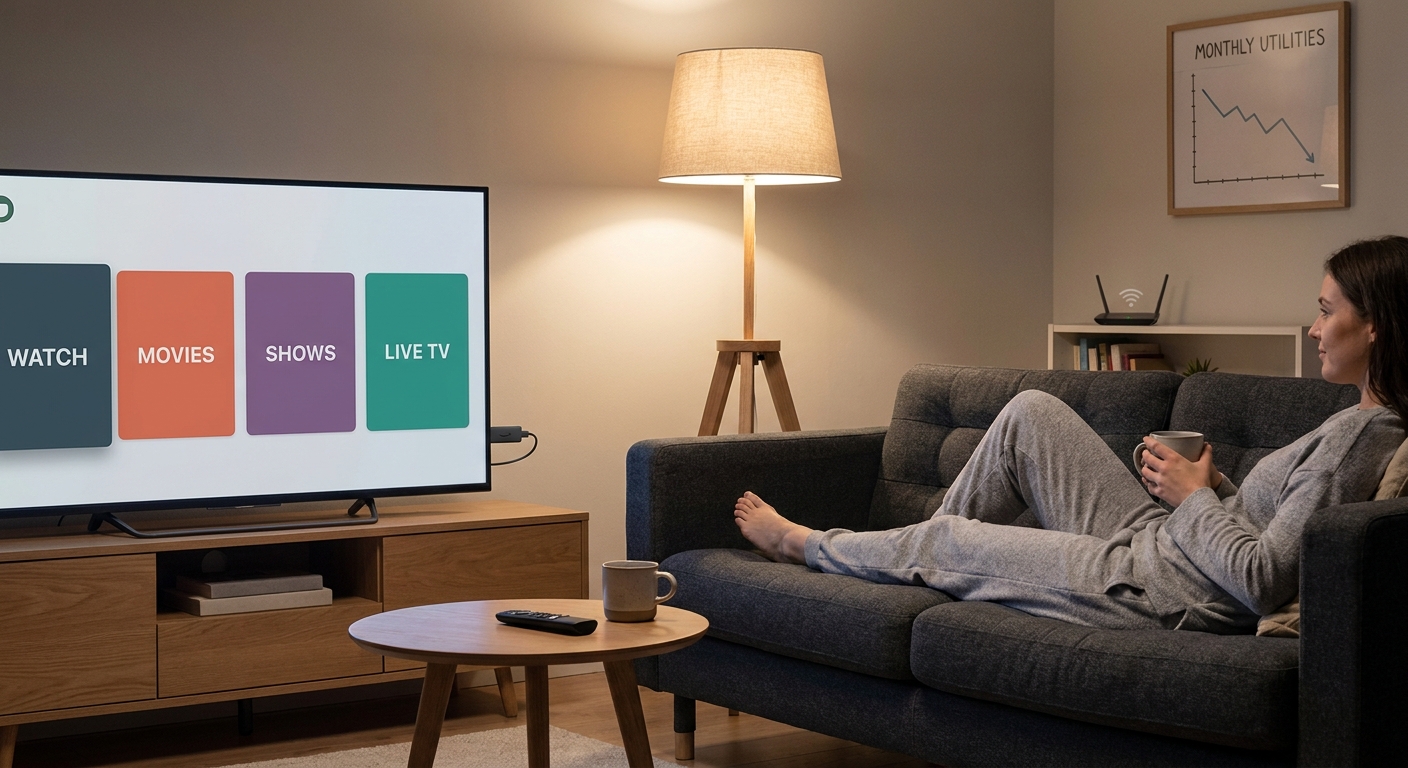
You are not lazy, and your TV setup is not “fine” just because it turns on. A lot of people have the same nightly routine. Open Netflix. Back out. Check Prime Video. Scroll Hulu. Forget why you picked up the remote in the first place. Meanwhile, your older smart TV lags, your apps crash at the wrong moment, and your monthly streaming bill starts looking suspiciously close to the cable package you proudly canceled. That is why the best streaming device deals today matter more than they sound. A cheap streaming stick cannot fix bad shows, but it can fix a clunky experience, cut down remote chaos, and make it easier to drop services you barely touch. The good news is that today’s Fire TV Stick discounts and competing streamer deals are real. The better news is that you do not need to buy the most expensive box to make your TV setup feel sane again.
⚡ In a Hurry? Key Takeaways
- Today’s best value is usually a midrange streaming stick, not the priciest box, especially if you just want faster menus and one simple remote.
- If your TV feels slow, upgrade the streamer first, then use that fresh setup to review and cancel the apps you rarely open.
- Check Wi-Fi placement and power needs before buying. A great deal is only a deal if the device works well in your room.
Why a streaming device can save money, not just add another gadget
This is the part most deal roundups skip. A streaming stick does not lower your bill by magic. It lowers your bill by making your setup easier to use, so you can actually see what you are paying for and stop bouncing between five apps out of habit.
When your TV is slow, people tend to keep everything “just in case” because checking options is annoying. A faster device changes that. You get cleaner menus, quicker app switching, voice search that works better, and in many cases one remote that handles power, volume, and streaming.
That makes it much easier to say, “We only watch two of these services. Why are we still paying for all five?”
Which deals are actually worth your time today
Fire TV Stick deals
If you want the easiest, lowest-cost fix for an aging TV, today’s Fire TV Stick deals are the ones most people should start with. They are usually the sweet spot for value. Setup is simple, the remotes are straightforward, and the interface is familiar to a lot of households.
The newest standard Fire TV Stick is a smart buy if your current TV software is just slow and frustrating. It is enough for most living rooms, bedrooms, and guest rooms.
The Fire TV Stick 4K makes more sense if you already have a 4K TV and want a little more speed. If the price gap is small today, this is often the better long-term pick.
The Fire TV Stick 4K Max is the one to watch if you hate lag and want the snappiest Fire TV experience without moving up to a full streaming box. It is usually the “buy once, stop thinking about it” option when discounted.
Roku and other competing streamer deals
If you want a simpler home screen and less emphasis on one brand’s content, Roku often appeals to people who just want their apps front and center. It is especially friendly for less techy family members.
Google TV streamers can be a nice fit if you like strong search and recommendations across services. Apple TV boxes are excellent, but unless there is a very rare deep discount, they are harder to justify if your main goal is saving money.
So when you search for the best streaming device deals today, do not just sort by biggest discount. Sort by how likely the device is to solve your specific annoyance.
Match the deal to the problem you actually have
Problem: “My TV is painfully slow”
Buy a newer streaming stick instead of replacing the whole television. This is the most common win. A good streamer can make a perfectly decent older TV feel new again for a fraction of the cost.
Problem: “We have too many remotes”
Look for a streamer with TV controls on the remote. Fire TV Stick models usually do this well. One remote for power, volume, and apps sounds small, but it cuts down a lot of daily friction.
Problem: “I can never find anything to watch”
Pick the platform with the easiest search and app layout for your household. The fastest device in the world will not help if everyone hates using the menu.
Problem: “The Wi-Fi box is in the wrong room”
This matters more than most people think. A new streaming stick cannot fully hide a weak signal. If buffering is your main complaint, place the device where it has the best shot at your router, or consider improving power and cable management near the TV. If your entertainment center is part of a bigger energy mess, it is worth a quick look at Today Only: Smart Plug & Power Strip Deals That Finally Fix Your ‘Why Are My Bills High When Half My Stuff Is Supposed To Be “Smart”?’ Problem, especially if consoles, soundbars, chargers, and set-top boxes are all stacked in one spot.
How to use a streaming deal to cut your monthly bill
This is the part that actually saves money.
After you set up your new device, do a 15-minute subscription audit. Open every app on the home screen and ask one question. “Did we watch this in the last month?” If the answer is no, cancel it today. Not next weekend. Today.
A smoother streaming device helps because it gets you back into each service quickly. You stop paying for apps you forgot existed. You also stop keeping duplicate services because “searching is too annoying.”
A lot of families can cover the cost of a discounted streaming stick just by dropping one unused subscription for a couple of months.
What not to overspend on
Do not buy a premium box for a spare bedroom TV
If the TV is mainly for casual watching, a discounted standard stick is usually enough.
Do not assume “8K” or ultra-premium specs matter
Most people are watching regular streaming apps on a normal 4K set, not building a demo room for a showroom floor.
Do not replace the TV first
Unless the screen itself is failing, try a new streamer before spending hundreds on a whole new set.
Quick buying advice for different households
Best for most people
A discounted Fire TV Stick 4K or equivalent midrange Roku. Good speed. Simple setup. Good value.
Best for the tightest budget
The standard Fire TV Stick, especially if the sale is steep and your needs are basic.
Best for impatient users
The Fire TV Stick 4K Max or a higher-end Roku if the deal is close enough in price to midrange models.
Best for older family members or guests
Usually Roku, thanks to its straightforward home screen. But if your household already uses Alexa a lot, Fire TV may feel more natural.
At a Glance: Comparison
| Feature/Aspect | Details | Verdict |
|---|---|---|
| Best value deal | Midrange sticks like Fire TV Stick 4K often hit the sweet spot between price, speed, and features. | Best choice for most homes |
| Biggest practical upgrade | Replacing sluggish built-in smart TV software with a newer external streamer. | Often better than buying a new TV |
| Best way to save monthly | Use the new device to review apps, simplify search, and cancel subscriptions you do not actually use. | Real savings if you follow through |
Conclusion
If you have been waiting for a sign to clean up your TV setup without spending a fortune, this is it. Right now there are rare, real price drops on popular streaming devices like the latest Fire TV Stick models and competing streamers, but most roundups just throw links at you and call it help. The smarter move is to tie the discount to a real outcome. One remote instead of three. Faster menus instead of nightly lag. Fewer subscriptions quietly draining your account. The best streaming device deals today are not about adding another toy behind the TV. They are about making the TV you already own easier to live with, and finally cutting the monthly streaming clutter down to size.